06-36 RT100RoughTerrainCrane
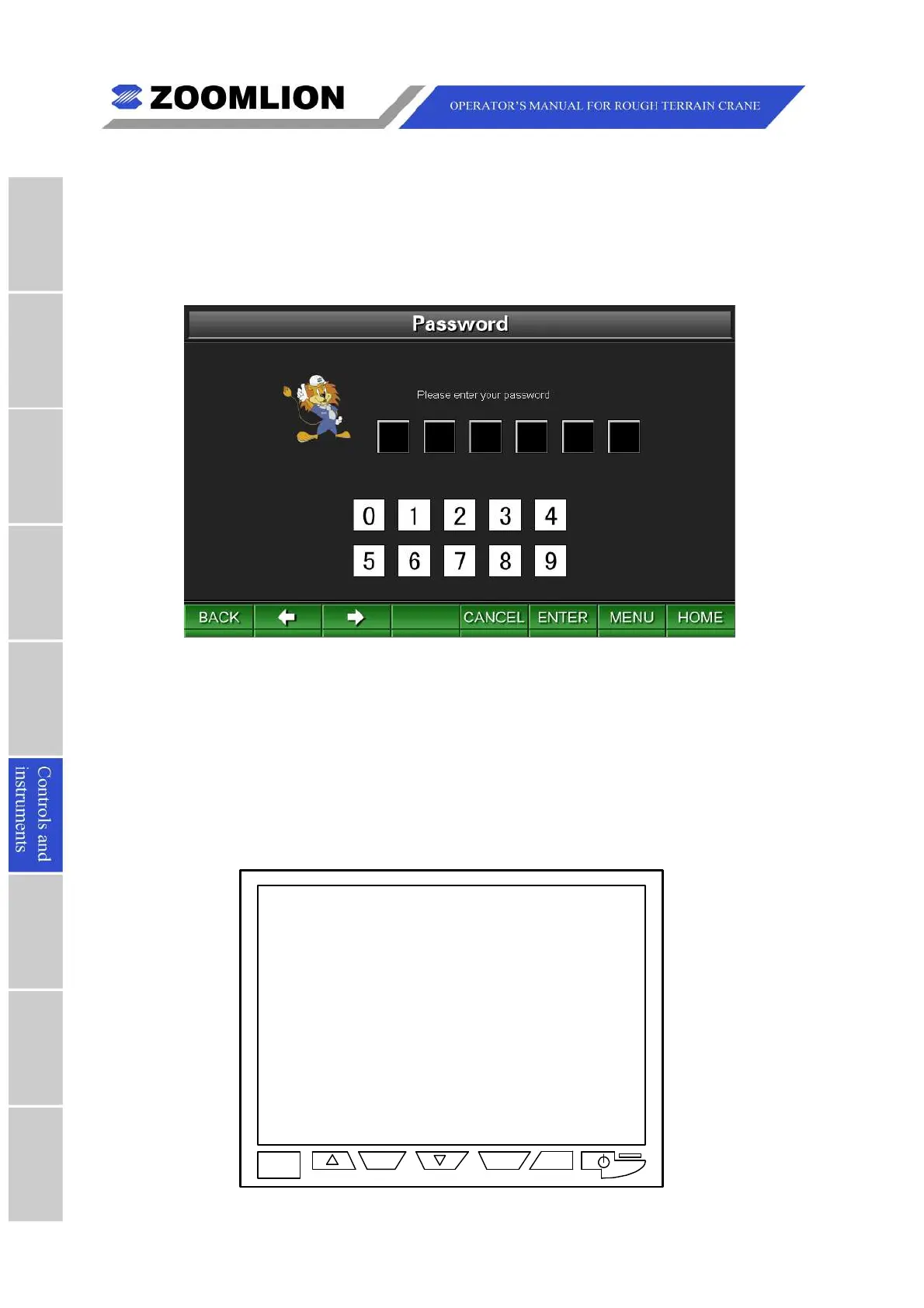
6.3.3.7PASSWORD
IntheMainMenuScreen,movethecursortoselecttheicon “Password” andpressthekey
“ENTER” toenterthePasswordScreen.SeeFigure06 – 36.
Enterthecorrectpasswordstoconsultmoreinformation.
Figure06 – 36 Password
Note
Thepasswordisonlyavailablefortheservicetechnician.
Allscreens(excepttheTravelModeScreenandWorkModeScreen)haveafunctionkey
“HOME”.Youcanpressthekey “HOME” toreturntotheTravelModeScreen.
6.4VehicleCamera
Figure6-37CameraDisplay
V1/V2
MENU L/R



 To Next Page