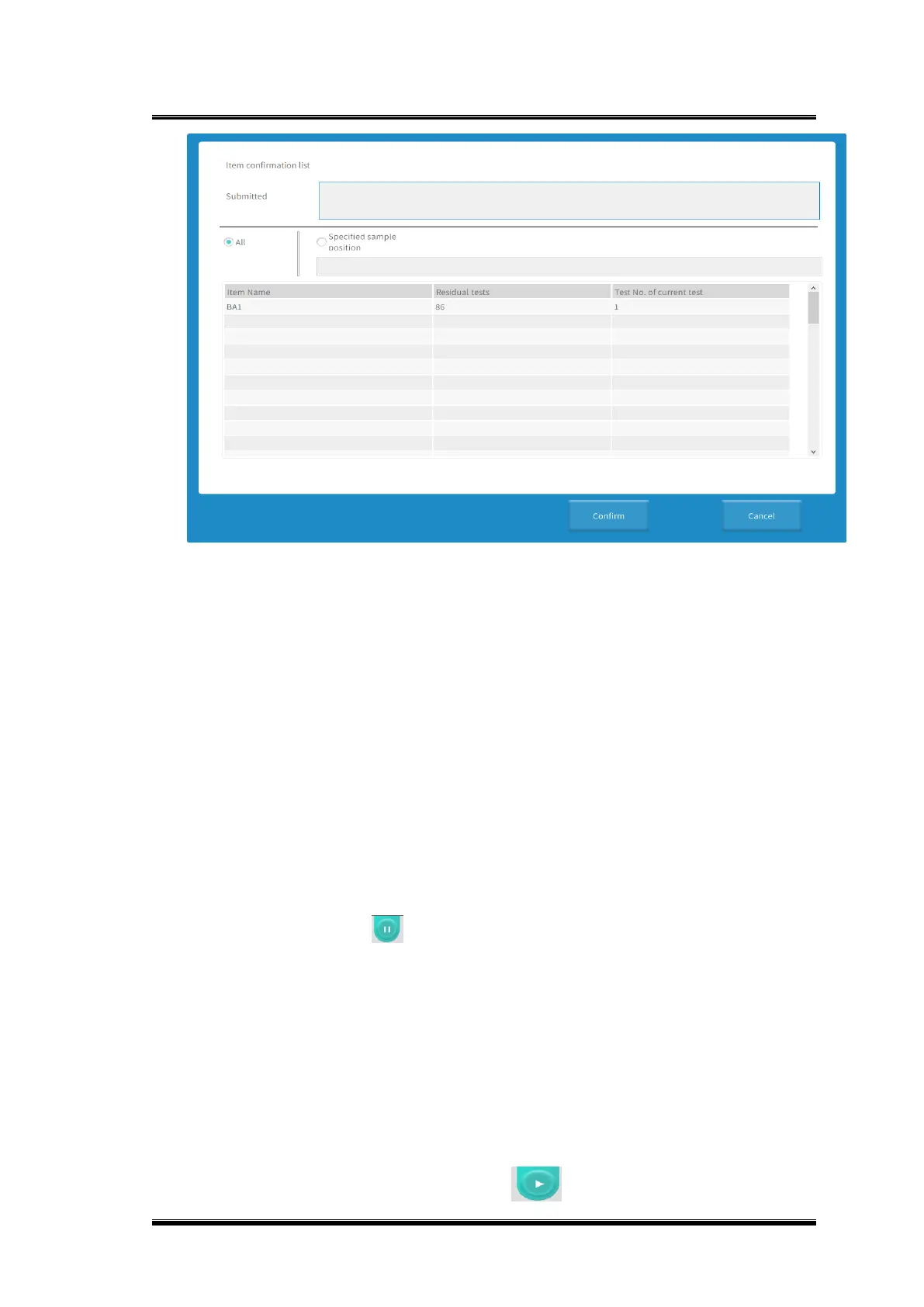
Figure 0-9 Test sample submit interface
3.14.Pause
◼ Function description
If you need to add, replace, or unload reagents during the test; Add STAT samples,
replace samples, or temporarily stop the test process for other reasons, you can click
[Pause] to achieve these functions. After the pause, the system will no longer perform
new sample tests and load the new cuvettes, the sample submitted before the pause
operation, that is, the samples under test, will not be affected, and the software will
count down to tell the user how long the pause can be performed.
Operation steps
1) Click the button in the upper right of the interface, and your analyzer
will enter to pause status;
2) When samples are paused to load, the incubation tray continues to run;
3) After all the submitted request items are filled with reagents, the reagent
sample tray and the sample/reagent probe stop rotating, and the
sample/reagent probe stops adding samples;
4) At the same time, you can observe that the indicator light on the analyzer
panel turns gray before you can add samples and reagents;
5) After the operation, click the button on the right side of the interface,



 To Next Page