Software System Operation
1) Manually pull out the solid waste container and place a new solid waste container;
2) Facing the analyzer and press the corresponding indicator light (close to the operator
is the solid waste container 1 indicator light) to empty the count of solid waste
container in software;
3) A confirm emptying dialog box will pop up;
4) Click [OK] to empty solid waste container in software interface.
The solid waste containers in use cannot be emptied.
4.6.Maintenance
4.6.1.Maintenance
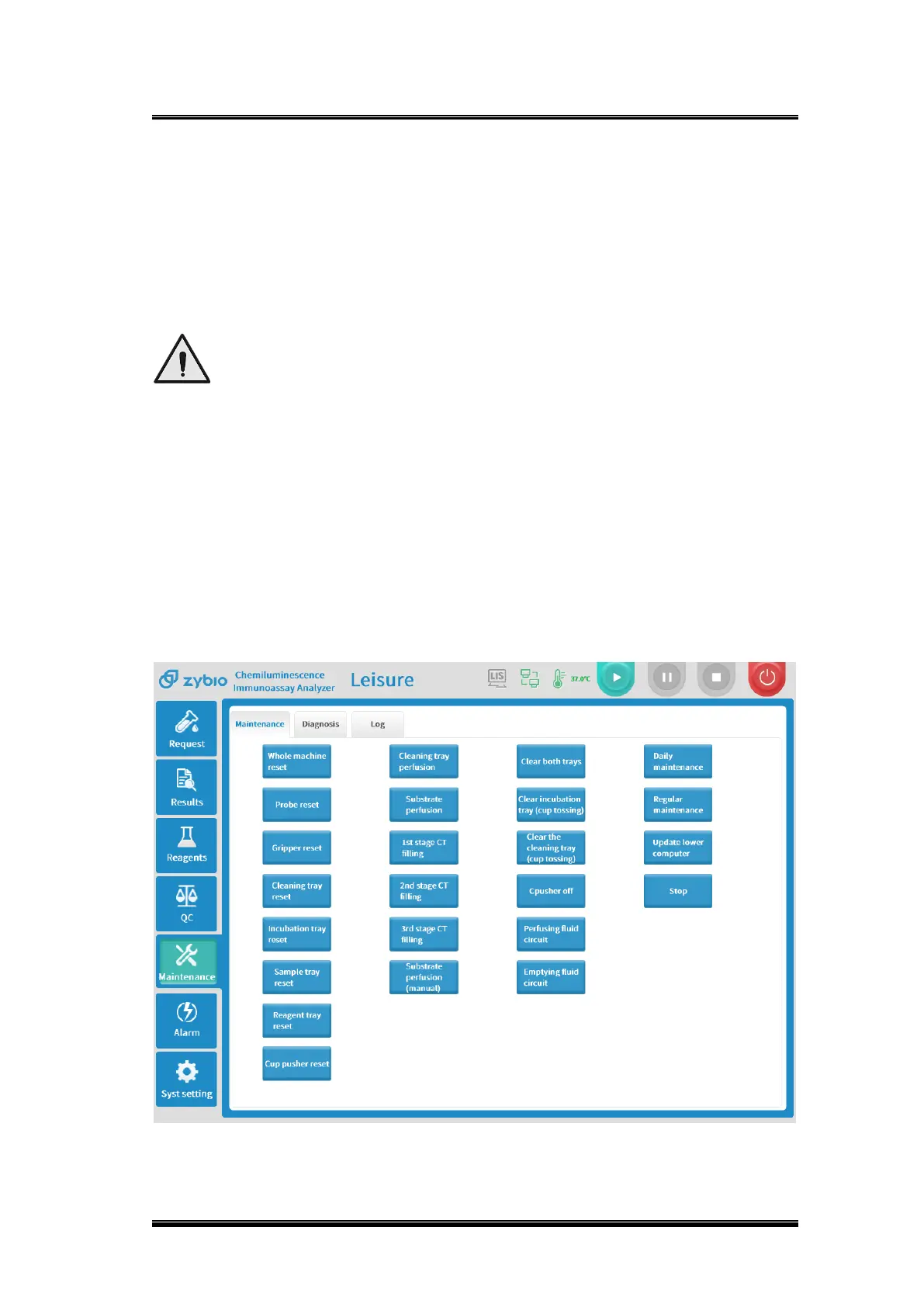
This function includes the reset of a single module, empty two trays, empty the
incubation tray, and empty the washing tray to realize automatic perfusion and manual
perfusion, trigger daily maintenance manually and regular maintenance functions,
update the version of lower computer module.



 To Next Page