Basic operations
◼ Load;
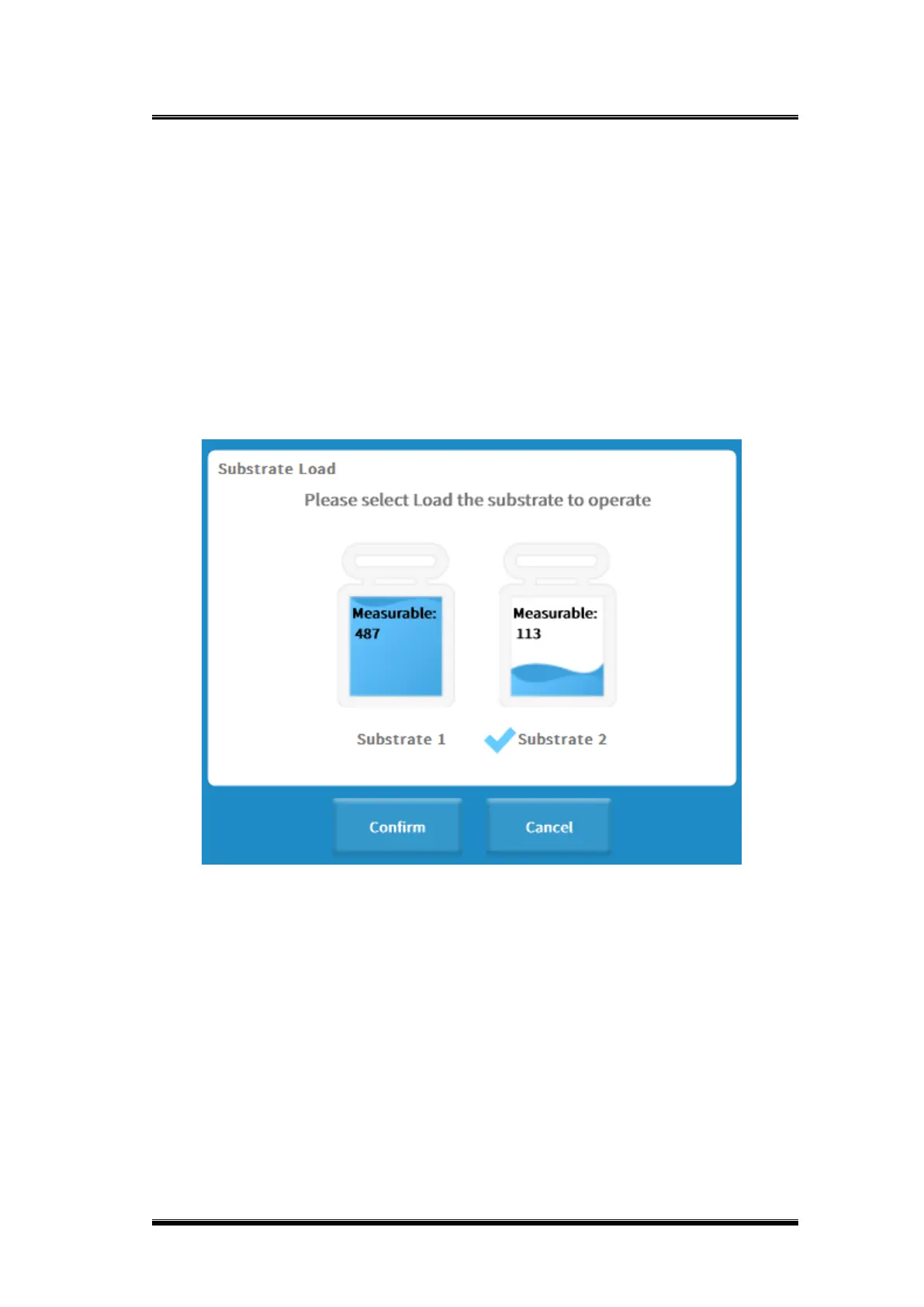
1) To load the substrate, select the position where the substrate is loaded
(Substrate 1 or Substrate 2);
2) Click [Load], substrate load scanning box will pop up;
3) Scan the QR code of the substrate with an external barcode scanner;
4) The batch number and vial number of the item will be loaded after scanning;
5) Click [OK] to load the substrate to the specified substrate position.
Figure 0-60 Substrate load interface
◼ Unload;
1) Select the position to unload the substrate (Substrate 1 or Substrate 2);
2) Click [Unload].
◼ Switch solid waste container;
◼ Click [Switch Solid Waste Container] to switch the solid waste container;
◼ Empty solid waste container;
Click [Empty Solid Waste Container] to empty the solid waste container at the
corresponding position or empty the solid waste container by press the button light on
the panel of the analyzer, operations as follows.



 To Next Page