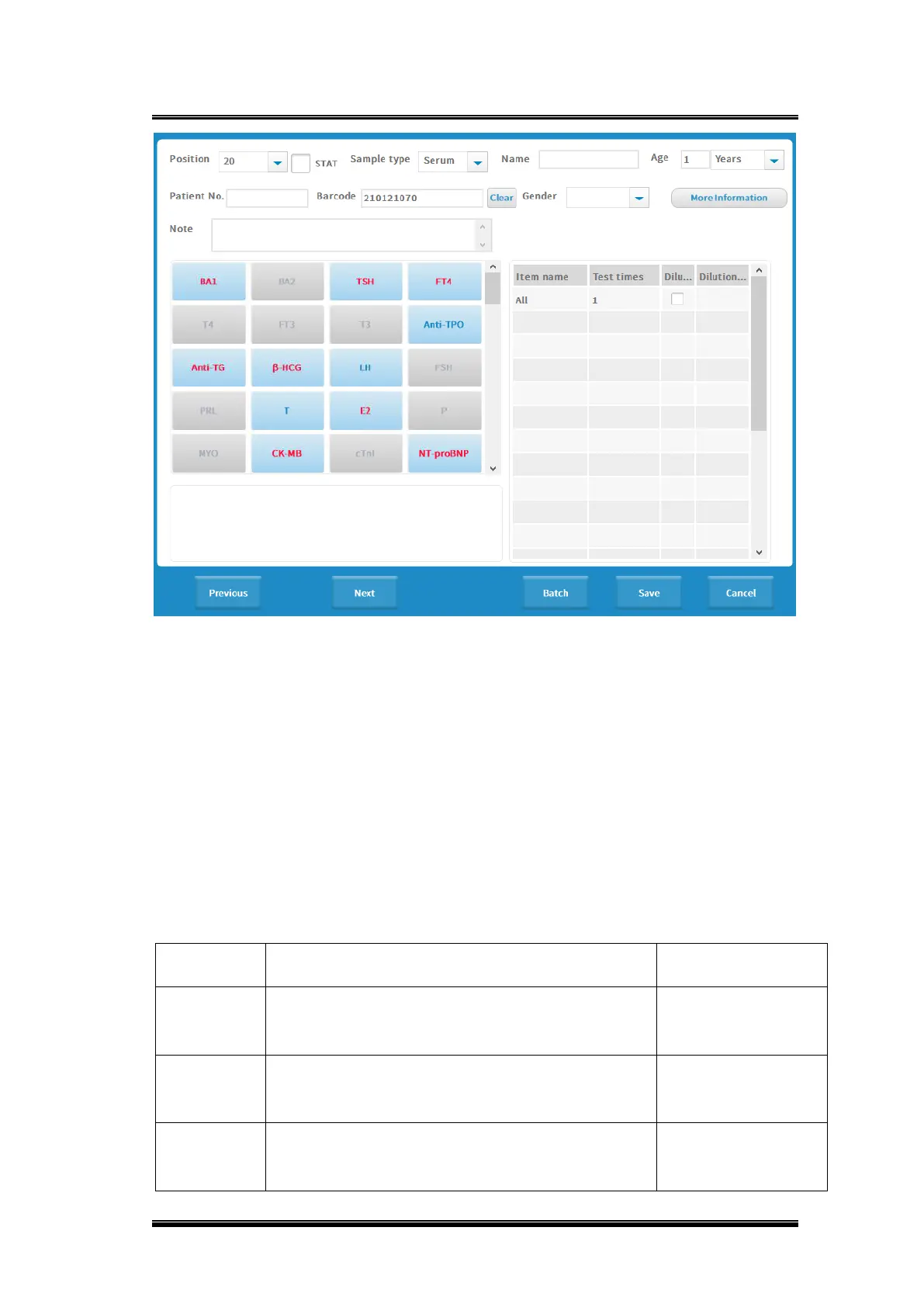
Figure 0-2 Sample request
Basic operations
◼ New sample information entry
Click [New Sample Entry], the sample entry page will pop up, and check 3.12.1
Sample request for specific operations.
◼ Patient information
Select the samples to be applied, click [Patient Information], the patient entry
interface will pop up or enter patient information interface through new sample entry
interface.
Basic parameters explanation


 To Next Page
 Loading...