9
CONFIGURING IP AND MAC
ADDRESS INFORMATION
This section contains information for defining IP interfaces, and includes
the following sections:
■ Defining IP Addressing
■ Configuring ARP Settings
■ Configuring Address Tables
Defining IP
Addressing
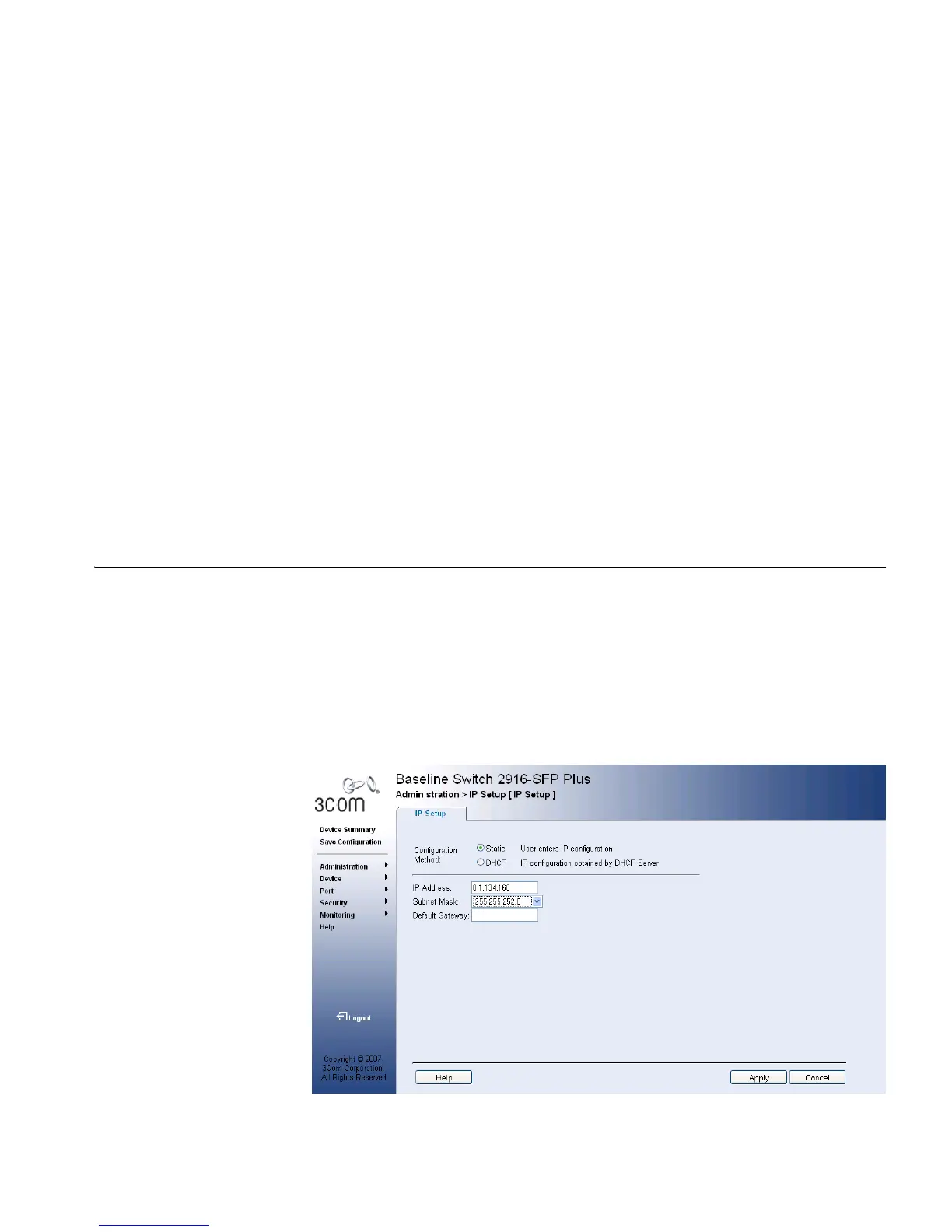
The IP Setup Page contains fields for assigning an IP address. The default
gateway is erased when the Default IP address is modified. Packets are
forwarded to the default gateway when sent to a remote network.
The monitor user has no access to this page.
1 Click Administration > IP Setup. The IP Setup Page opens:
Figure 58 IP Setup Page










 To Next Page