38 CHAPTER 2: USING THE 3COM WEB INTERFACE
Resetting the
Device
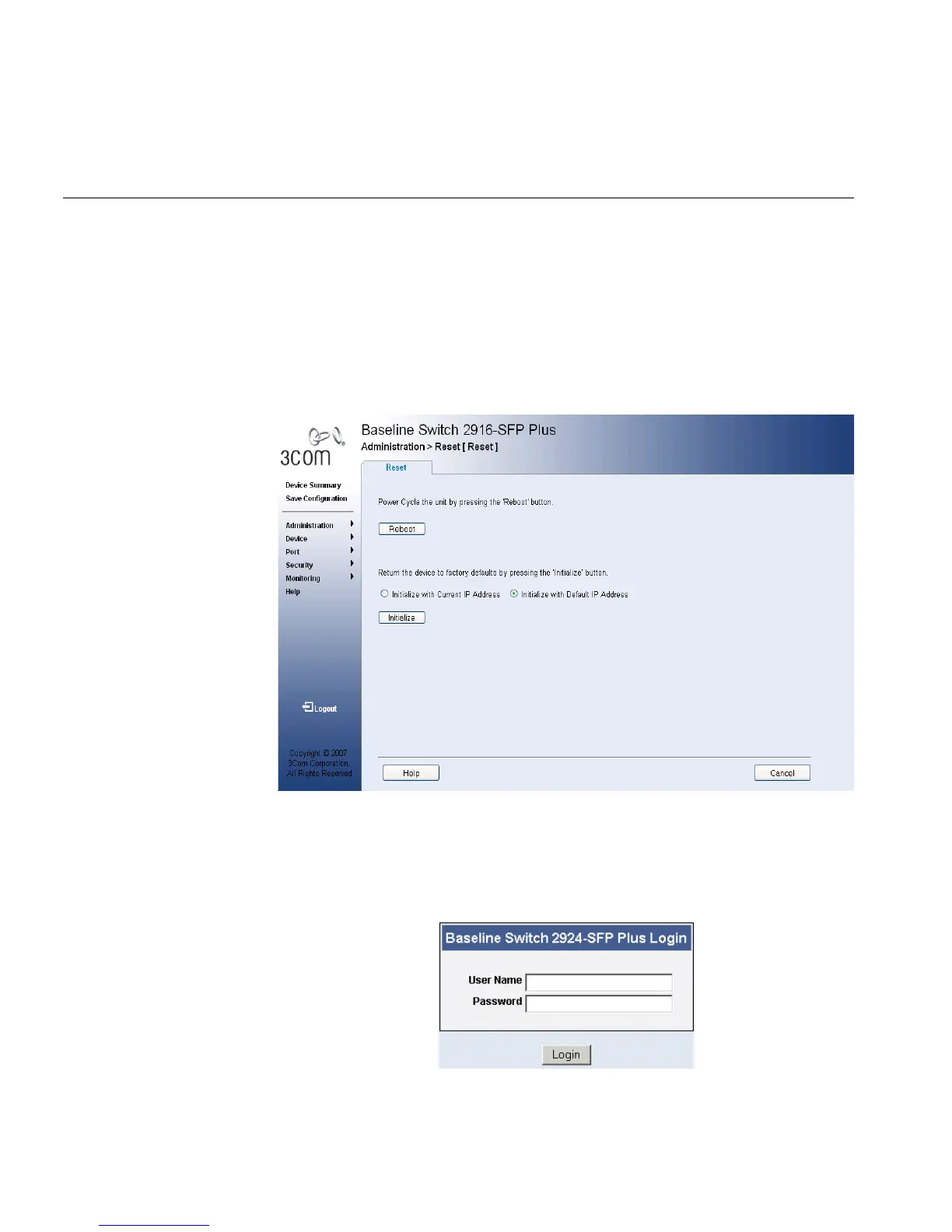
The Reset Page enables resetting the device from a remote location.
To prevent the current configuration from being lost, use the Save
Configuration Page to save all user-defined changes to the flash memory
before resetting the device.
To reset the device:
1 Click Administration > Reset. The Reset Page opens:
Figure 16 Reset Page
2 Click Reboot. A confirmation message is displayed.
3 Click OK. The device is reset, and a prompt for a user name and
password is displayed.
Figure 17 User Name and Password Page
4 Enter a user name and password to reconnect to the web interface.










 To Next Page