Configuring ARP Settings 113
Removing ARP
Entries
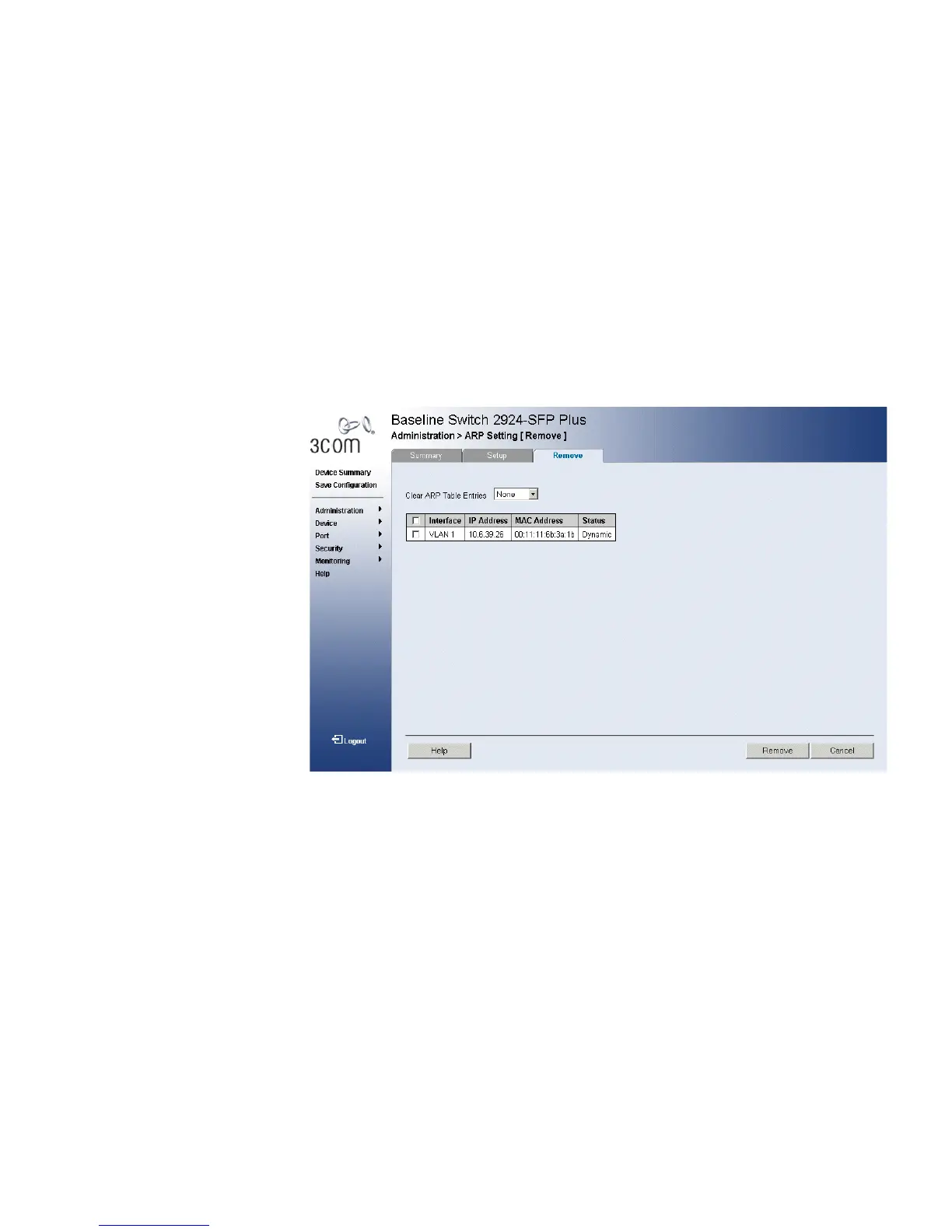
The ARP Settings Remove Page provides parameters for removing ARP
entries from the ARP Table.
The monitor user has no access to this page.
To remove ARP entries:
1 Click Administration > IP Addressing > ARP Settings > Remove. The
ARP Settings Remove Page opens:
Figure 61 ARP Settings Remove Page
The ARP Settings Remove Page contains the following fields:
■ Clear ARP Table Entries — Specifies the types of ARP entries that are
cleared. The possible values are:
■ None — Maintains the ARP entries.
■ All — Clears all ARP entries.
■ Dynamic — Clears only dynamic ARP entries.
■ Static — Clears only static ARP entries.
■ Remove — Removes a specific ARP entry. The possible field values
are:
■ Checked — Removes the selected ARP entries.
■ Unchecked — Maintains the current ARP entries.










 To Next Page