Configuring Address Tables 119
Defining Aging Time The Address Table Setup Page allows the network manager to define the
Address Table Aging Time. The Aging Time is the amount of time the
MAC Addresses remain in the Dynamic MAC Address Tab le before they
are timed out if no traffic from the source is detected. The default value is
300 seconds.
The monitor users have no access to this page.
To define the Aging Time:
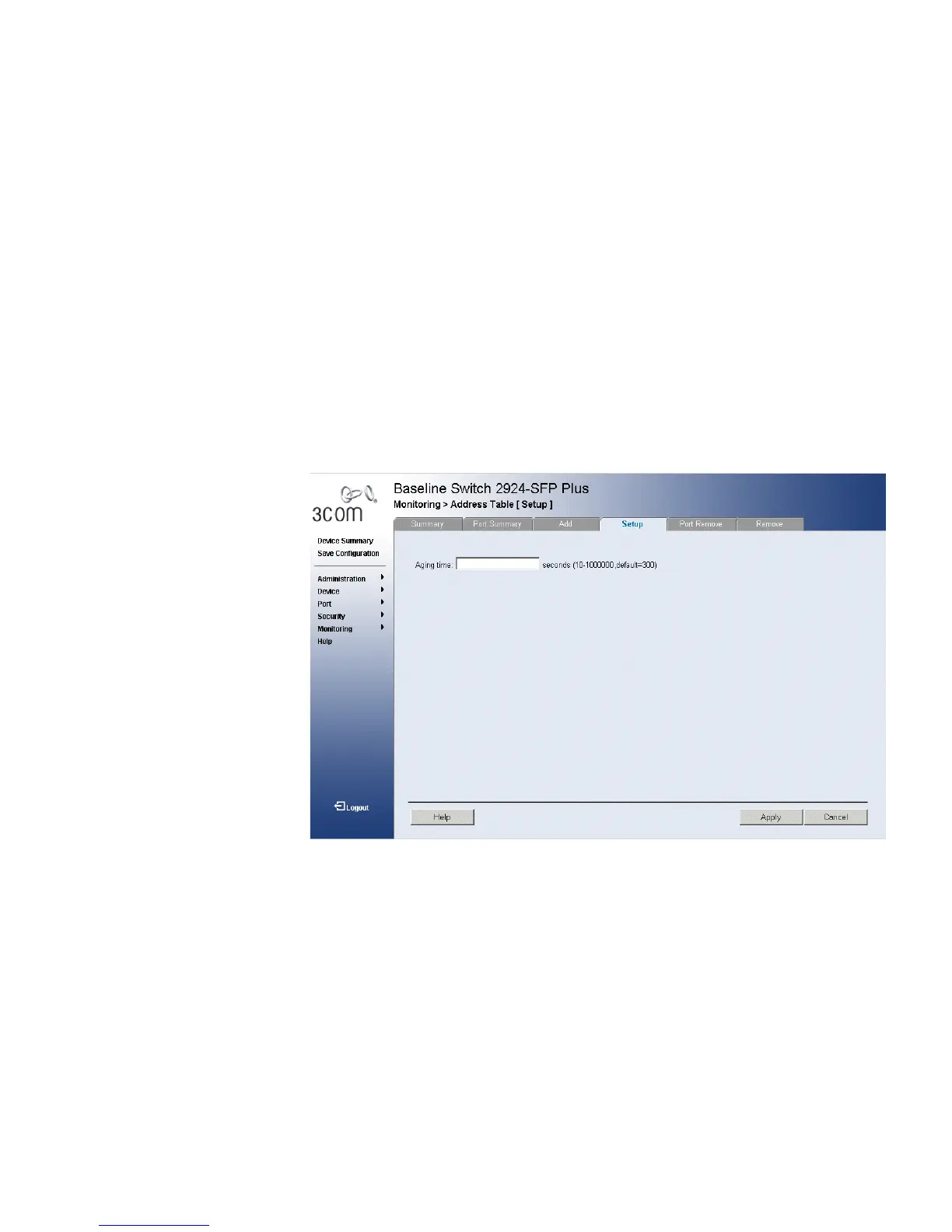
1 Click Monitoring > Address Tables > Setup. The Address Table Setup
Page opens:
Figure 65 Address Table Setup Page
The Address Table Setup Page contains the following field:
■ Aging Time — Specifies the amount of time the MAC Address
remains in the Dynamic MAC Address table before it is timed out if no
traffic from the source is detected. The default value is 300 seconds.
2 Enter the desired aging time.
3 Click Apply. The MAC address table configuration is enabled, and the
device is updated.










 To Next Page