Defining Port-Based Authentication (802.1X) 53
Viewing 802.1X
Authentication
The 802.1X Summary Page allows the network administrator to view
port-based authentication settings.
To view Port-based Authentication:
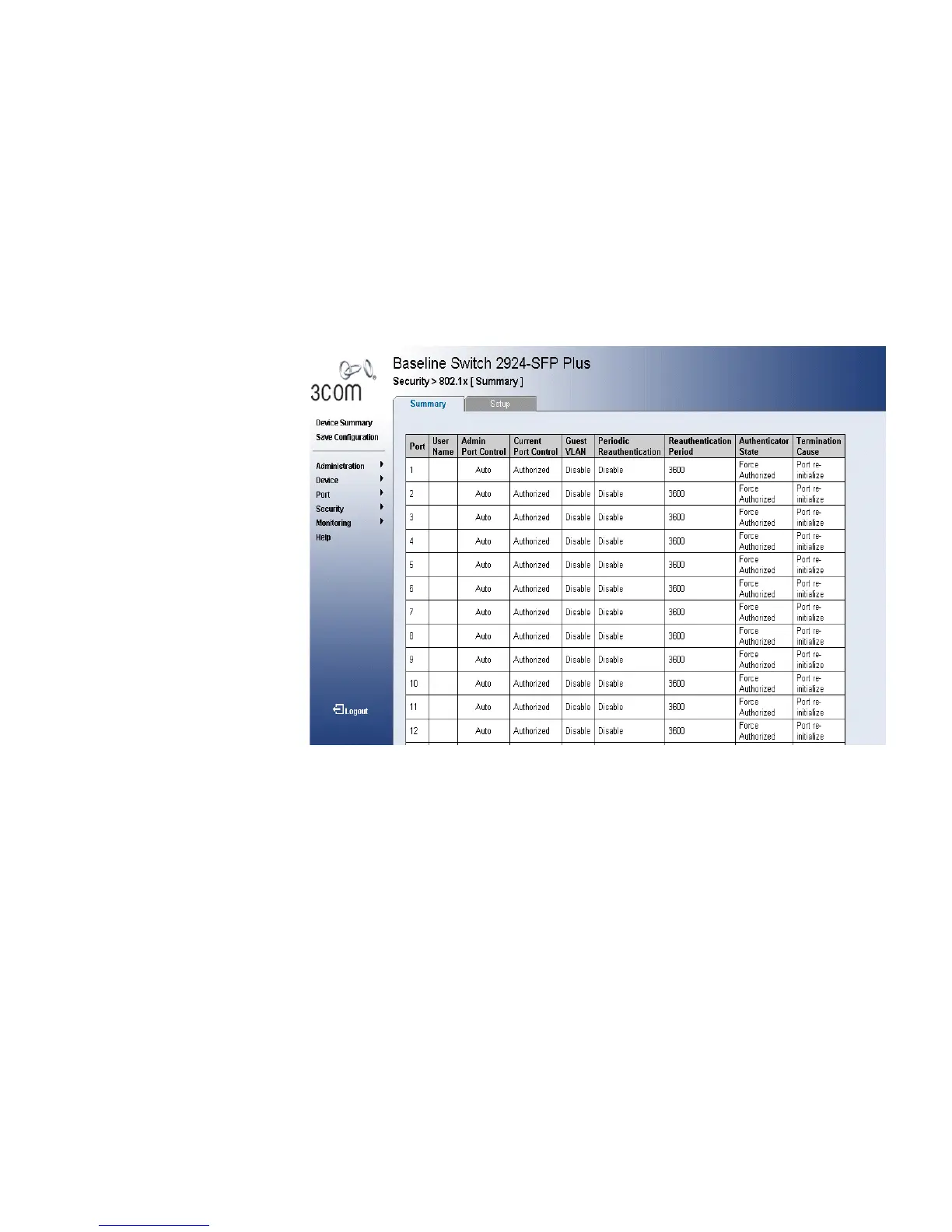
1 Click Security > 802.1X > Summary. The 802.1X Summary Page opens:
Figure 26 802.1X Summary Page
The 802.1X Summary Page contains the following fields:
■ Port — Displays a list of interfaces.
■ User Name — Displays the supplicant user name.
■ Admin Port Control — Displays the admin port authorization state.
■ ForceUnauthorized — Indicates that either the port control is force
Unauthorized and the port link is down, or the port control is Auto
but a client has not been authenticated via the port.
■ ForceAuthorized — Indicates that the port control is Forced
Authorized, and clients have full port access.
■ Auto — Indicates that the port control is Auto and a single client
has been authenticated via the port.
■ Current Port Control — Displays the current port authorization state.










 To Next Page