Network Camera User’s Guide
14/96
Preparation
Search and Set up by IPWizard II
When you installed the Camera on a LAN environment, you have two easy ways to
search your Cameras by IPWizard II or UPnP™ discovery. Here is the way to execute
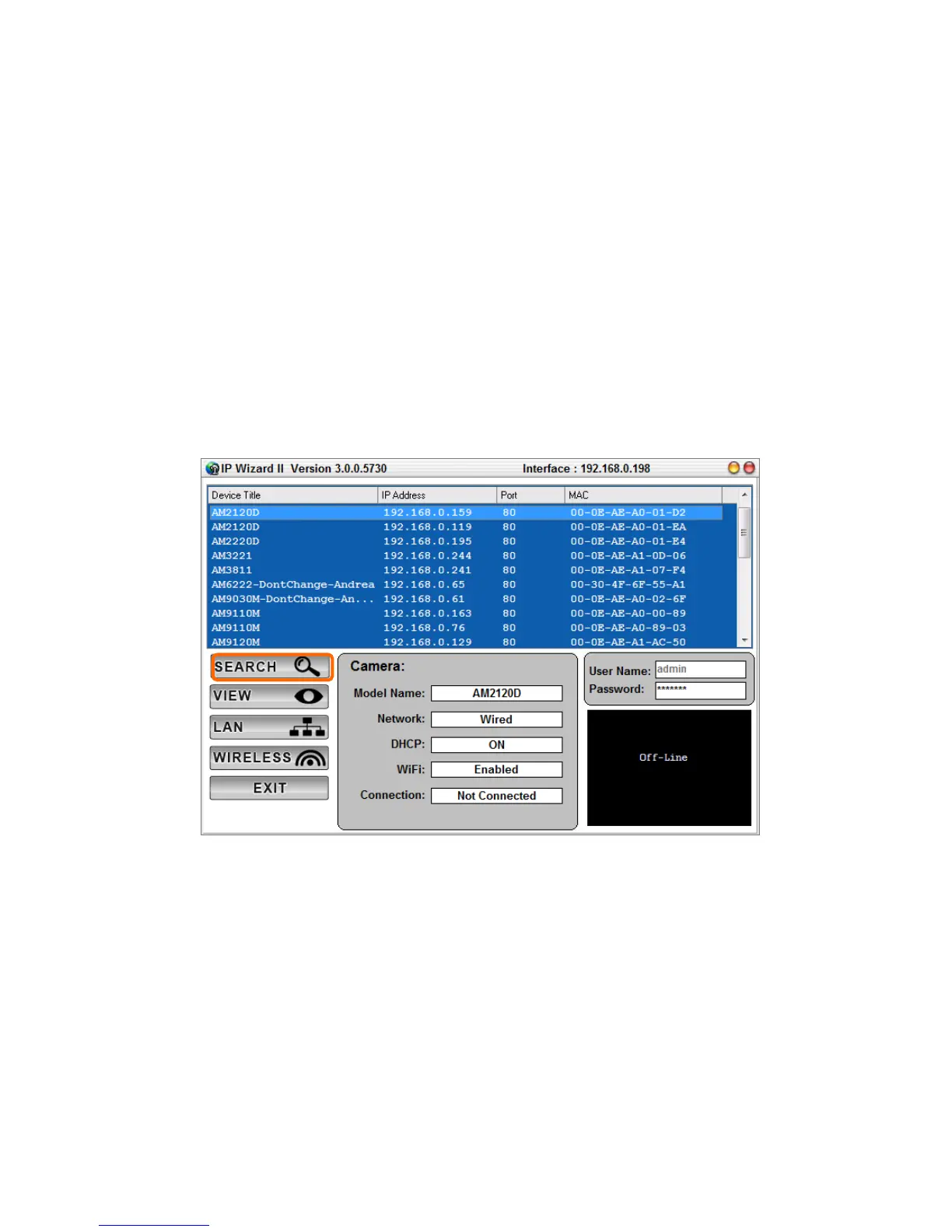
IPWizard II to discover Camera’s IP address and set up related parameter in a Camera.
Search
When launch the IPWizard II, a searching window will pop up. IPWizard II is starting to
search Network Cameras on the LAN. The existed devices will be listed as below.



 To Next Page