Network Camera User’s Guide
77/96
Appendix B: PING IP Address
The PING (stands for Packet Internet Groper) command is used to detect whether a
specific IP address is accessible by sending a packet to the specific address and waiting
for a reply. It’s also a very useful tool to confirm the device installed or if the IP address
conflicts with any other devices over the network.
If you want to make sure the IP address of the device, utilize the PING command as
follows:
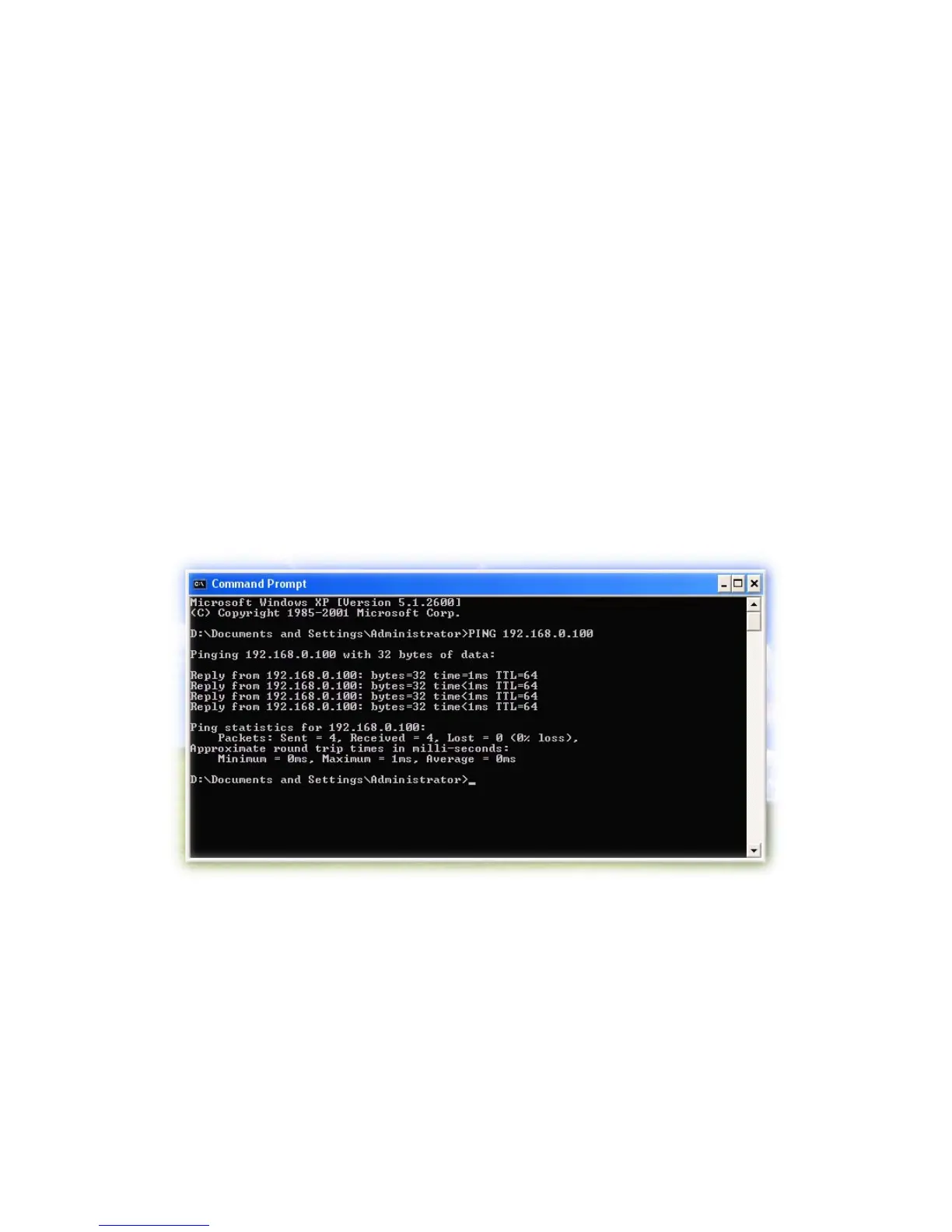
Launch a Command Prompt.
Type ping x.x.x.x, where x.x.x.x is the IP address of the device. For
example, ping 192.168.0.100
The replies, as illustrated below, will provide an explanation to the problem.
If you want to detect any other devices conflicts with the IP address of Network Camera,
also can utilize the PING command but you must disconnect the Camera from the
network first.



 To Next Page