Network Camera User’s Guide
24/96
3. According your browser’s security setting, the IE Web Page may prompt the
“Security Warning” window. If so, select “Yes” to install and run the ActiveX control into
your PC. Otherwise, the system will load the ActiveX silently.
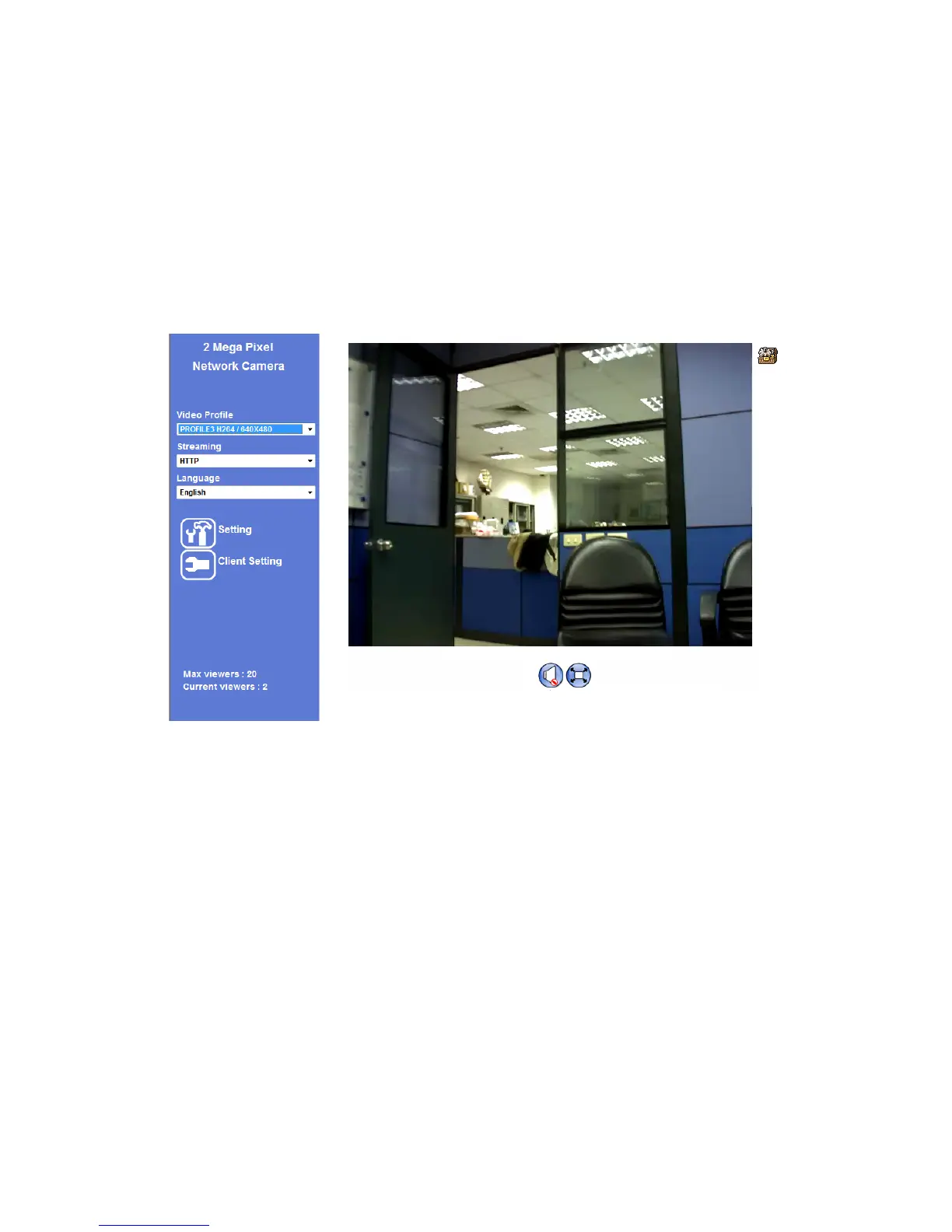
4. After the ActiveX control was installed and ran, the first image will be displayed.
Logging in as an User
If you log in the Camera as an ordinary User, “Setting” function will be not accessible.
Logging in as an Administrator
If you log in the Camera as the Administrator, you can perform all the settings provided
by the device.



 To Next Page