Network Camera User’s Guide
56/96
limited to the max bitrate while lots of motion in video.
Max Frame Rate:
Defines the targeted frame rate of this profile. For example, set the frame rate to 15 fps,
then the image will be updated for 15 frames per second as possible. User need to set
reasonable max frame rate versus video quality under the limited bandwidth.
GOP Control:
Defines the Intra/Inter-frame (I/P) ratio of this profile. For example, set the GOP to 30,
then the video stream will have one Intra-frame every 30 frames.
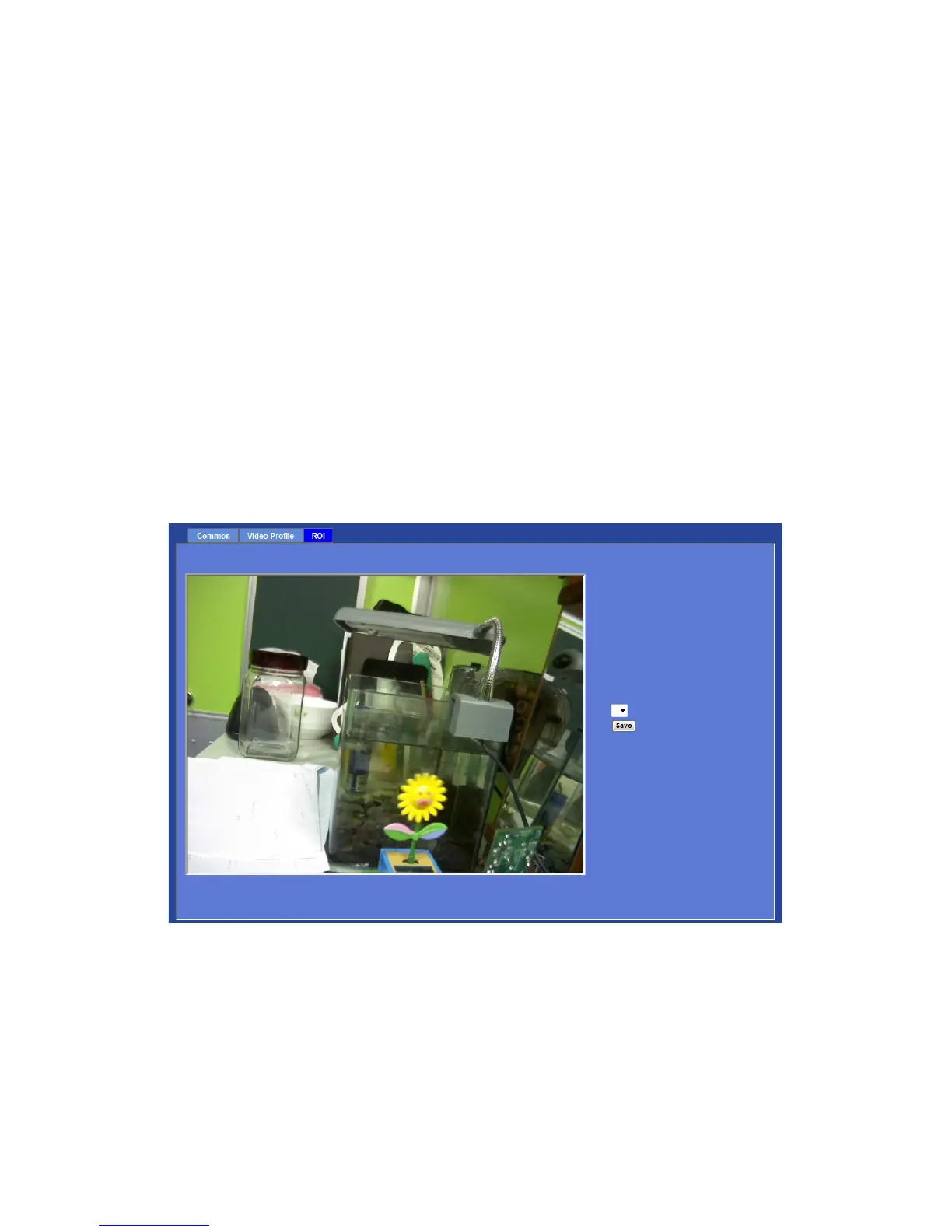
ROI
ROI means Region of Interest. Use this page to specify location of ROI windows. Only
the maximum resolution profiles can be defined as ROI.



 To Next Page