Network Camera User’s Guide
68/96
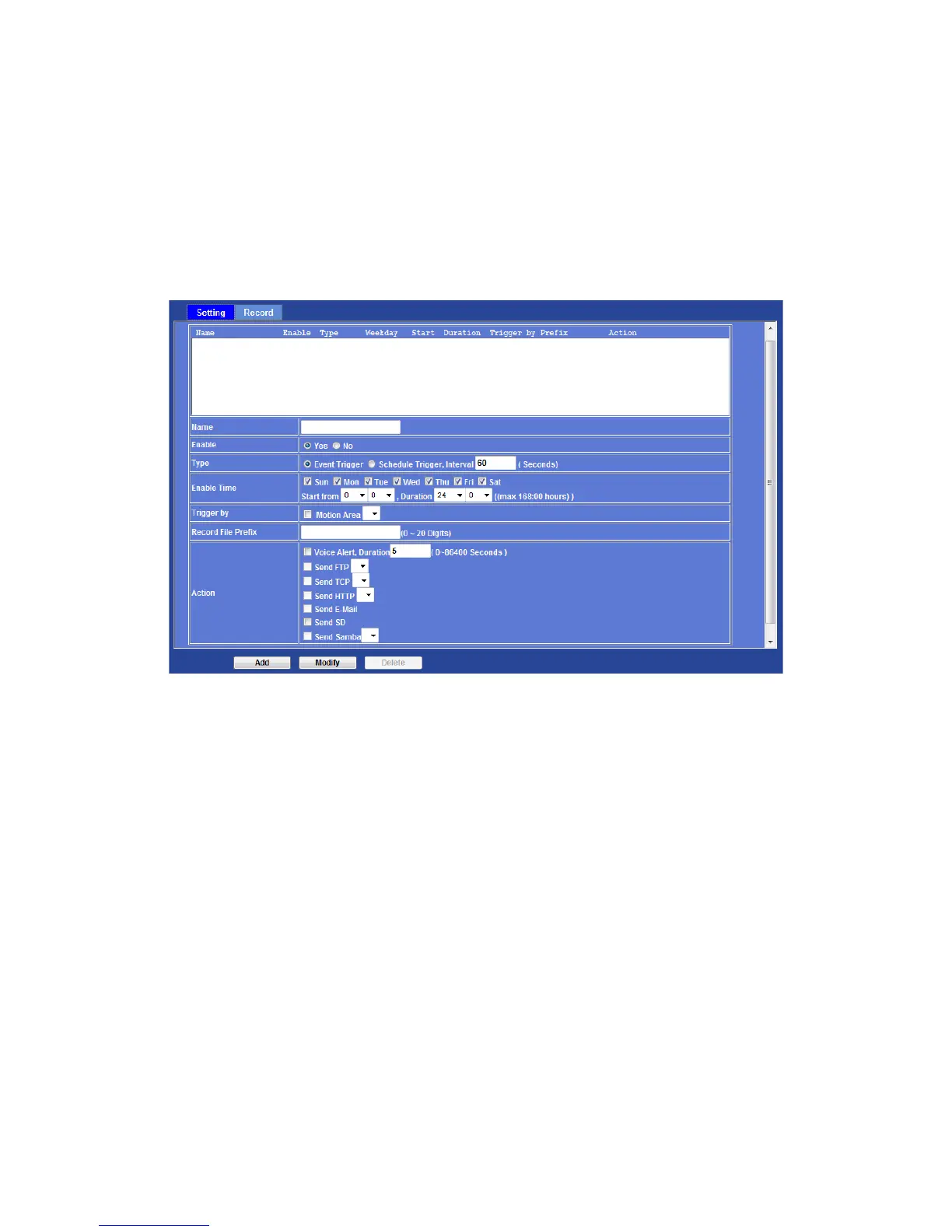
Event Schedule: Configure the event schedule
Setting
This menu is used to specify the schedule of Event or Schedule Trigger and activate the
some actions provided by this device. Where the Schedule Trigger will be activated by
user-define interval without event happened.
Name:
Name of the Event or Schedule.
Enable:
Enable or disable this Event or Schedule.
Type:
Event trigger or Schedule trigger.
Enable Time:
Define the feasible time slot.
Trigger by:
Select the triggered sources.
Action:
Define the actions once event triggered.



 To Next Page