Network Camera User’s Guide
21/96
UPnP of Windows
®
XP, Vista or 7
UPnP™ is short for Universal Plug and Play, which is a networking architecture that
provides compatibility among networking equipment, software, and peripherals. This
device is an UPnP enabled device. If the operating system, Windows XP, Vista or 7, of
your PC is UPnP enabled, the Network Camera will be very easy to be found.
Please refer to Appendix I to enable UPnP settings only if your operating system of PC
is running Windows XP.
Note: Windows 2000 does not support UPnP feature.
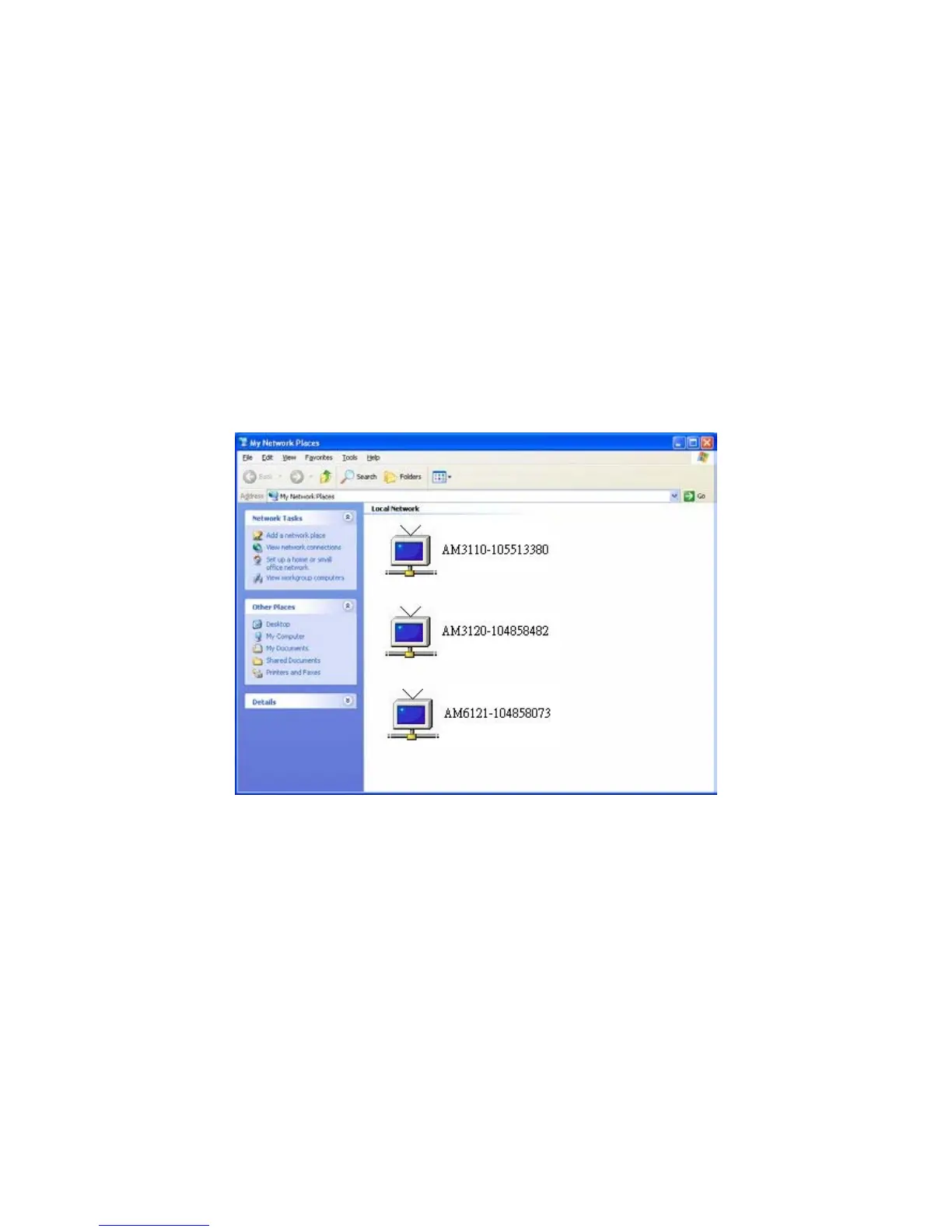
To discover your device, go to your Desktop and click My Network Places.
Click the targeted Device. Then Internet Explorer will connect to this Network Camera
automatically.



 To Next Page