Network Camera User’s Guide
58/96
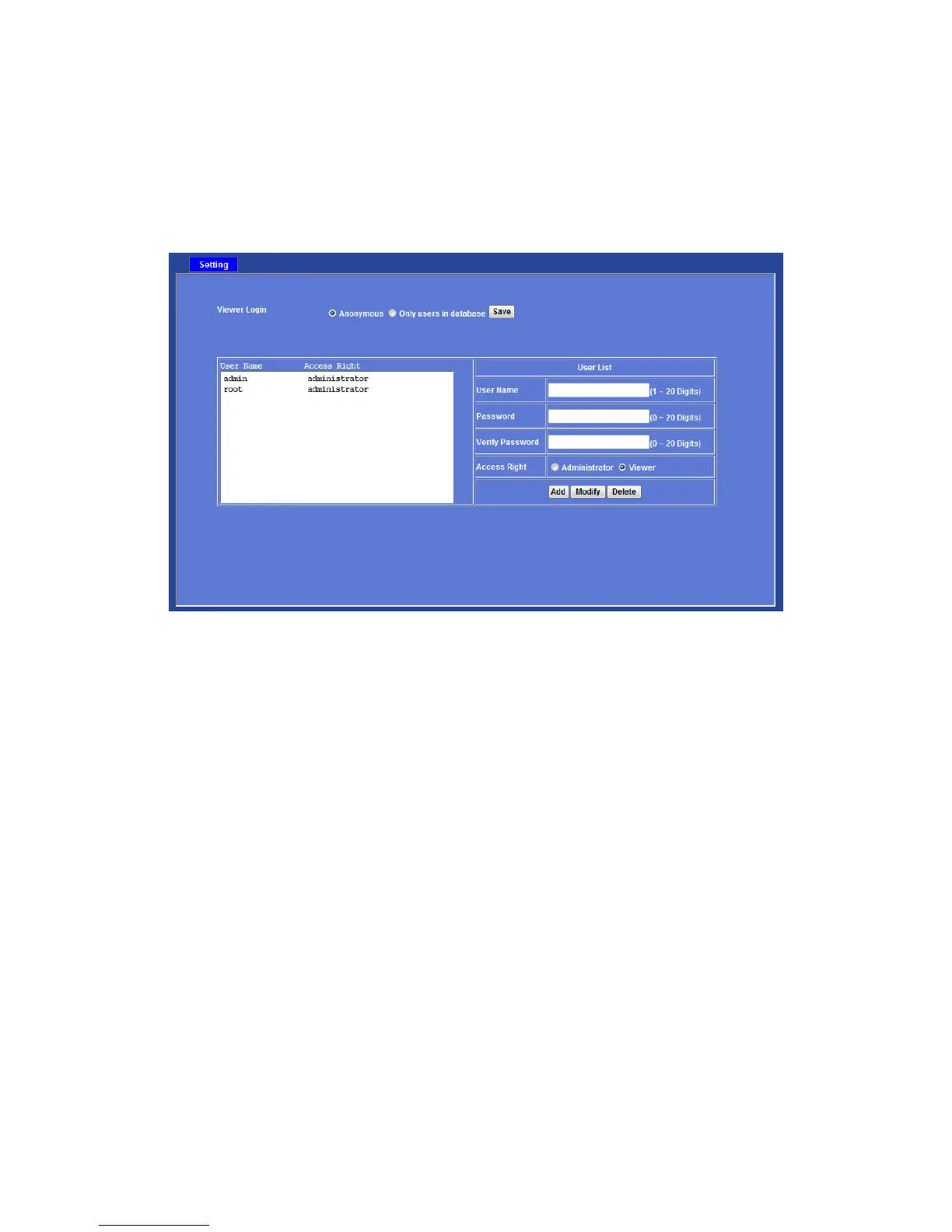
User: Manage user name, password and login privilege
Use this menu to add, update, or remove the usernames and passwords of the
Administrator and viewer.
Viewer login:
Select “Anonymous” to allow any one viewing the video once connected. Otherwise, only
users in database can view the video after login.
Access Right:
Administrator can access every function in this device. However, Viewers only can view
the video and access limited function.
PTZ Control:
Authorize this user to control PTZ function or not.
Add, update, and remove of Users account:
Manage the user’s account of viewer user.



 To Next Page