Network Camera User’s Guide
28/96
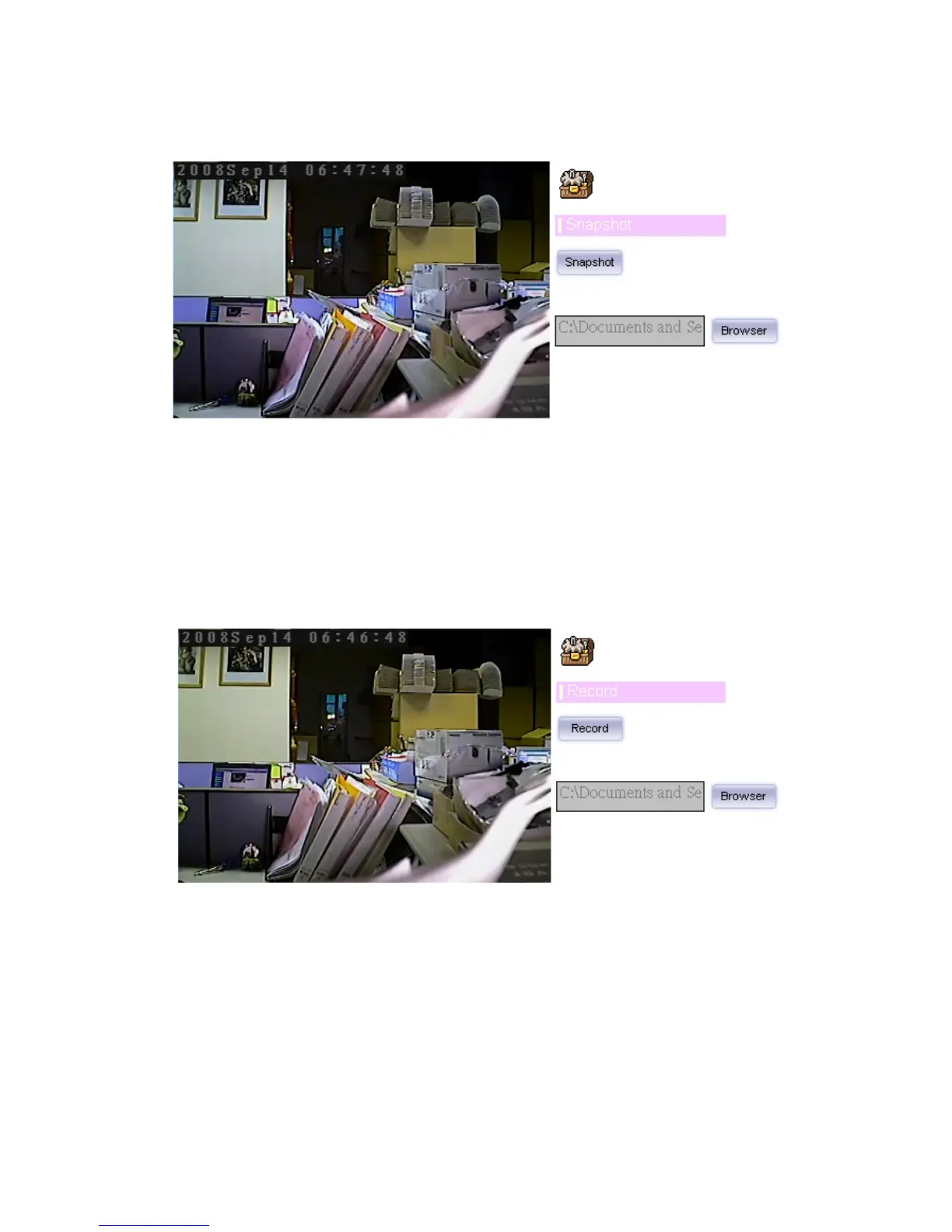
Click Snapshot to activate this function. Press Snapshot button to take a picture. The
image file is saved as JPEG format into your local PC. Select Browser, the pop-up
window to select the save path and file name prefix, select OK to continue.
If you like to retrieve the saved image, select the file to display the saved image by using
any one of graph editing tools.
Record
Click Record to activate this function. Press Record button to start recording. The video
file is saved as ASF format into your local PC. While you want to stop it, press Stop to
stop recording. Select Browser, the pop-up window to select the save path and file
name prefix, select OK to continue.
After stop recording, list the files, this file is named as Video_yyyymmddhhmmss.avi
The ASF files can be display by the standard Windows Media Player, but it needs the
DixectX 9.0 or later version to be installed.



 To Next Page