Network Camera User’s Guide
23/96
Access the device from the Internet
Explorer for the first time
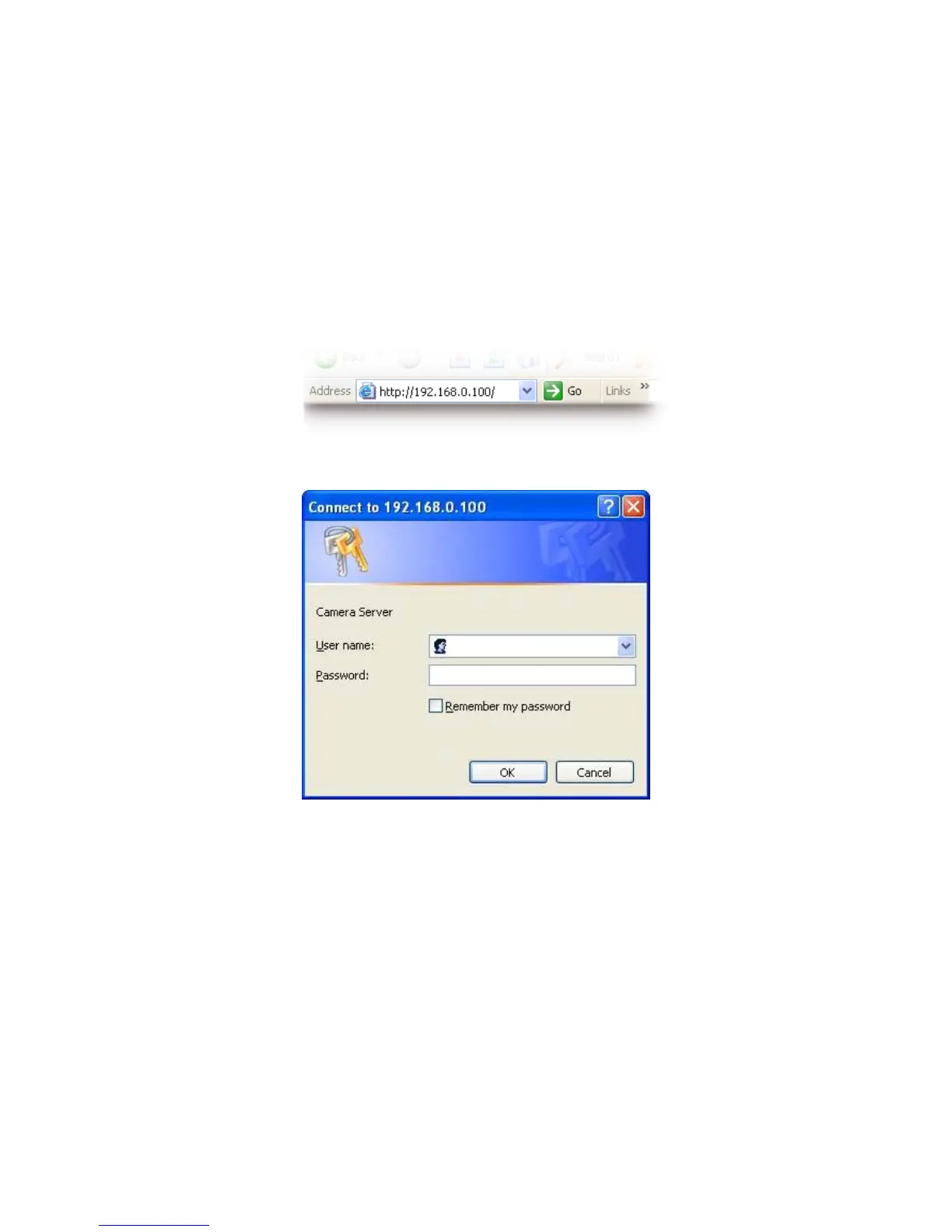
1. Start the web browser on the computer and type the IP address of the Camera you
want to monitor as below:
The Login Window of the Camera is prompted:
2. Type in your login name and password under “USERNAME” and “PASSWORD”
textbox.
For the first time use (default value), input the
User Name: admin
Password:
That’s, type in “admin” on the “USERNAME” as a default name and leave PASSWORD
textbox blank. Click “OK” button to start the main menu.



 To Next Page