Network Camera User’s Guide
17/96
In case, you do not want to change username and/or password, then just click
“ Submit” button to perform your setting accordingly. Click “ <<” button will go back
to previous page.
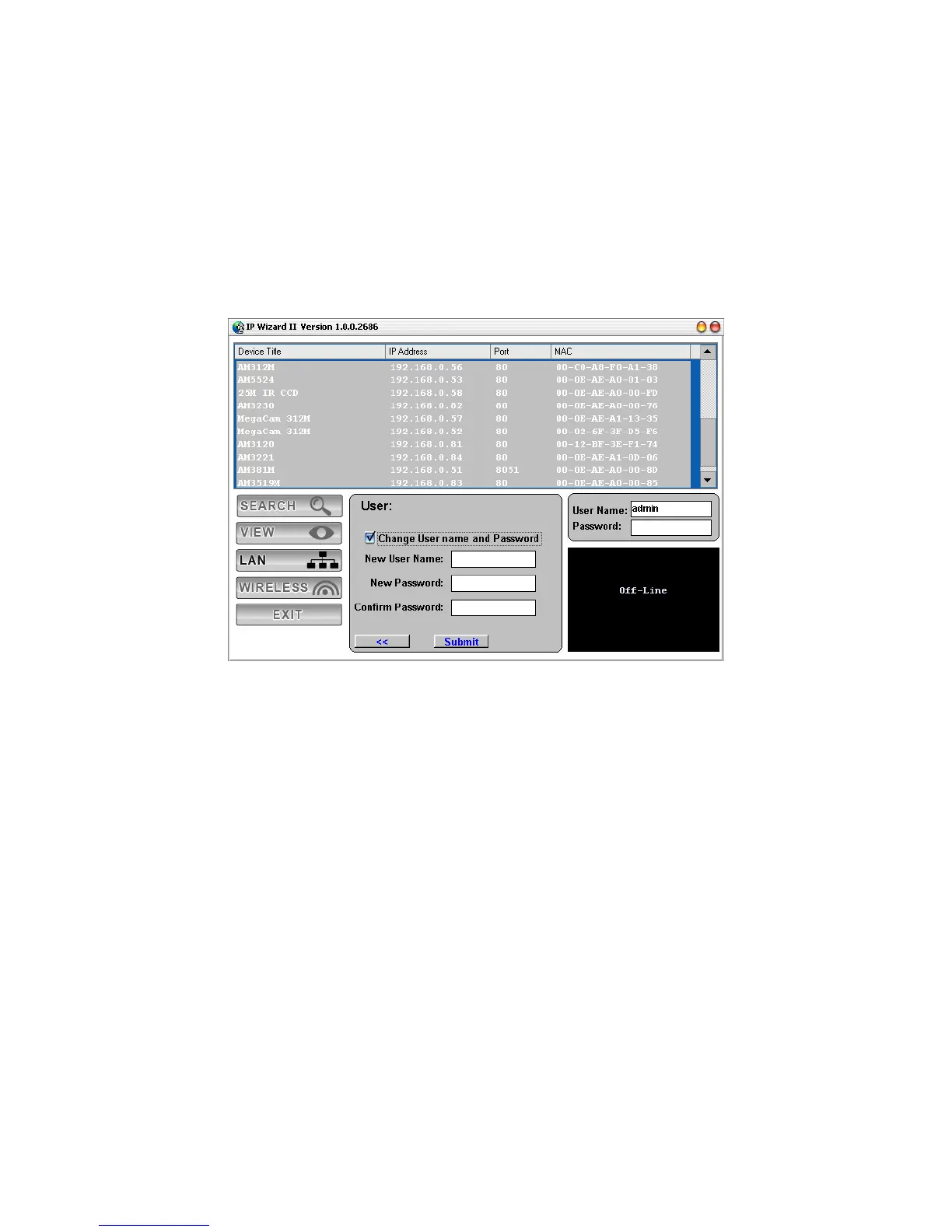
If you like to change username and/or password of the device, just click the check button.
Then, the related fields will show up as below.
After keying in new username and password, click “ Submit” button to perform your
setting accordingly. Click “ <<” button will go back to previous page.



 To Next Page