Network Camera User’s Guide
87/96
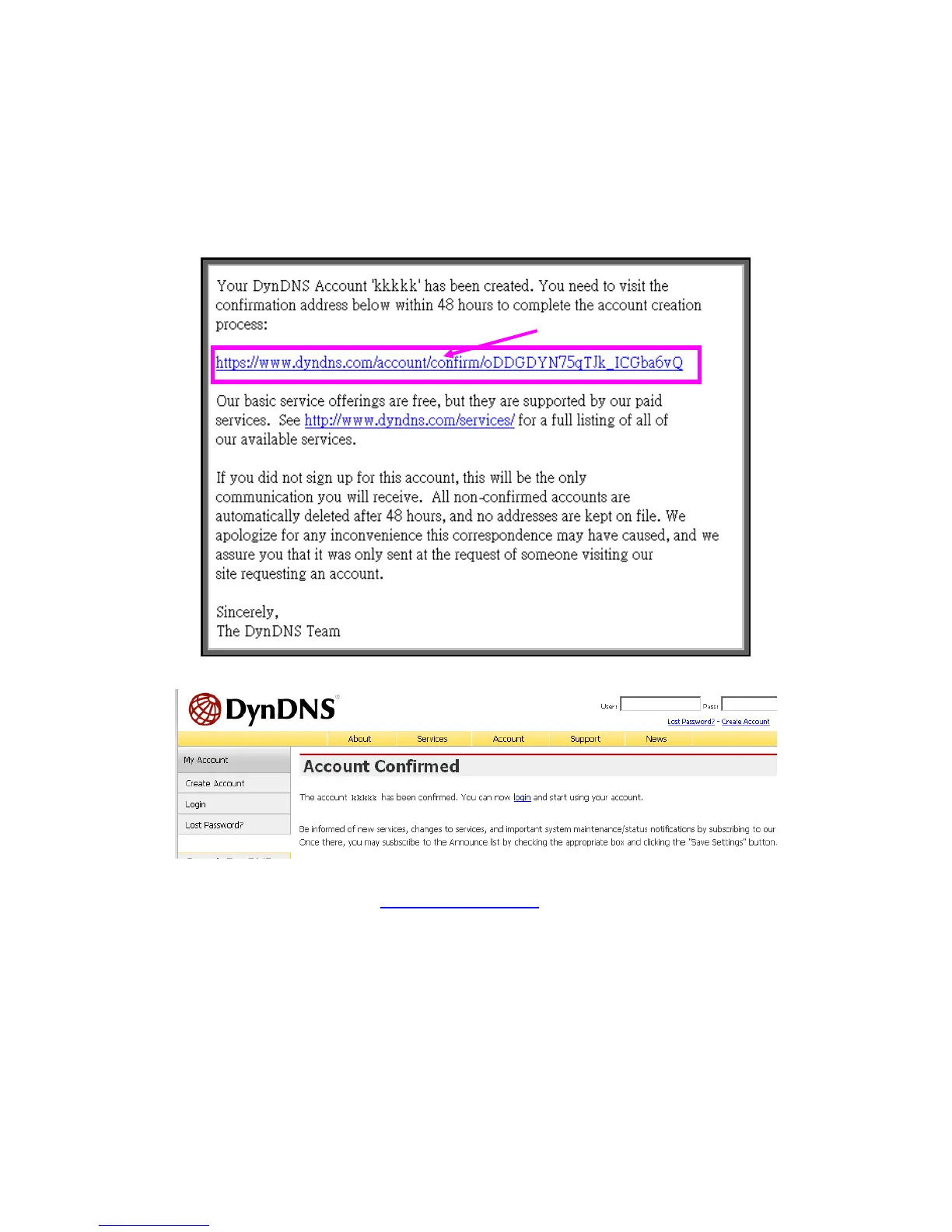
(5). Check your e-mail mailbox. There will be an e-mail with a title “Your DynDNS
Account Information“. Click the hyperlink address to confirm the DDNS service
that you just applied. Then DDNS you applied activated.
(6). Enter the web page http://www.dyndns.org/ again. Input your username and
password that you just applied to login administration interface of DDNS server.
Click to confirm



 To Next Page