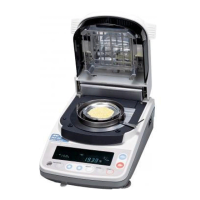
AND MX-50/MF-50 Instruction Manual
GB 24
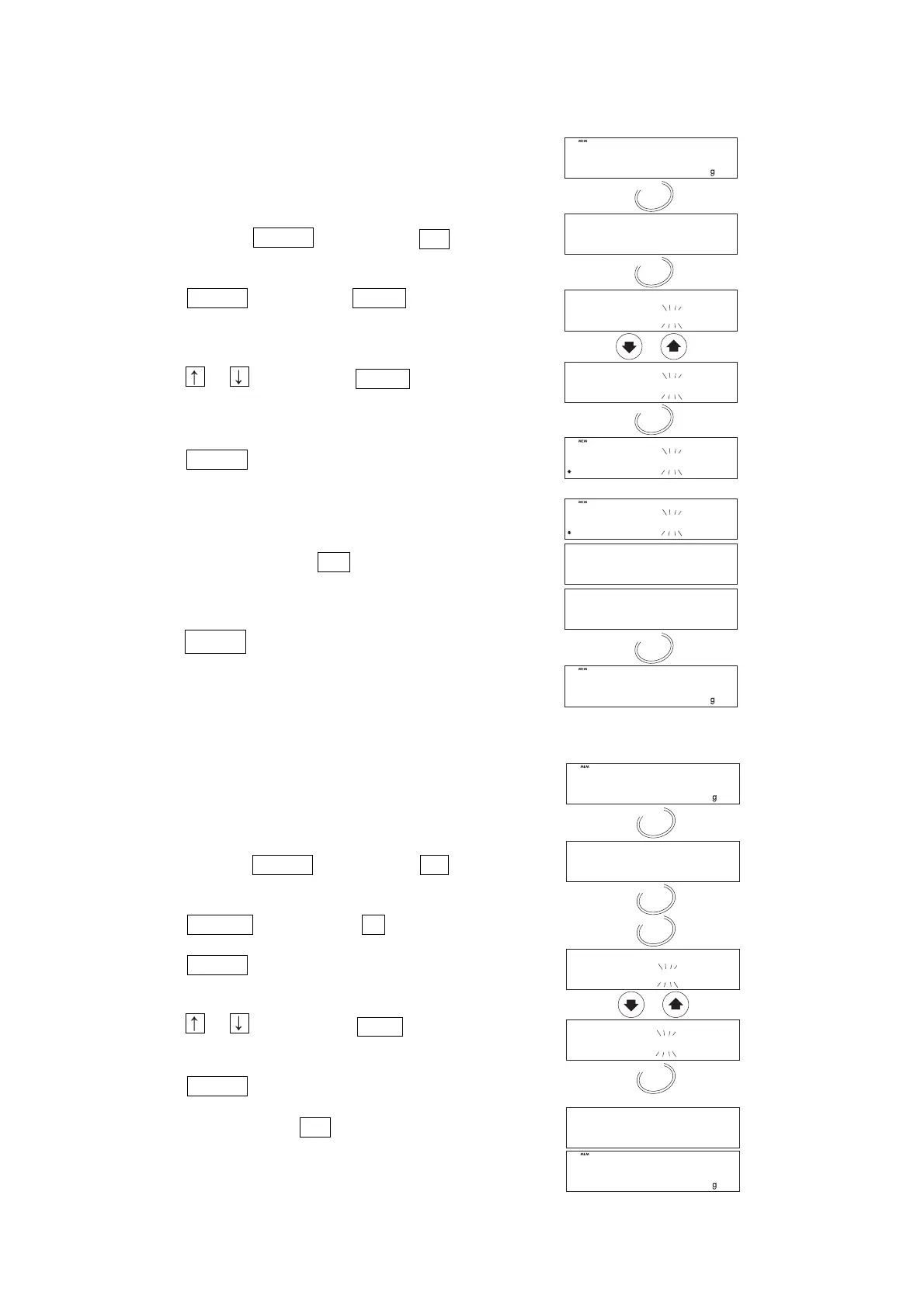
10.1.2. Output All Data at One Time
This function works when Printer or PC connected.
1. Turn on the analyser.
The gram unit (of weighing mode) is displayed.
2. Press and hold the ENTER key to display out .
3. Press the ENTER key to display out no .
4. Press the or key to display out Go .
5. Press the ENTER key to output data in order.
Data will be transferred trqansfered to the
peripheral equipment (printer or computer)
connected to RS-232C interface.
6. When transfer is completed, end is displayed.
7. Press the RESET key to return to the weighing
mode.
10.1.3. Delete All Data at One Time
1. Turn on the analyser.
The display will show 0.000 g.
2. Press and hold the ENTER key to display out .
3. Press the SELECT key to display Clr .
Press the ENTER key to enter the mode.
4. Press the or key to display Clr Go .
5. Press the ENTER key to delete all stored data.
6. When all data is deleted, End is displayed.


 To Next Page