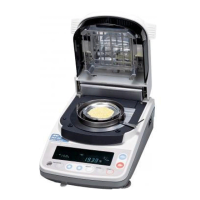
The function table stores the following parameters to control the analyser.
Details of the Function Table
Item and Display Symbol Parameter Description
Clock CL AdJ
Set date and time to built-in clock. Refer to "5.2. Setting the clock and calendar"
Decimal point dP
0 *
1
Dot " . "
1 Comma " , "
0 *
1
Key mode Data is output by the ENTER key
Data output mode
Prt 1 Auto print mode Data is output after measurement.
2 Stream mode Data is output continuously.
Data memory dAtA 0 *
1
No Memory Function
function 1 Data is stored for each measurement
Form selection 5-d
0 *
1
Moisture content will be output from the serial port
1 Moisture content and temperature are output.*
2
Output format 0 *
1
No GLP,GMP,ISO data formatting
adapted to GLP inFo
1 GLP,GMP,ISO data formatting for calibration data output
GMP and ISO
ID number id ID number setting
Factory settings CLr Resets the analyser to the factory settings.
*
1
: Factory settings
*
2
: Use this parameter when connected to a computer. Not suitable for the AD-8121.
Not suitable for the the DP-1012 printer if stream mode is selected.
Function Table
12
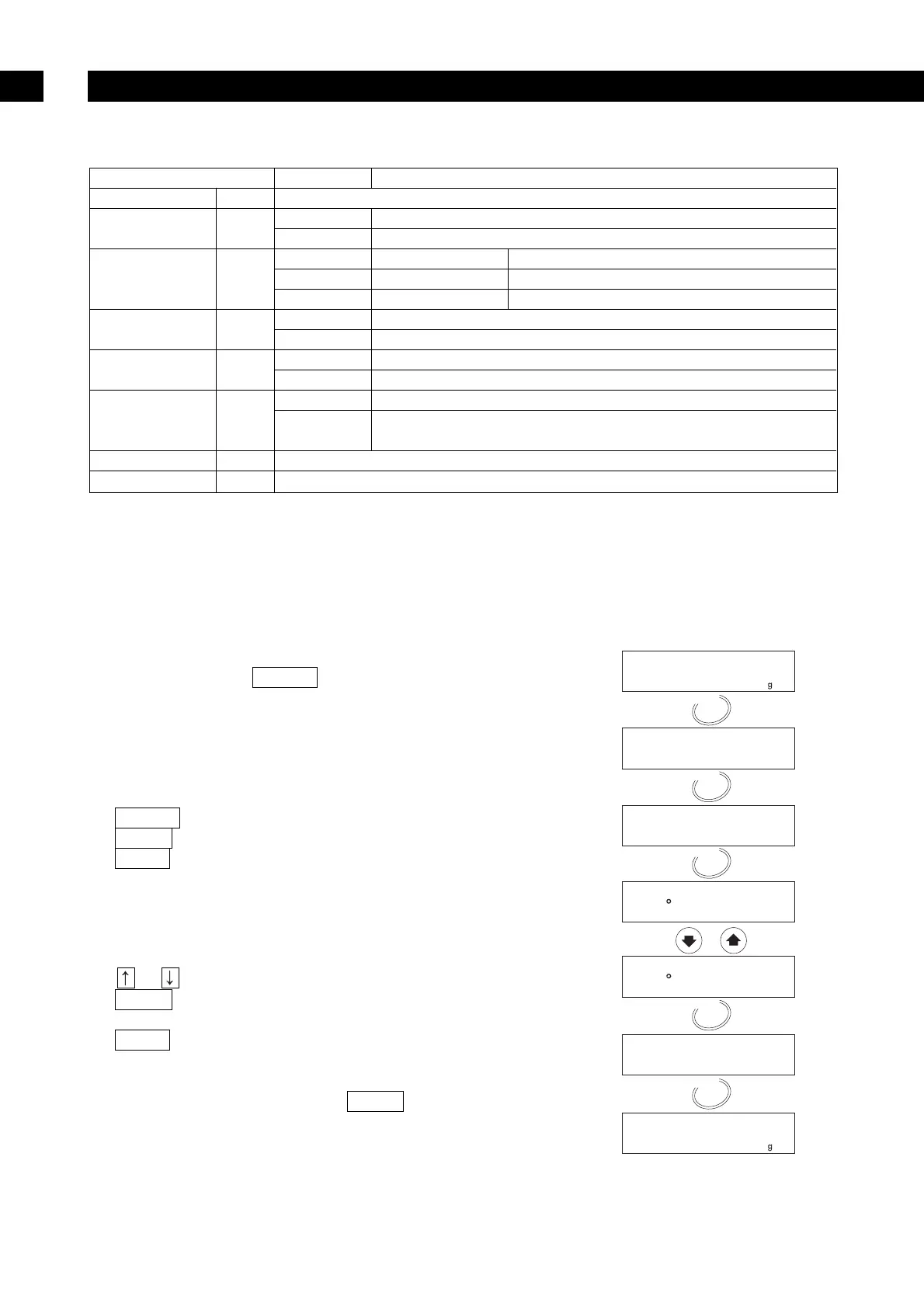
12.1.1. Operation
1. Turn on the analyser.
The display will show 0.000 g.
2. Press and hold the SELECT key to enter the
function table.
Select an Item
3. Select an item using the following keys.
Example: Data output mode prt is selected.
SELECT key . . . . .Selects a figure.
ENTER key . . . . . .Enters the selected item.
RESET key . . . . . .Cancels the operation and
returns to the weighing mode.
Select a Parameter
4. Select a parameter using the following keys.
Example: Auto print mode prt 1 is selected.
or key . . . . .Selects a parameter.
ENTER key . . . . . .Stores the parameter and
proceeds to the next item.
RESET key . . . . . .Cancels the operation and
returns to the weighing mode.
5. To finish the operation, press the RESET key to
return to the weighing mode.


 To Next Page