GB 33
English
13.2. Factory Settings
This function can set the following parameters to factory settings.
– All measurement programs
– All results stored in memory function.
– All parameters of the function table
– ID number is reset to 0000000.
– Order of calendar and date.
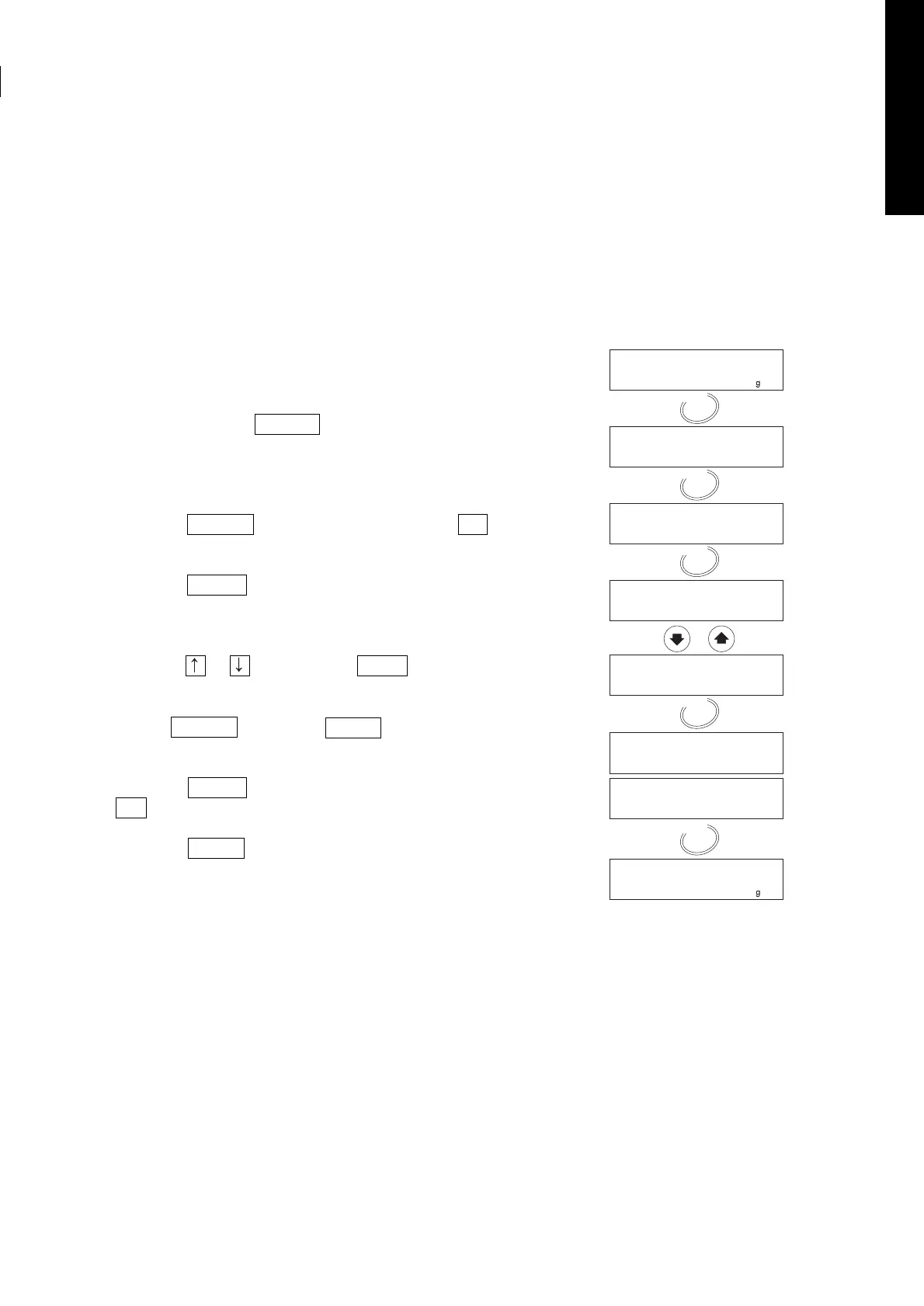
13.2.1. Operation
1. Turn on the analyser.
The display will show 0.000 g.
2. Press and hold the SELECT key to enter the function table.
3. Press the SELECT key several times to display CLr .
4. Press the ENTER key to enter the item.
5. Press the or key to display CLr Go .
Caution
Press the ENTER key whilst CLr no is displayed and the
operation will be cancelled.
6. Press the ENTER key to reset.
End is displayed.
7. Press the RESET key to return to the weighing mode.


 To Next Page