AND MX-50/MF-50 Instruction Manual
GB 18
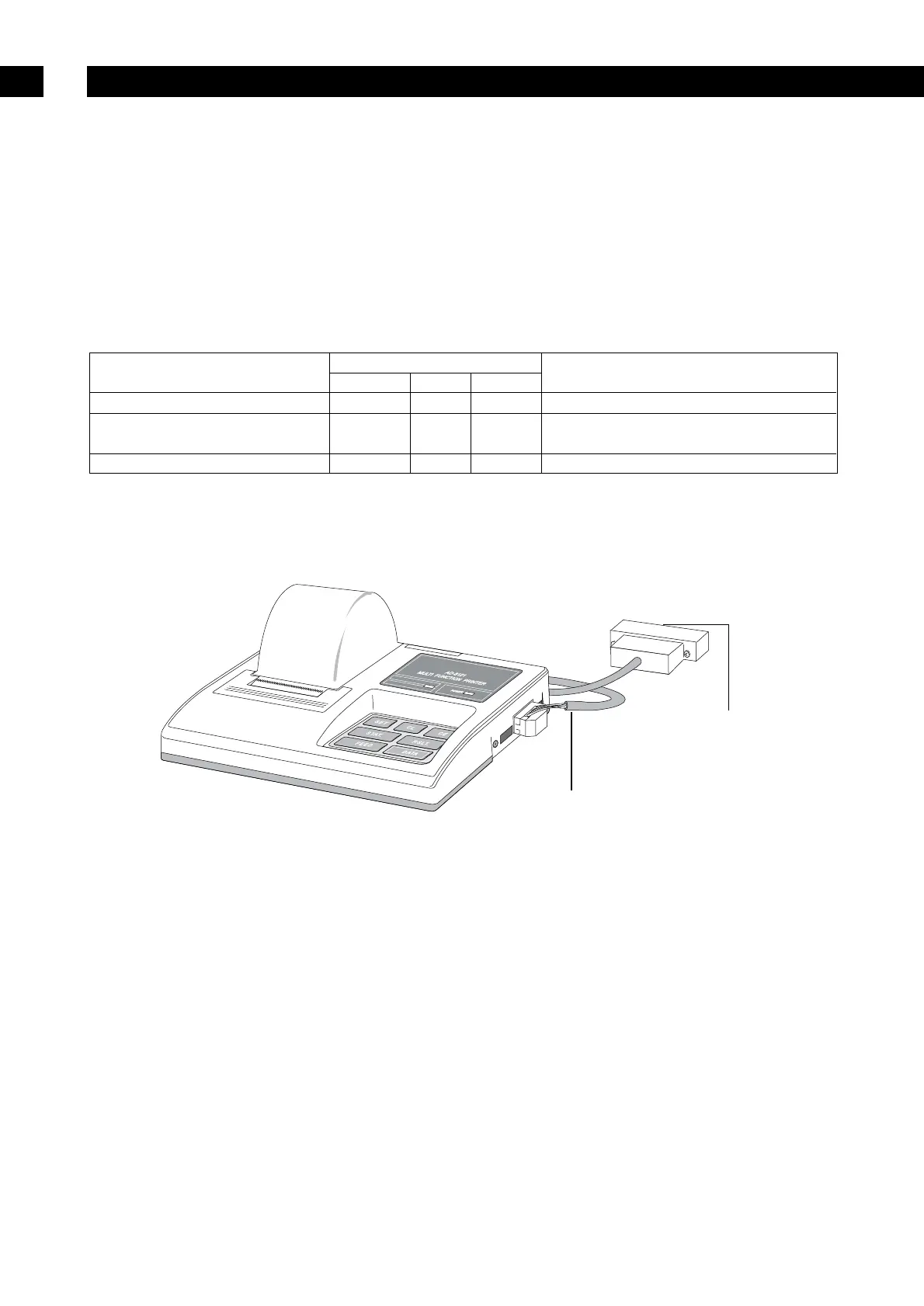
Connecting to a Printer
8
– The analyser can be connected to dedicated statistical impact printer (AD-8121) using the
RS-232C interface. This enables records to be produced which are compliant to GLP, GMP and ISO
standards.
GLP: Good Laboratory Practice,
GMP: Good Manufacturing Practice,
ISO: International Organisation for Standardisation
– The statistical calculation of the result and change of Drying Rate can be printed using the statistical
function of the AD-8121.
– Use the standard AD-8121 accessory cable.
Printer Setting List
Purpose
Analyser settings
AD-8121 settings
Prt 5-d info
Statistical calculation 0, 1 0 0, 1 MODE 1
Chart of change of moisture
2 0 0, 1
MODE 2
content per unit of time Interval printing or chart printing
Data for GLP, GMP and ISO 0, 1, 2 0 1 MODE 3 Dump printing
Refer to "12. Function Table" for detail of settings.
Read the instruction manual of the printer.
Statistical impact printer (AD-8121)


 To Next Page