GB 31
English
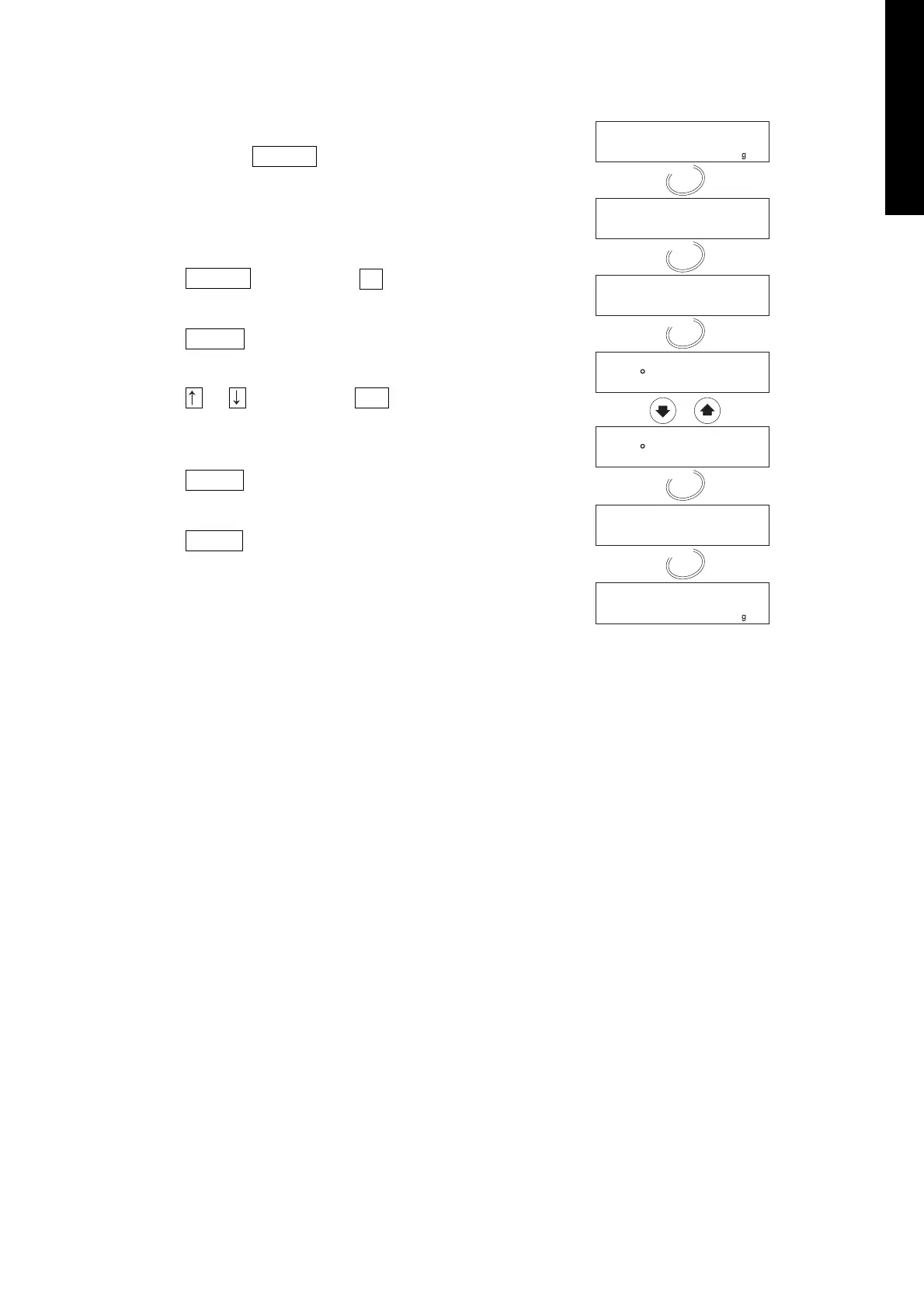
Example, Use Comma for Decimal Point
1. Press and hold the SELECT key to enter the
function table.
2. Press the SELECT key to display dP .
3. Press the ENTER key to enter the item.
4. Press the or key to display dP 1 .
5. Press the ENTER key to store new parameter.
6. Press the RESET key to return to the
weighing mode.


 To Next Page