13
Power Connection
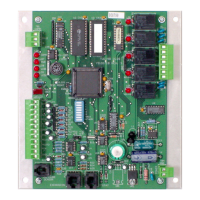
The controller requires an external 24 VAC
power source. Use a Class-2 transformer to
supply power. Connect the transformer’s
neutral lead to the 24 VAC Common (- C)
terminal and the AC phase lead to the 24
VAC Phase (~ R) terminal. Power is applied
to the controller when the transformer is
plugged in.
AAON recommends powering only one
controller from each transformer. If
installing a system with other controllers
powered from a single transformer,
however, phasing must be correct and total
power drawn from the transformer must not
exceed its rating.
Startup
(See back of the manual for startup form)
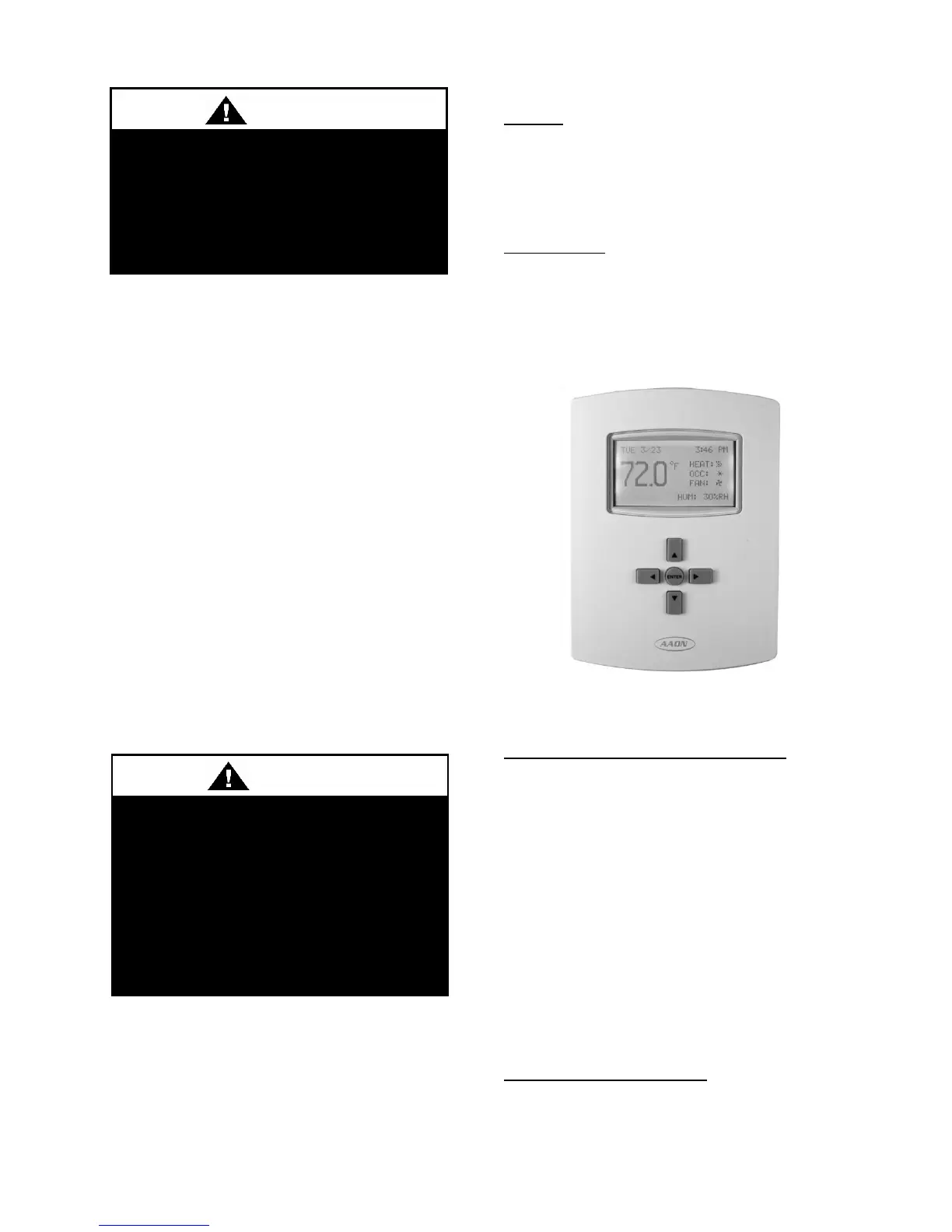
Navigation
General
Enter - Select or exit value editing
Up/Down - Move among entries
Left/Right - Move among value fields
Left - Back or return to Home Screen
Home Screen
Enter - Turn on backlight
Up/Down - Space temperature setpoint
viewing and override
Left - Open Override Menu
Right - Open Main Menu
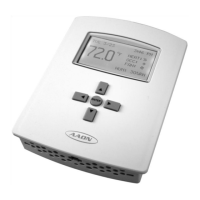
Figure 6 - AAON Mini Controller
Home Screen Configuration
Space Temperature Setpoint Override
Press Up/Down once to view the existing
space temperature setpoint
For temporary push button override of the
current space temperature setpoint, press
Up/Down repeatedly until the desired
temperature setpoint is displayed and press
Enter. The new setpoint will hold for the
duration of the occupancy override amount
of time (adjustable under Main Menu:
System) or until the occupancy override has
been turned off manually from the Home
Screen.
System Mode of Operation
The System Mode of Operation options
available are Auto, Cooling, Heating,
Emergency Heating and Off.
Improper installation, adjustment,
alteration, service or maintenance
can cause property damage,
personal injury or loss of life.
Installation and service must be
performed by a qualified installer. A
copy of this IOM should be kept with
the unit.
Do not mistakenly connect 24 VAC to
an analog output ground. This is not
the same as a relay’s switched
common. See the backplate’s
terminal label for the correct terminal.


 To Next Page