15
RSMV Technical Guide
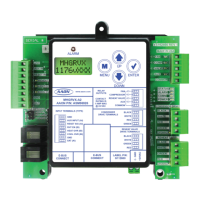
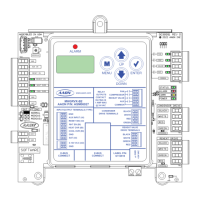
RSMV LCD SCREENS
Main Screens Map and RSMV Module Screens
RSMV Main Screens Map
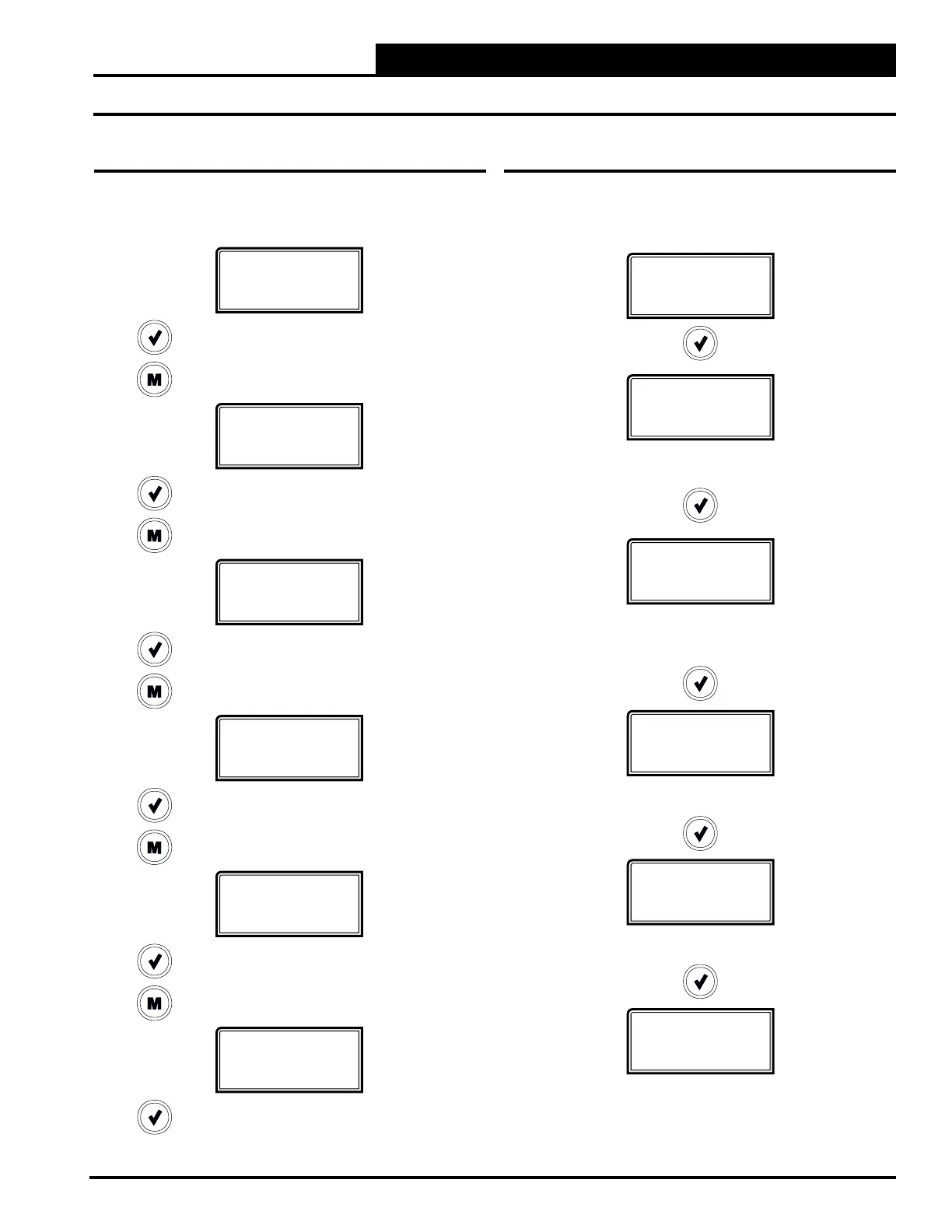
Refer to the following map when navigating through the LCD Main
Screens. To scroll through the screens, press the <MENU> button.
RSMV Module Screens
Refer to the following map when navigating through the RSMV
Screens. From the RSMV MODULE Screen, press <ENTER> to
scroll through the screens.
RSMV
1072vXXX
Press to scroll through REFRIG MODULE Screens.
Press to go to SYSTEM STATUS Screens.
SYSTEM
STATUS
Press to scroll through SYSTEM STATUS Screens.
Press to go to SENSOR STATUS Screens.
SENSOR
STATUS
Press to scroll through SENSOR STATUS Screens.
Press to go to ALARMS Screens.
ALARMS
Press to scroll through ALARMS Screens.
Press to go to ALARM HISTORY Screens.
ALARM
HISTORY
Press to scroll through ALARM HISTORY Screens.
Press to go to SETPOINT STATUS Screens.
SETPOINT
STATUS
Press to scroll through SETPOINT STATUS Screens.
RSMV
1072vXXX
E-BUS
#
E-BUS COMMUNICATION DIAGNOSTICS
Number of COMM packets received.
SOFTWARE
1072vXXX
CURRENT SOFTWARE VERSION
You can access the protected screens from this
screen by holding the <UP> button for 5 seconds.
ADDRESS
#
CURRENT BOARD ADDRESS
SYS TYPE
COOLONLY
CURRENT SYSTEM TYPE
#OF COMP
#
# OF COMPRESSORS


 To Next Page