21
RSMV Technical Guide
RSMV LCD SCREENS
Diagnostic, Alarm Count, and Address Screens
ALARM COUNTS Screens
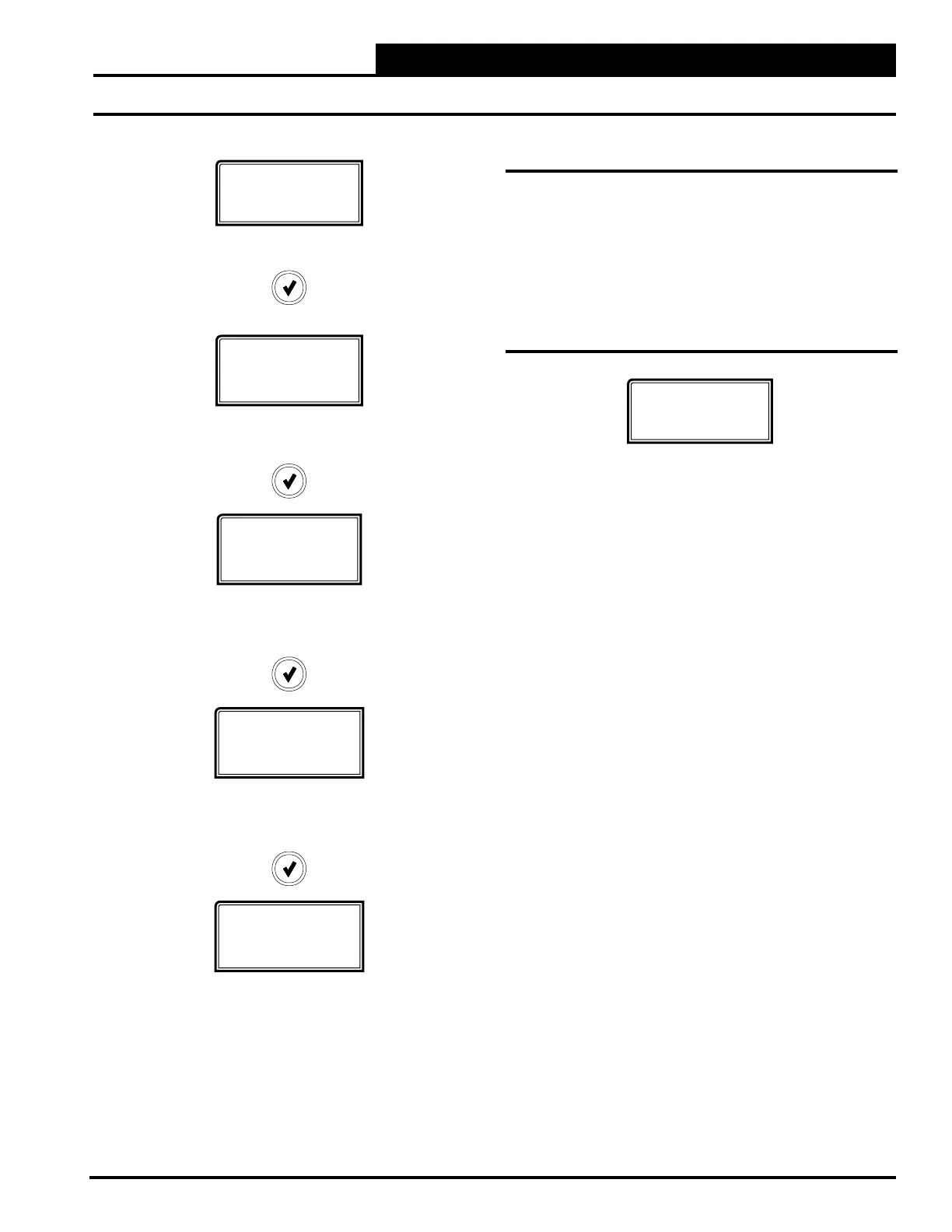
From the ALARM COUNTS Screen, press <ENTER> to scroll
through the screens. Each screen will display the name of the alarm
and how many times the alarm has occurred since you last cleared
the alarms. The only way to clear these alarm counts is by using
Prism 2 and selecting, “Select Alarms to Delete” from the ALARM
button menu. See “Alarm Polling” in the Prism 2 Technical Guide
for more information.
Address Screen
FORCE
MODE ON/OFF
FORCE MODE
Displays the current status of Force Mode. Values are ON/OFF.
If forced on, the following screens will appear:
RLY 1-4
ON/OFF
RELAYS 1 - 4 FORCE MODE
Press the <UP> and <DOWN> buttons to select ON or OFF
for each relay.
AOUT-1 V
0.0-10.0
vdc
MODULATING COMPRESSOR FORCE MODE
0.0 to 10.0 = Active Force Mode.
Press the <UP> and <DOWN> buttons to increase and decrease
the value.
AOUT-2 V
1.0-10.0
vdc
CONDENSER FAN FORCE MODE
1.0 to 10.0 = Active Force Mode.
Press the <UP> and <DOWN> buttons to increase and decrease
the value.
EXV 1-4 %
#%
EXPANSION VALVES OPEN PERCENTAGE
1.0 to 10.0 = Active Force Mode.
Press the <UP> and <DOWN> buttons to increase and decrease
the value.
ADDRESS
1(152)
CURRENT BOARD ADDRESS
Congure the address according to which refrigerant circuit
this module represents—1=A, 2=B, 3=C, 4=D.
Number in parentheses is E-BUS address.
Module 1’s address is 152, Module 2’s address is 153,
Module 3’s address is 154, Module 4’s address is 155.


 To Next Page