Voice over IP (VoIP) Media Gateway (MGW)
119
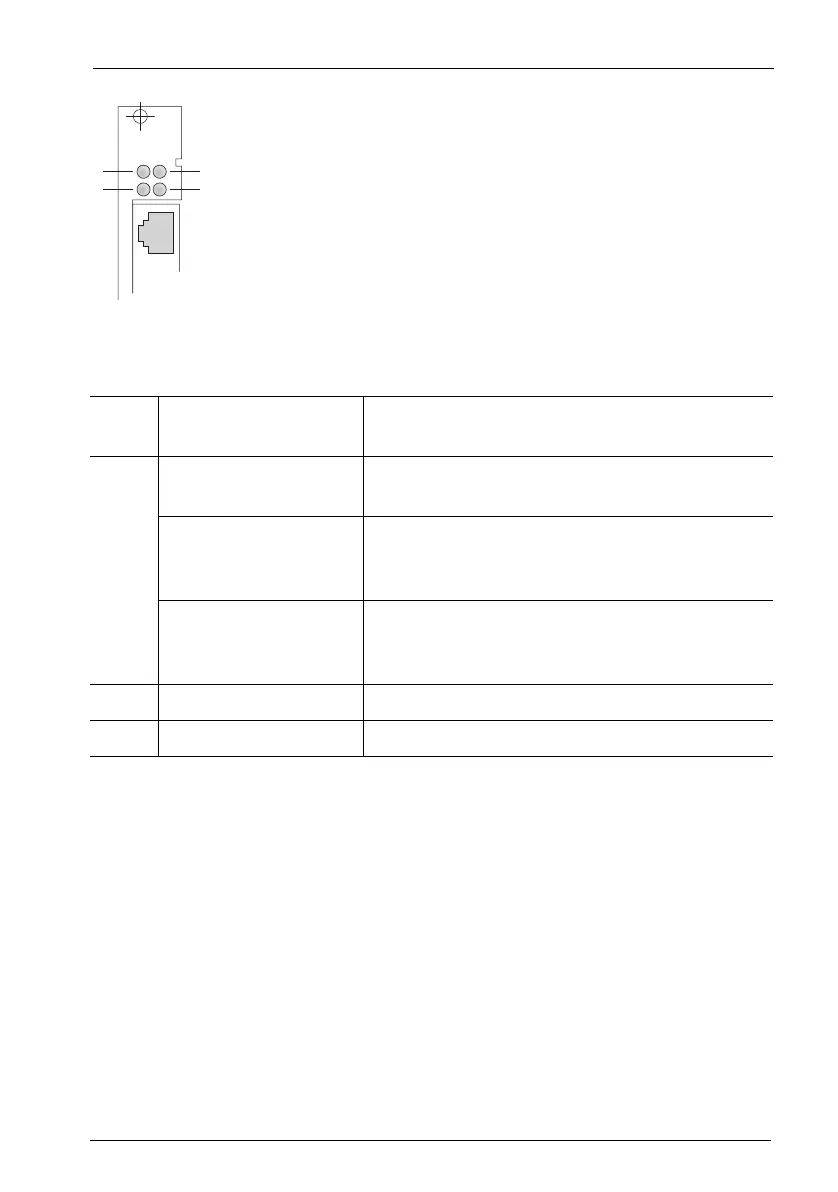
MG+ETH1-1: LEDs
The LEDs have the following meaning:
Operational Information
The MG+ETH1-1 interface card can be exchanged during operation; the system
does not need to be shut down or powered down. The slot must first be disabled
in the Configurator in the Web console (see also Installing Interface Cards starting
on page 31).
Each MG+ETH1-1 interface card requires its own IP address. This can either be
assigned statically or obtained via DHCP.
1. In the Configurator, open the PBX Configuration: Ports: Slots page.
2. Click on the slot number in the table row containing the desired interface card.
LED 1: Constantly yellow At least one call is being conducted via the in-
terface card.
LED 2: Constantly green The interface card is operational; the slot has
been activated (flickering is normal).
Flashing yellow The interface card is ready, but the slot has not
been activated or the interface card has not yet
been configured.
Constantly red New software is being loaded onto the interface
card. If the LED lights up red for an extended pe-
riod of time, there may be a fault.
LED 3: – Not used.
LED 4: Constantly green An ethernet connection is available.
ETH
MG+ETH1-1
1
2
3
4



 To Next Page