Frequently Asked Questions General/Hardware
190
19. Frequently Asked Questions
This chapter provides tips and information on how to deal with any malfunctions
or faults you may experience with the OpenCom 510.
Please note: Repairs to the OpenCom 510 should only be carried out by
qualified personnel.
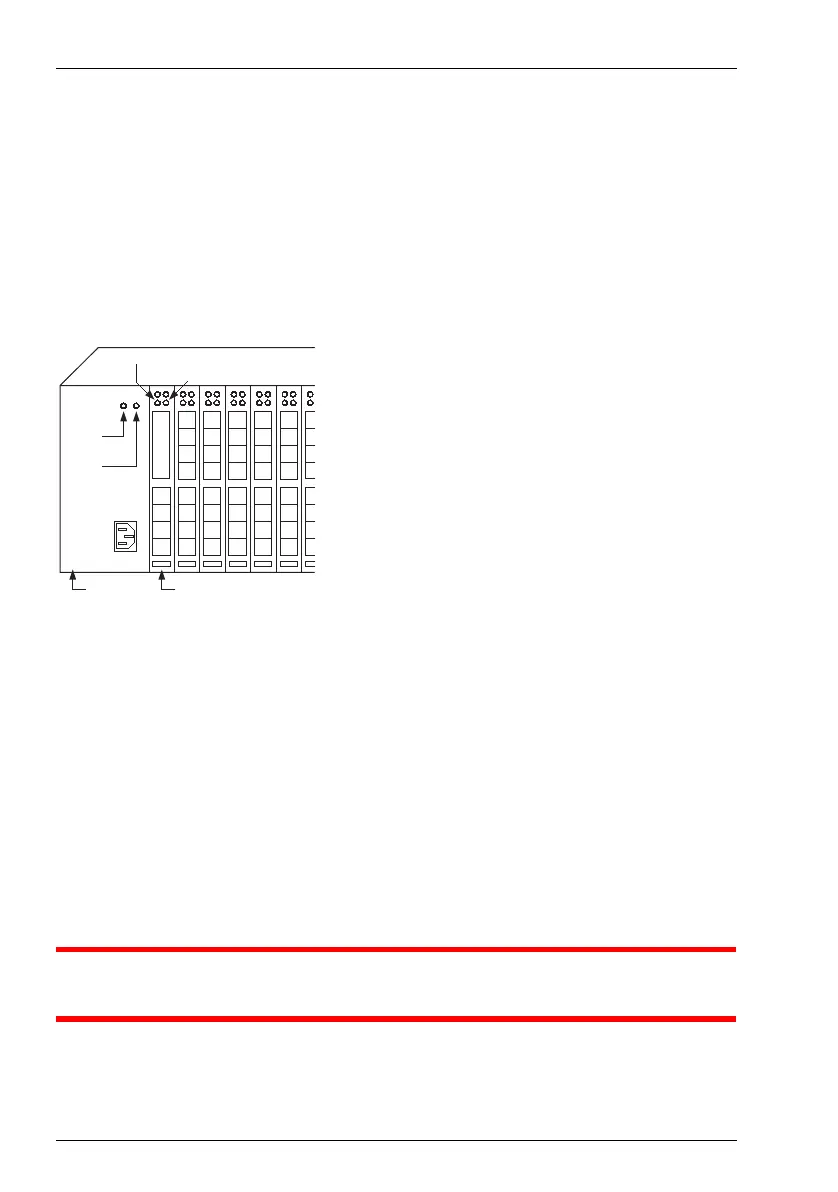
The following LEDs indicate that the OpenCom 510 is ready for operation:
Position of LEDs on the OpenCom 510
19.1 General/Hardware
The OpenCom 510 is not functioning.
Make sure the mains plug is properly connected.
Plug another device into the mains socket to check whether there is any voltage.
The mains plug is connected, the mains socket is supplying output, but the
OpenCom 510 still does not function.
DANGER! This device contains hazardous voltages. To make the sys-
tem dead, remove the power plug from the socket.
Is the +3,3V/-42V LED illuminated?
+3,3 V
LED
-42 V
LED
MPS+1-AC MC+1-3
Activity LED
LAN LED



 To Next Page