Installation Installation in a 19" Rack
25
If the OpenCom 510 is to be installed together with other electronic equipment in
a 19” cabinet, ensure that the air intake temperature for the OpenCom 510 does
not exceed +40 °C.
The OpenCom 510 may also be connected to an IT system.
4.3 Installation in a 19" Rack
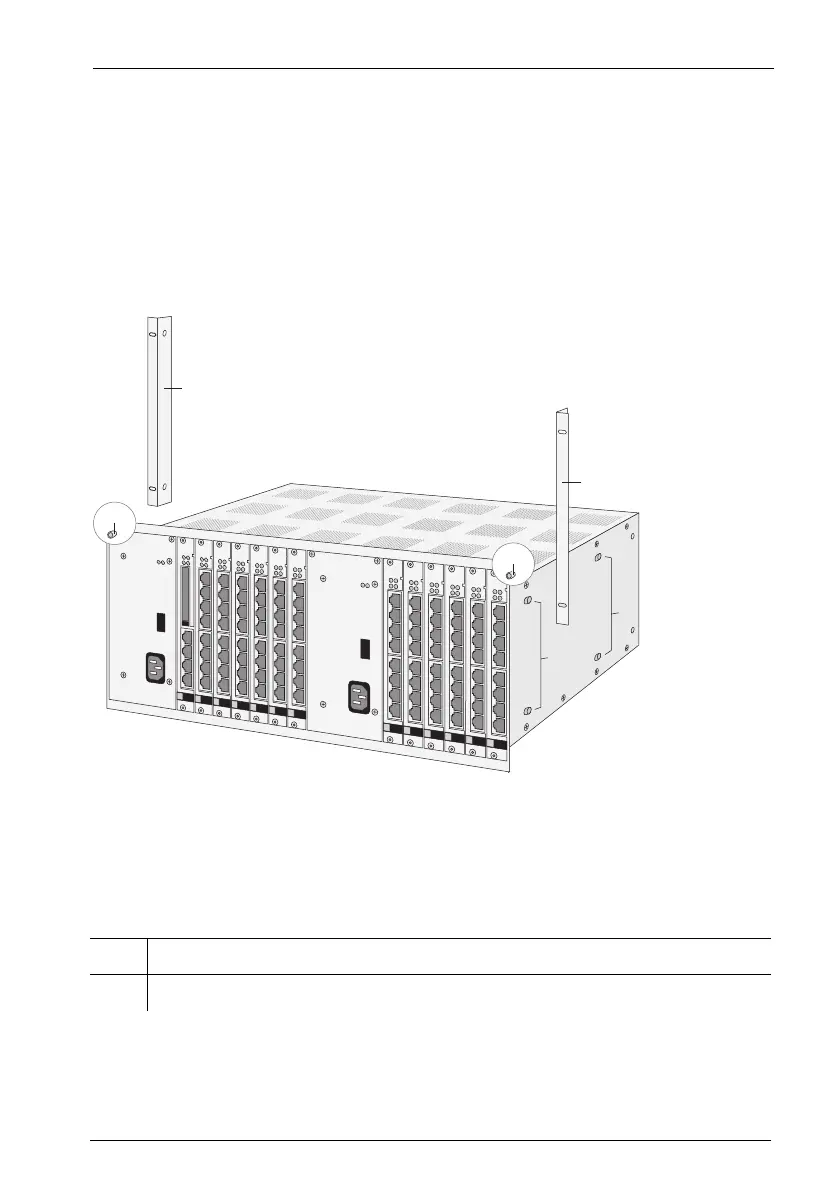
OpenCom 510: 1-12 frame mounting points
The OpenCom 510 is designed to be installed in 19" racks only.
The following mounting points for installation in a 19" rack can be found on the 1-
12 frame:
1 Left mounting bracket
2 Right mounting bracket
B
A
C
1
2
C



 To Next Page