Configuration Configuring the OpenCom 510
91
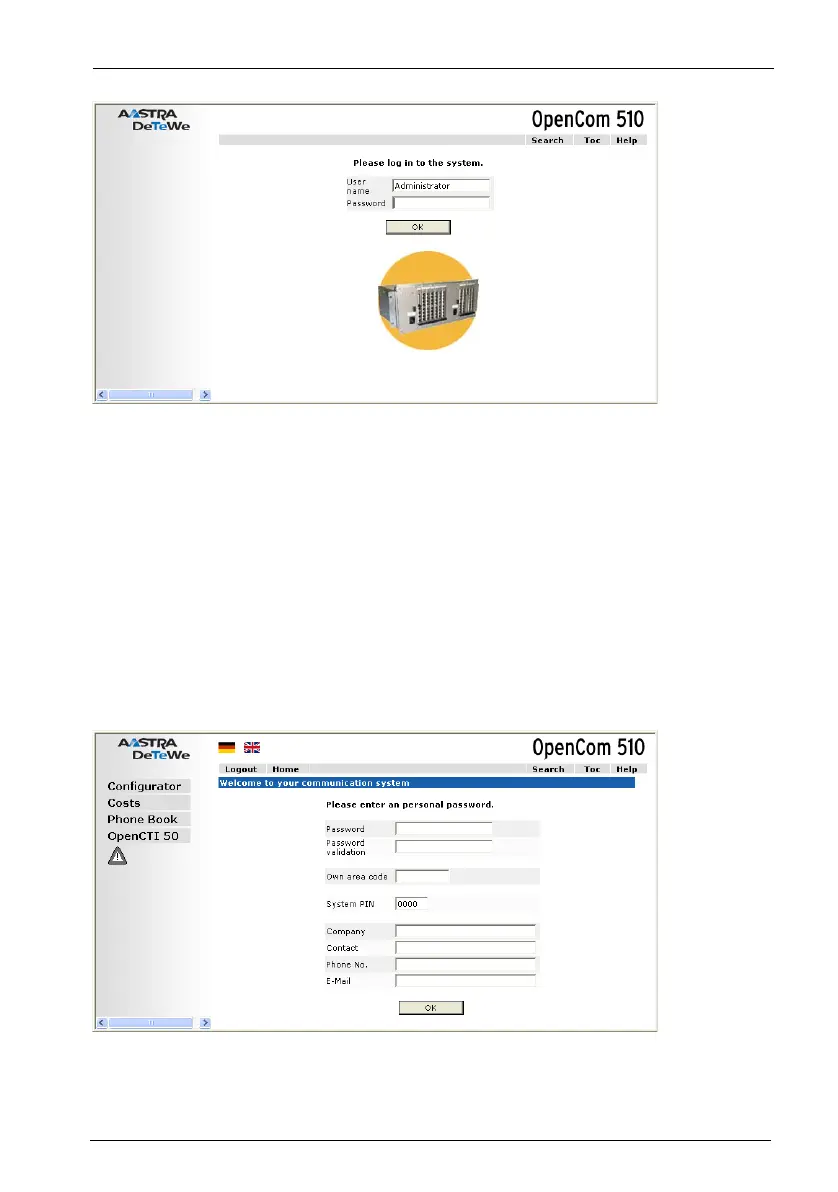
OpenCom 510: log-on dialogue box
3. To commence configuration, you must first log on. For the initial configuration,
enter your:
- user name: “Administrator”
- password: for the initial configuration, leave this box blank.
4. Confirm this by clicking on OK. This puts all connected terminals into the
“Guest” user group with restricted user rights. In this way you prevent interna-
tional external calls from the terminals, for example, while you are configuring
the OpenCom 510 and the users.
OpenCom 510: dialogue box for initial access



 To Next Page