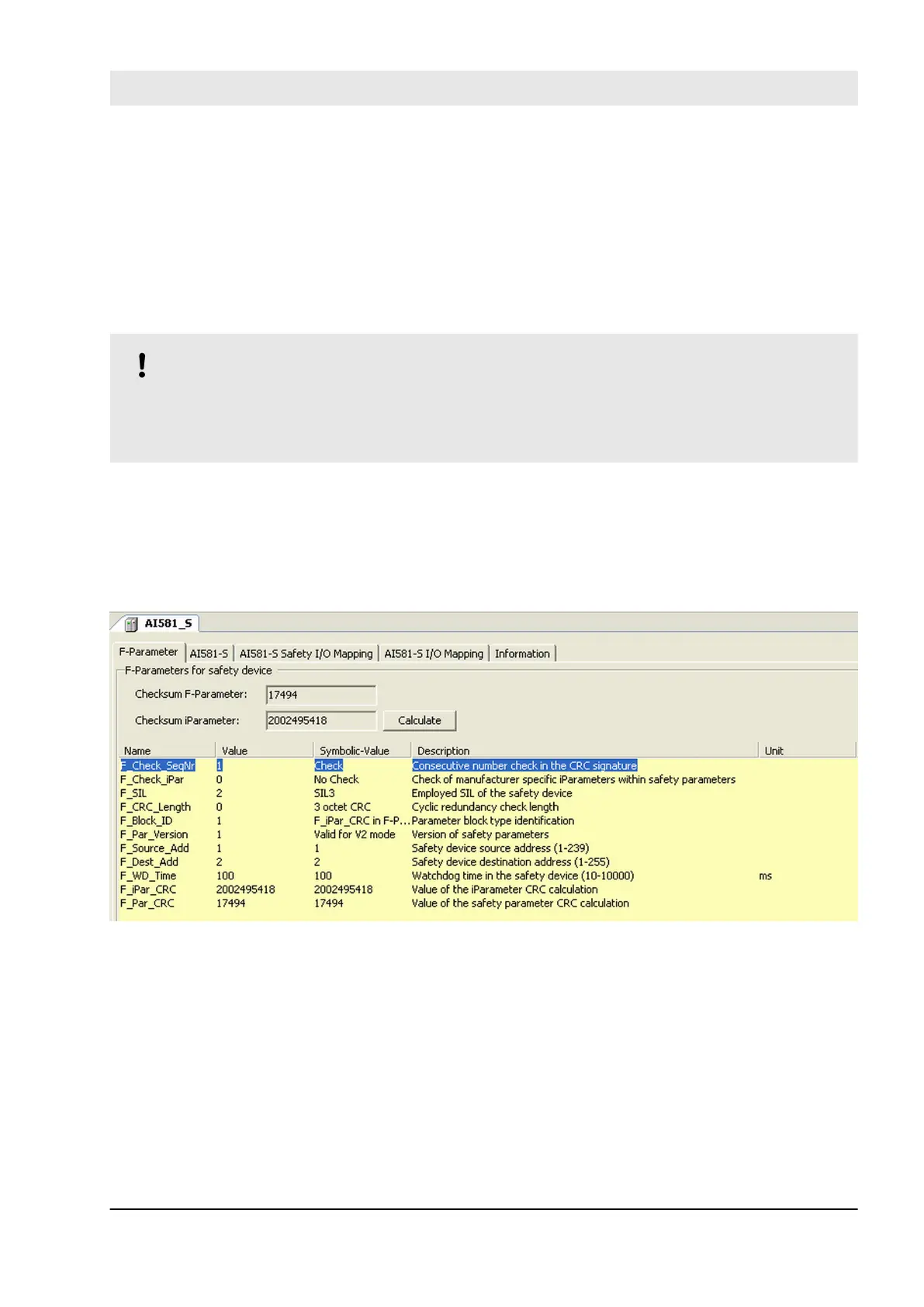
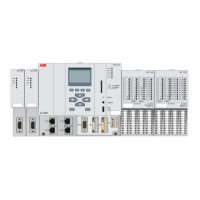
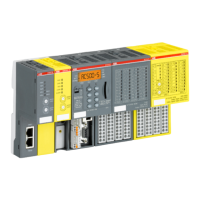
Parameters of Safety I/O modules can be set using double-click on those modules. Each module has two
types of parameters: F-Parameters and iParameters.
F-Parameters are parameters which were specially defined by PROFIsafe group [3] to realize safe device
communication and parameterisation. F-Parameter names are the same for all F-Devices (ABB and 3
rd
party
devices). The most important of them for end-users are F_SIL, F_Dest_Add, F_Source_Add, F_WD_Time
and F_iPar_CRC. F_WD_Time parameter is further used in Safety Function Response Time calculations
(
Ä
Chapter 5.3 “Safety function response time” on page 396). F_Dest_Add shall be the same address as
the one set on the physical Safety I/O device.
NOTICE!
Make sure that F_Dest_Add is set unique for all F-Devices, otherwise no valid safety configuration can
be generated.
Decimal or hexadecimal number with a prefix 16# or 0x can be used to set F_Dest_Add.
F_iPar_CRC is a special parameter which is used for a safe transfer of iParameters to F-Devices.
F_iPar_CRC is calculated outside F-Parameter editor and, thus, has to be manually copied from “Checksum
iParameter” field and pasted to F_iPar_CRC field after pressing “Calculate” button for the given F-Device.
Note, that F_iPar_CRC has to be recalculated also if F_Dest_Add is changed, because F_Dest_Add is also
invisibly transported as iParameter to AC500-S Safety I/O modules. It is needed in AC500-S Safety PLC for
further comparison of the physical PROFIsafe address value on the Safety I/O device and one configured in
the engineering environment.
Fig. 80: Setting F-Parameters
Configuration and programming
System configuration and programming > Instantiation and configuration of safety modules/Definition of variable names
30.03.2017 AC500-S 185


 To Next Page