AQUAMASTER4 | ELECTROMAGNETIC FLOWMETER TRANSMITTER | OI/FET400-EN REV. D 21
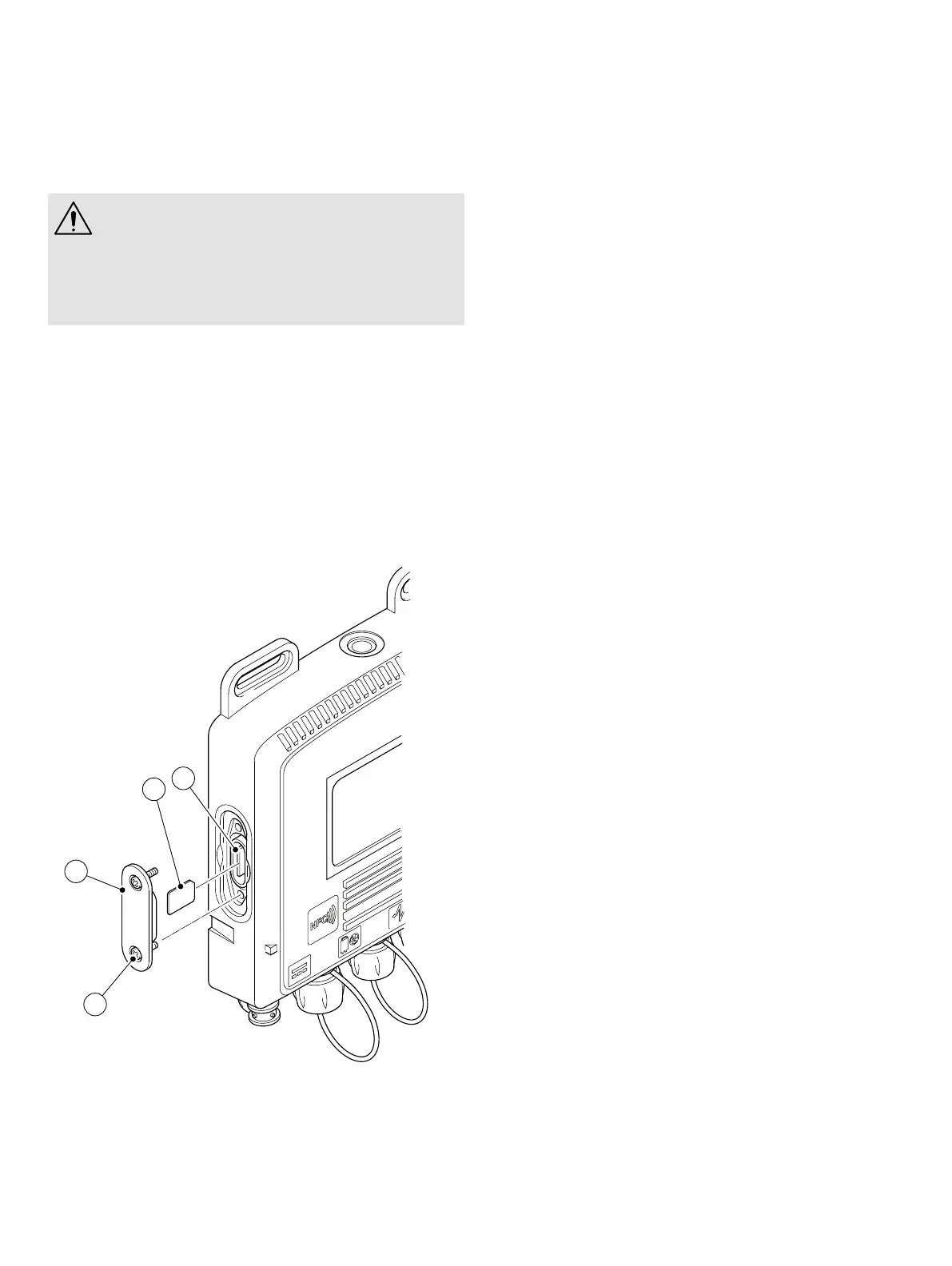
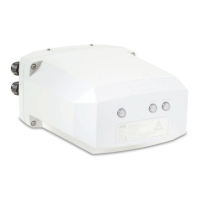
Installing the SIM card – FET45X
CAUTION – DAMAGE TO THE TRANSMITTER
• Only use a standard SIM card, with dimensions of
25 mm × 15 mm.
Do not attempt to use a Micro SIM, Nano SIM or an
empty SIM card adaptor. Use of these items will
damage the slot.
1 Remove the two fixing screws
A.
2 Remove the SIM cover
B.
3 Insert the SIM card
D into the slot C with the chip facing
down.
4 Push the SIM card
D with your finger until you hear a click.
5 Put the SIM cover
B in position.
6 Install the fixing screws
A.
7 Torque the fixing screws
A to 0.25 Nm.
Figure 27 Installing the SIM card
A
B
C
D


 To Next Page