6
9999
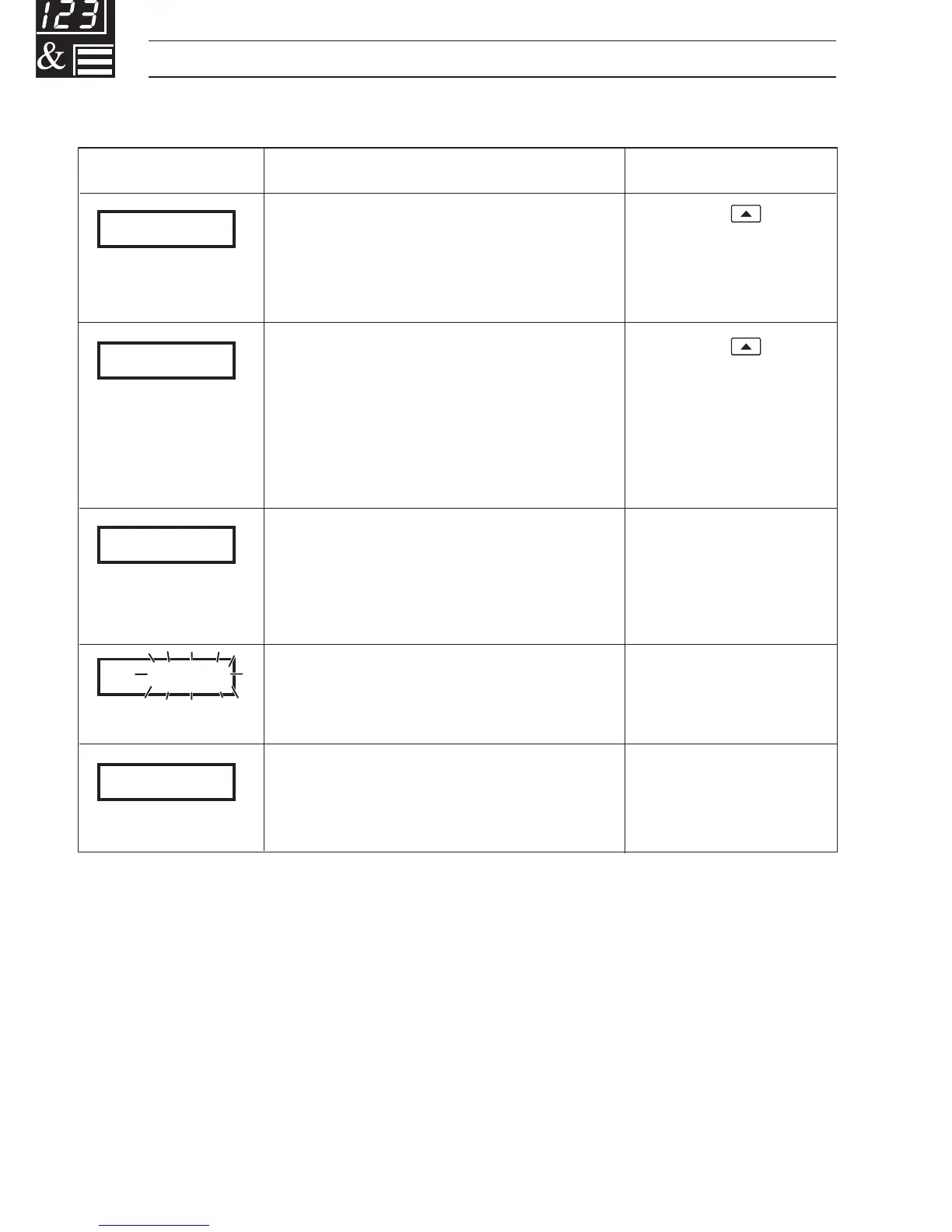
CAL.Err
CFG.Err
A.d. Err
DPt.Err
…1 DISPLAYS AND FUNCTION KEYS
Display Error/Action
Calibration error
Turn mains power off and on again
(if the error persists contact the
Service Organization).
Configuration error
The configuration and/or setup
data for the instrument is
corrupted. Turn mains power off
and on again (if error persists,
check configuration/setup settings).
A to D Converter Fault
The analog to digital converter is
not communicating correctly.
Process Variable Over/Under
Range
Option board error
Communications to the option
board have failed.
To Clear Display
Press the
key
Press the
key
Turn power on and
off again. If the error
persists, contact the
Service Organization
Restore valid
input
Contact the Service
Organization
1.4 Error Messages



 To Next Page