9
rSt-n
2145.3
ACK-n
123456
•1
•1
2 OPERATOR MODE…
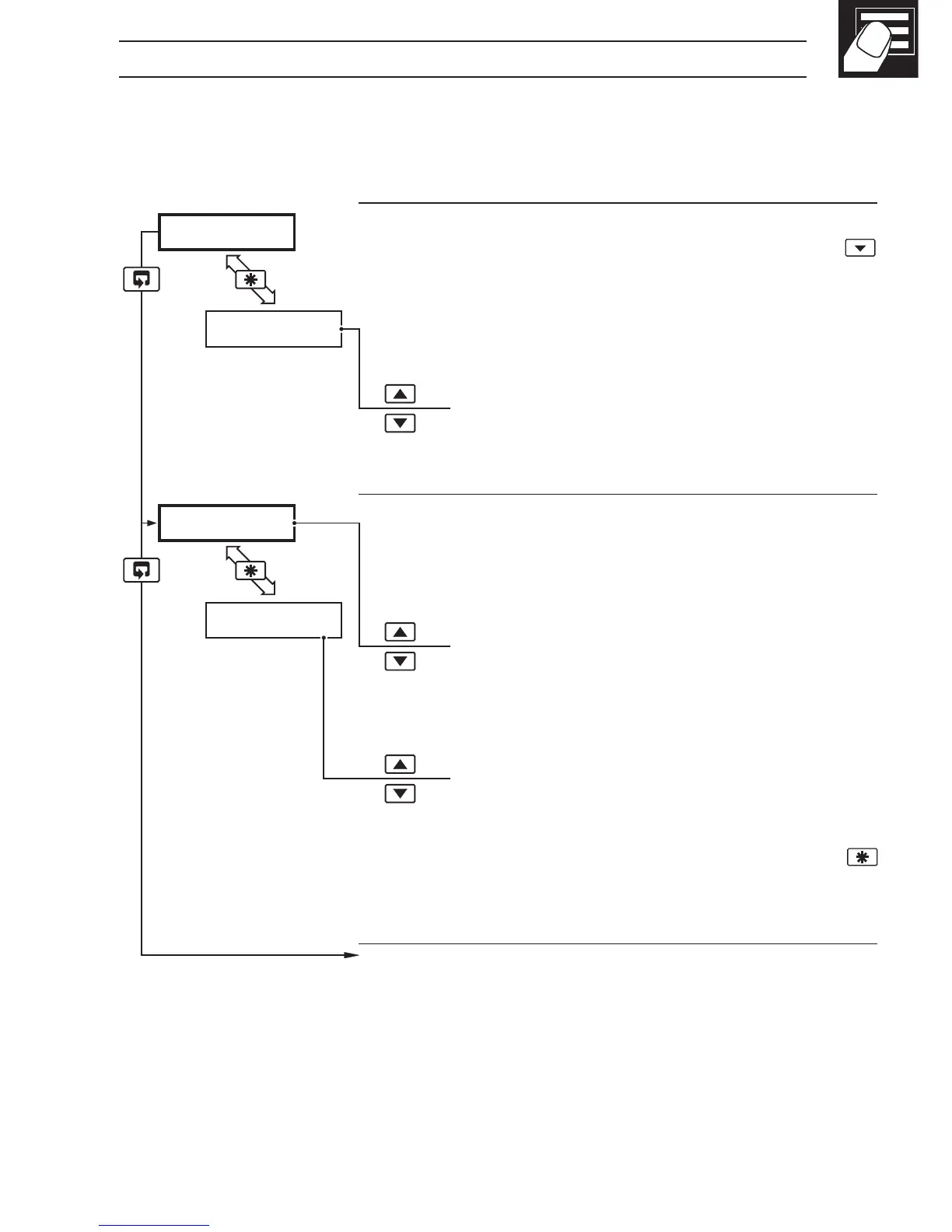
2.3 Operating Page – Totalizer (Level 1)
These frames are only displayed if the totalizer function is enabled in the configuration
level – see Section 4.3.3
•1 Totalizer stop/go and reset from these frames can be disabled – see
Section 4.3.3.
A digital input can also be used to start/stop or reset the totalizer – see Section
4.3.4
Process Variable
To view the input value (in electrical units) press the
key.
Global Alarm Acknowledge (latch alarms only)
UN-ACK. – alarm unacknowledged
ACK. – acknowledged
Totalizer Value
When this frame is selected the current counter status
is displayed (
t–GO or t-StOP).
Stop/Start
t–GO – start totalizer
t-StOP – stop totalizer
Reset
rSt-Y – reset totalizer
rSt-n – do not reset totalizer
To reset the totalizer, select
rSt-Y then press the
key.
Continued on next page.



 To Next Page