18
Normal
Configure
4 CONFIGURATION MODE
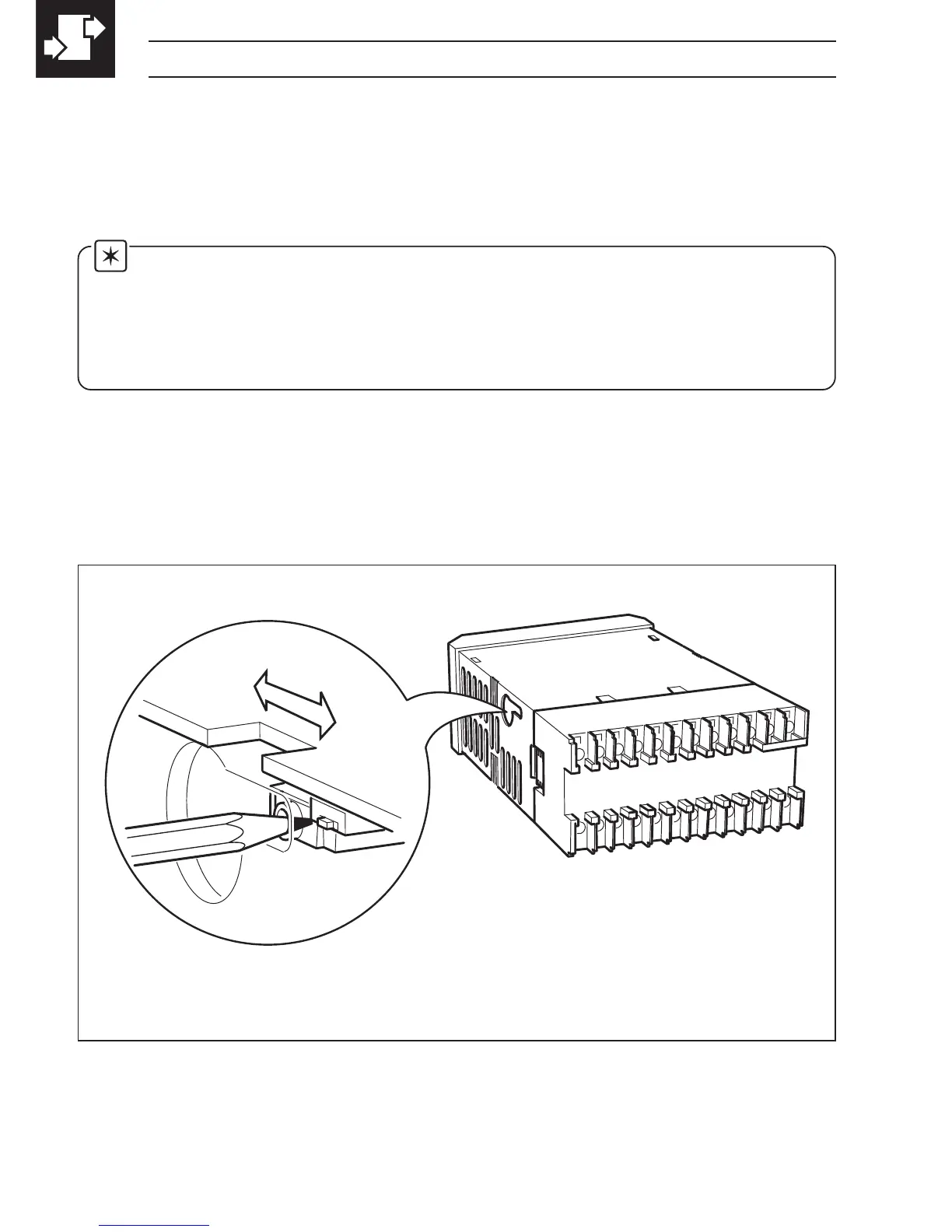
Fig. 4.1 Accessing the Configuration Mode
4.1 Introduction
The Configuration Mode comprises two levels (3 and 4) as shown in Fig. 4.2.
Configuration level 3 is divided into four frames. For most simple applications it is only
necessary to set up the parameters in the first frame.
Note.
When in the configuration level:
• All the LED indicators flash.
• All relays and logic outputs are turned off.
• The analog output reverts to 0% (4mA) output level.
4.2 Accessing the Configuration Mode – Fig. 4.1
To access the Configuration Mode set the security switch to the 'Configure' position
(levels 1 and 2 cannot be accessed from this setting). When the configuration
parameters are programmed, reset the security switch to the 'Normal' position and
the Operating page is displayed automatically .



 To Next Page