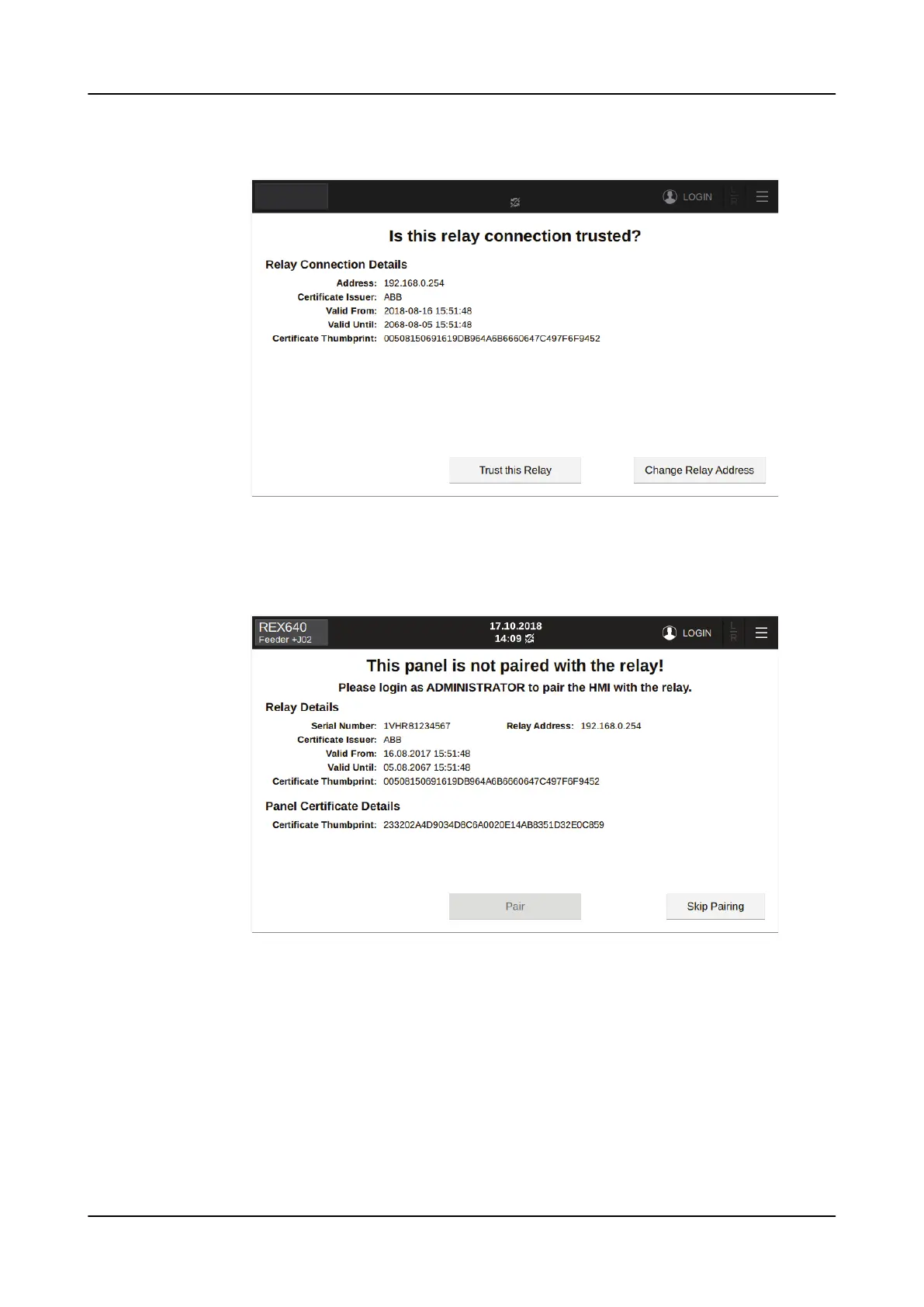
2. In the confirmation window, tap Trust this Relay.
Figure 113: Confirming the relay connection
A page for initiating the pairing opens.
3. To initiate pairing, login as administrator.
Figure 114: Administrator login required
4. Finalize the pairing process depending on the HMI used.
a) To pair the LHMI with one relay only, tap Pair.
b) To pair the SHMI with multiple relays, tap Pair. The connected relays are
shown on the list of available relays. Select the trusted relays and tap Trust
selected.
1MRS759118 D
Commissioning
REX640
Operation Manual
135













 To Next Page