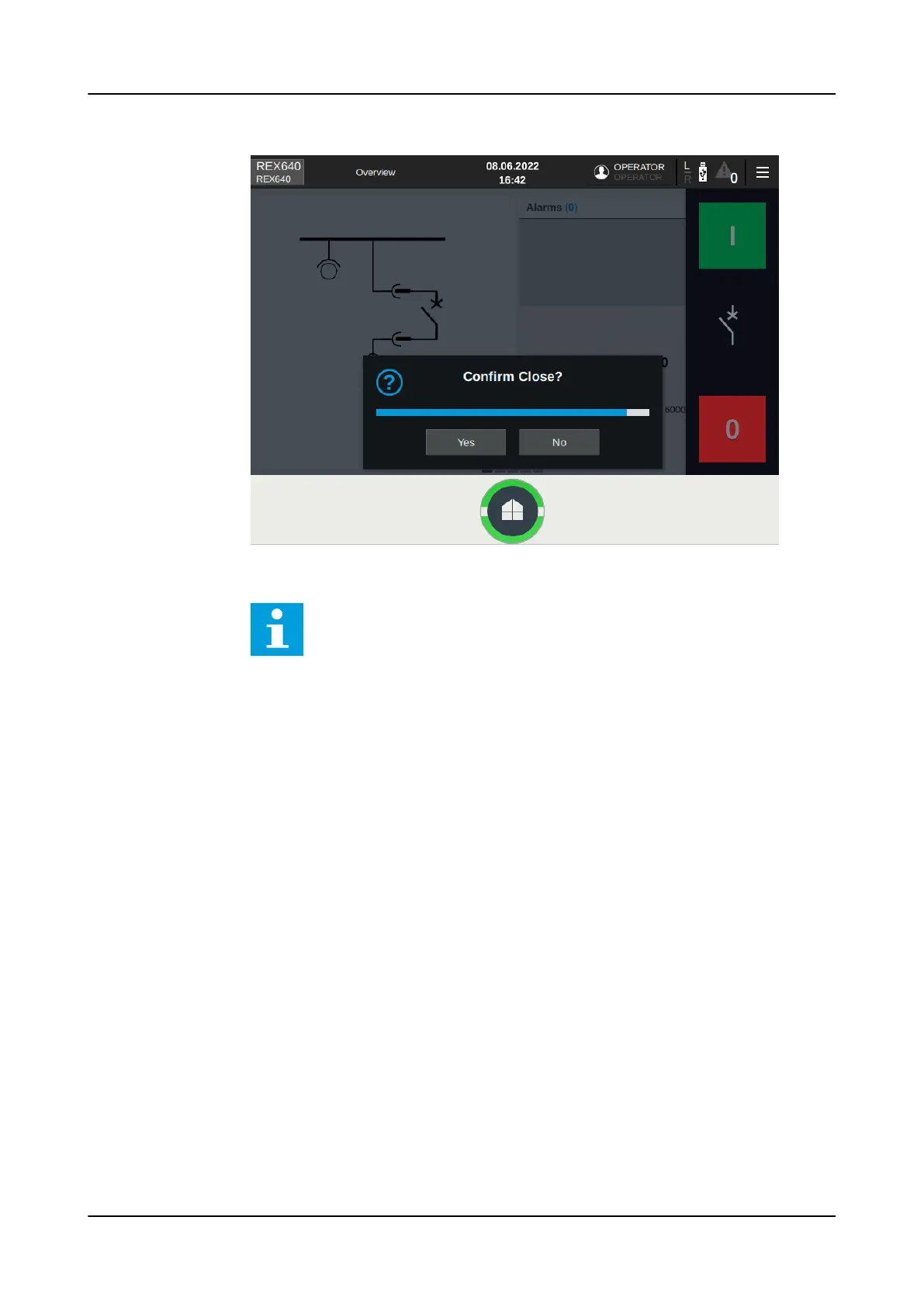
Figure 37: Confirming object closing
Control operations cannot be executed from the SHMI navigation
page. Navigate to the HMI view to perform control operations.
If the parameter
Close delay mode
in Configuration> Control> LHMI is set
to "In use", a timer is started after tapping the close button and accepting
the possible confirmation dialog. Close operation is performed only after the
timer reaches zero. Remaining time is displayed on top of close button, user can
cancel the operation during countdown by tapping the Cancel button. The delay
time can be configured by setting
Close delay
parameter in Configuration>
Control> LHMI.
Using HMI
1MRS759118 D
56 REX640
Operation Manual










 To Next Page