Commissioning
36 TZIDC-200, TZIDC-210, TZIDC-220 42/18-85-EN
7.2.4 Sample parameters
"Change the zero position of the LCD screen from clockwise (CLOCKW) to counter-
clockwise stop (CTCLOCKW)"
Starting position: The positioner is in bus operation on the operating level
1. Switch to the configuration level:
• Press and hold down and simultaneously
• Press and release
• Wait for the countdown to go from 3 to 0
• Release and ,
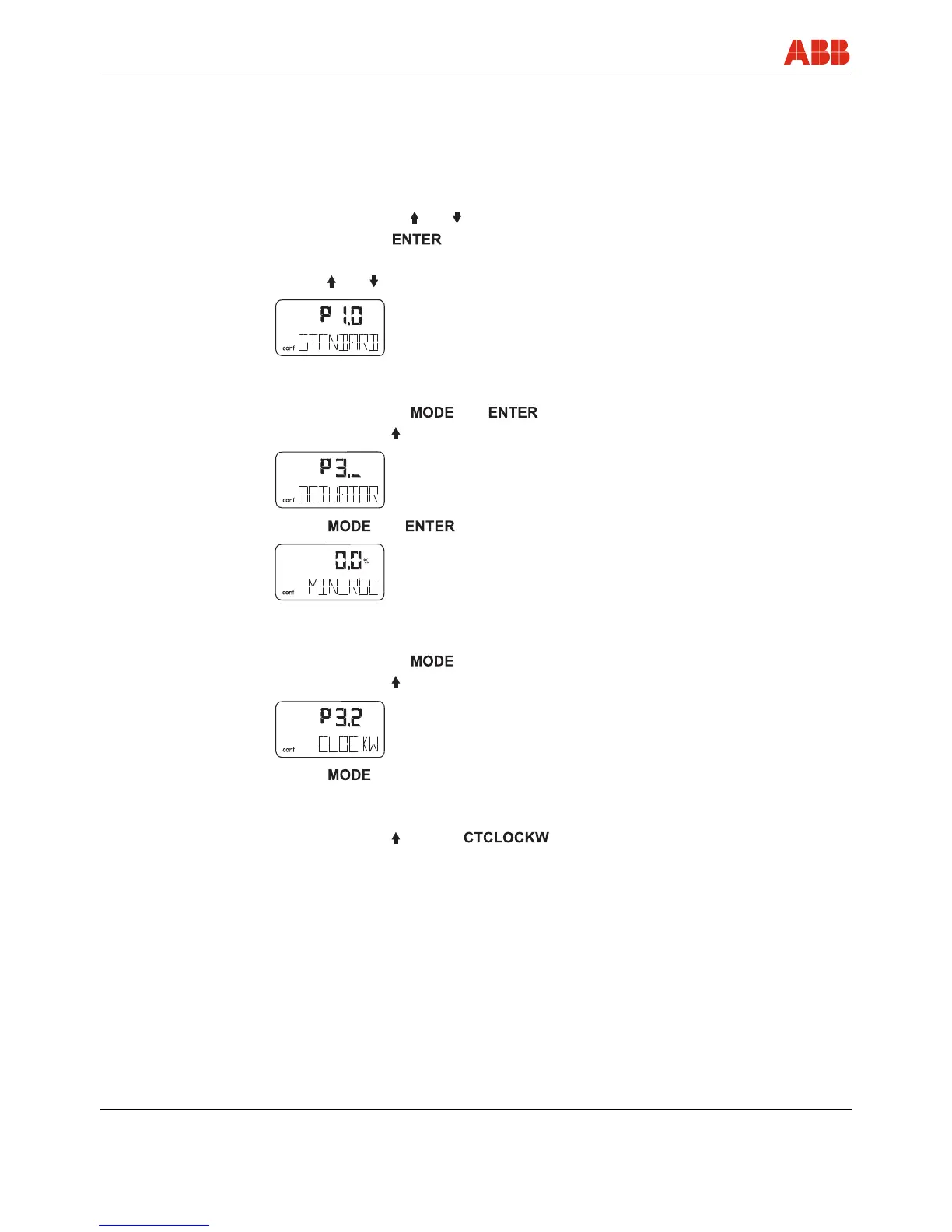
is displayed
2. Switch to parameter group 3._:
• Press and hold down and simultaneously
• Press and release twice,
is displayed
• Release and ,
is displayed
3. Select parameter 3.2:
• Press and hold down
• Press and release twice,
is displayed
• Release
4. Change parameter settings:
• Press and release to select



 To Next Page