Commissioning
32 TZIDC-200, TZIDC-210, TZIDC-220 42/18-85-EN
7.2 TZIDC-210 / TZIDC-220
bieten
1. Feed in pneumatic supply power
2. Connect the bus to the bus terminals with any polarity (or supply power 9 ... 32 V DC)
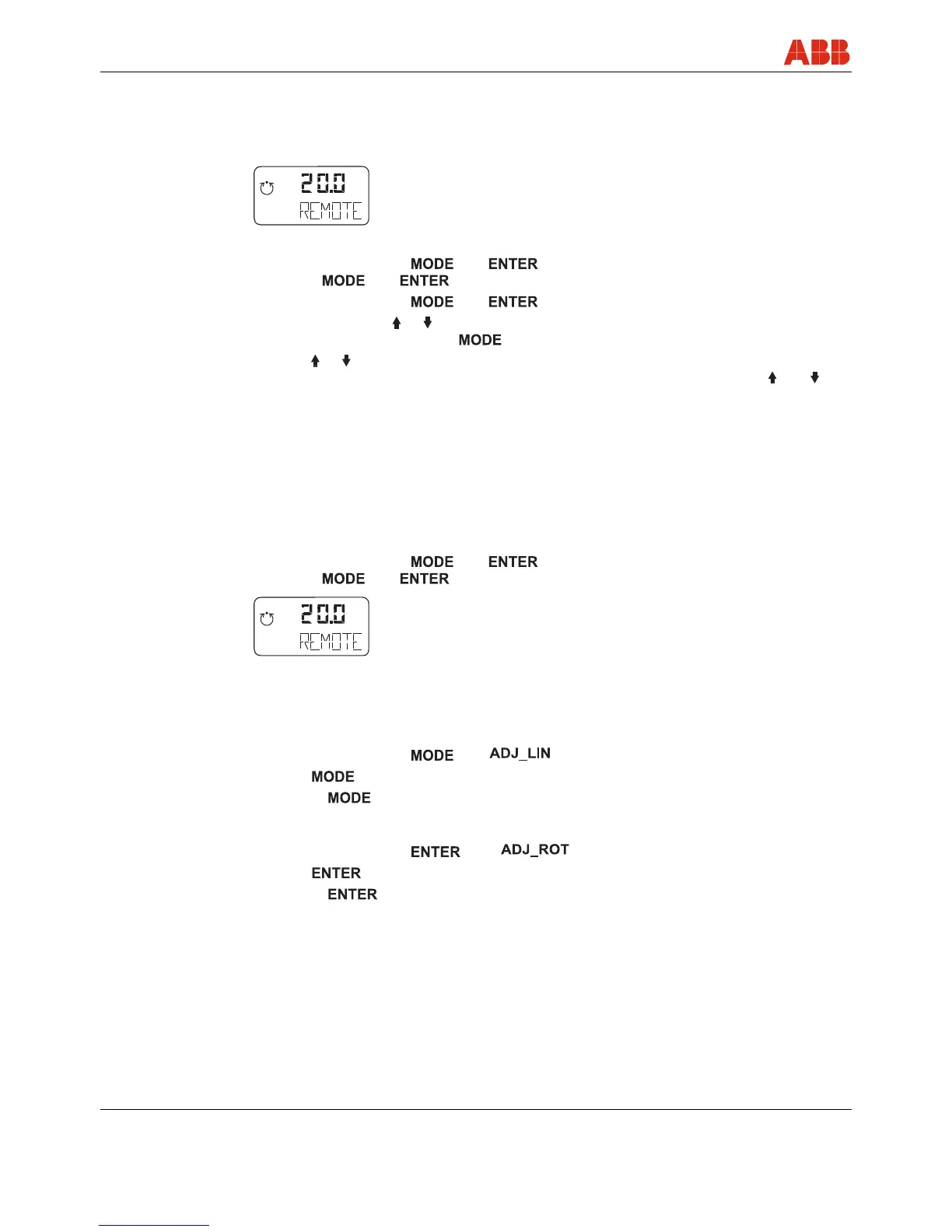
is displayed
3. Check mount:
• Press and hold down and ; once the countdown has gone from 3 to 0,
release and ; the unit switches to the operating level, mode 1.x
• Press and hold down and .
• Additionally, press or until operating mode 1.3 (manual adjustment within the sensor
range) is displayed. Release
• Press or to move the actuator into the mechanical end position; check the end
positions; rotation angle is displayed in degrees (for high-speed mode, press and
simultaneously)
Recommended range:
- between -28 ... 28° for linear actuators
- between -57 ... 57° for rotary actuators
Minimum angle: 25°
4. Go back to the bus level:
• Press and hold down and ; once the countdown has gone from 3 to 0,
release and
is displayed.
5. Run Autoadjust
• Check that the unit is on the bus level ("REMOTE")
For linear actuators
1)
:
• Press and hold down until is displayed. Release the control button
• Press again and hold down until the countdown ends
• Release ; this starts Autoadjust
For rotary actuators
1)
:
• Press and hold down until is displayed. Release the control button
• Press again and hold down until the countdown ends
• Release ; this starts Autoadjust
mA
%
C
°
mA
%
C
°



 To Next Page