Commissioning
34 TZIDC-200, TZIDC-210, TZIDC-220 42/18-85-EN
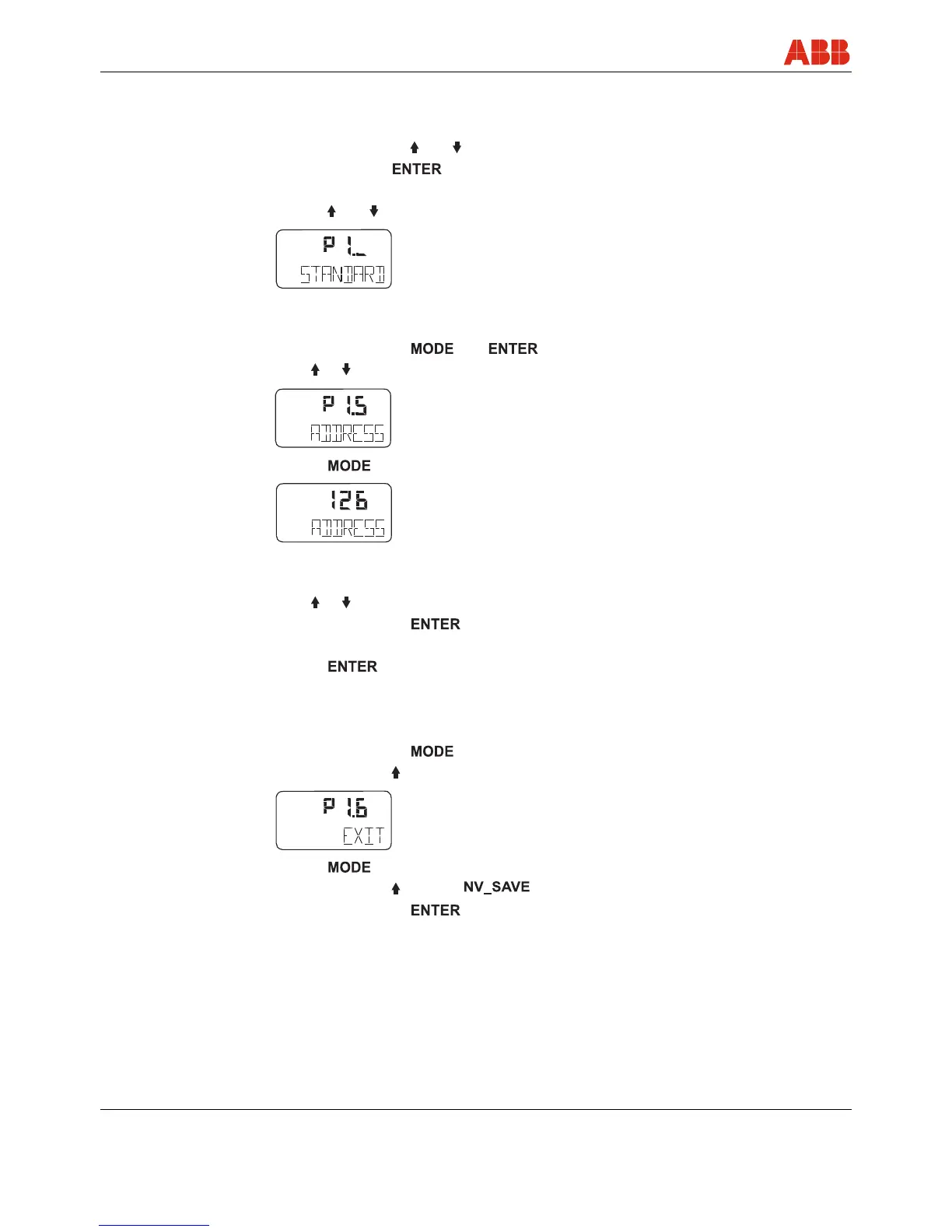
7.2.1 Setting the bus address
1. Switch to the configuration level:
• Press and hold down and simultaneously.
• Press and release .
• Wait for the countdown to go from 3 to 0.
• Release and ;
is displayed.
2. Switch to parameter group 1.5:
• Press and hold down and simultaneously.
• Press or ;
is displayed.
• Release ;
is displayed.
3. Setting the bus address
• Press or to set the correct value.
• Press and hold down .
• Wait for the countdown to go from 3 to 0.
• Release .
The new bus address is saved.
4. Switch to parameter 1.6 (Return to operating level) and save the new setting:
• Press and hold down .
• Press and release twice;
is displayed.
• Release .
• Press and release to select .
• Press and hold down for the countdown to go from 3 to 0.
The new parameter setting is saved and the positioner automatically returns to the working
level, continuing to run on the operating level that was active prior to the configuration level
being called up.
co n f
conf
%
conf
co nf
%



 To Next Page