ABEM Terraloc Pro 2
29
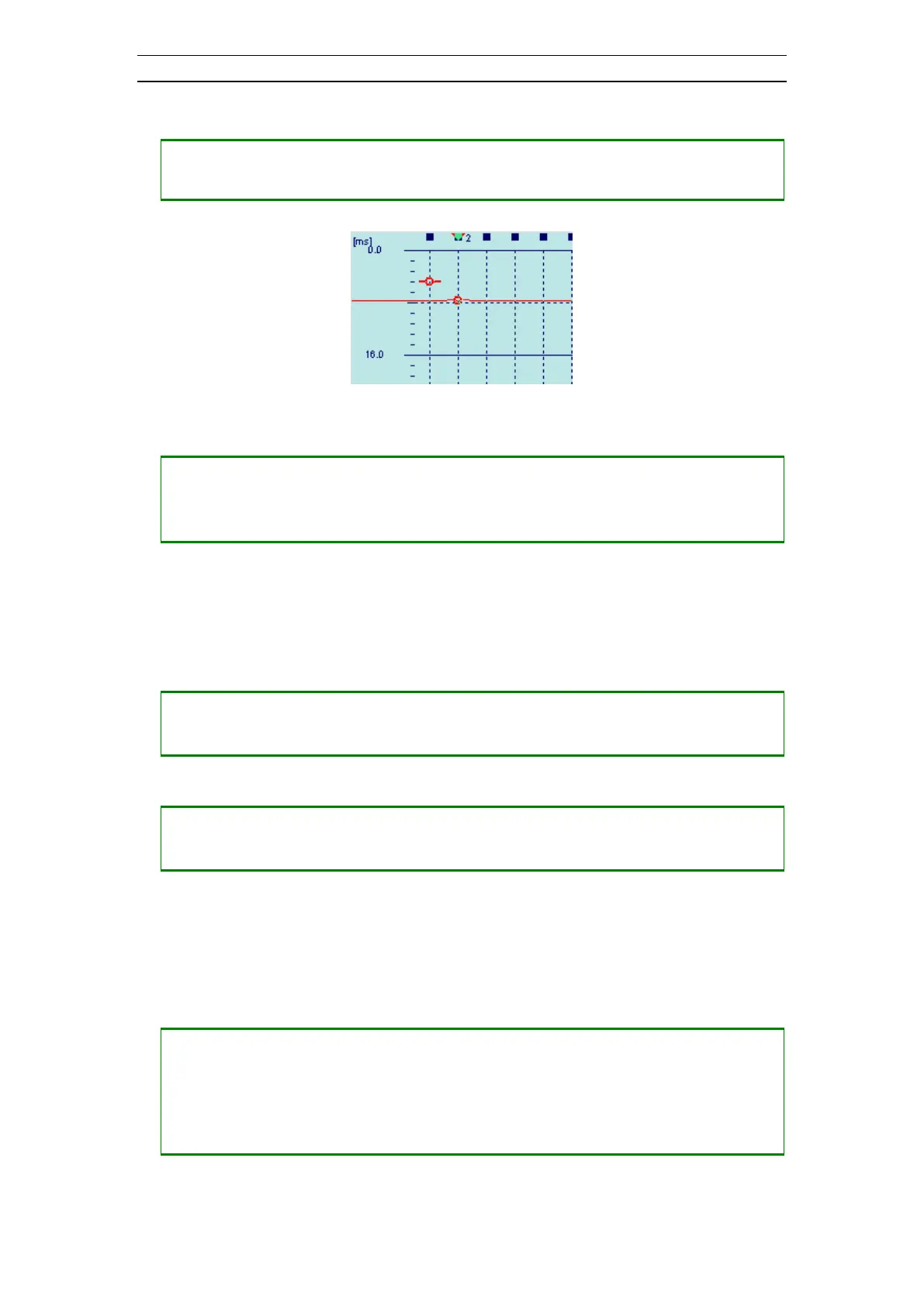
• Positioning a first break marker on trace 2 (Figure 25)
― Press <RIGHT> to select trace 2
― Press <.> to position a first break marker
Figure 25 First break marker on trace 2
• Removing an existing first break marker
― Select the wanted trace by pressing <LEFT> and/or <RIGHT>
― Press and hold <-> until the timeline is invisible
― Press <.> to remove the first break marker
4.4.4 Trace View
The trace view displays an enlarged view of the current trace and its frequency
content.
• Change the trace to view
― Press <UP> to change to the next trace
― Press <DOWN> to change to the previous trace
― Press <LEFT> to scroll the view to the left
― Press <RIGHT> to scroll the view to the right
A timeline can be moved across the view. The time and A/D-value for the current trace
and timeline position will be displayed in the status field just below the views. The
timeline can be used to position a first break marker at the location of the timeline on
the current trace.
• Moving a timeline across the view (Figure 26)
― Press <+> to move the timeline to the right
― Press <-> to move the timeline to the left
― Press <SHIFT> + <+> to move the timeline to the right with a large step
― Press <SHIFT> + <-> to move the timeline to the left with a large step



 To Next Page