ABEM Terraloc Pro 2
30
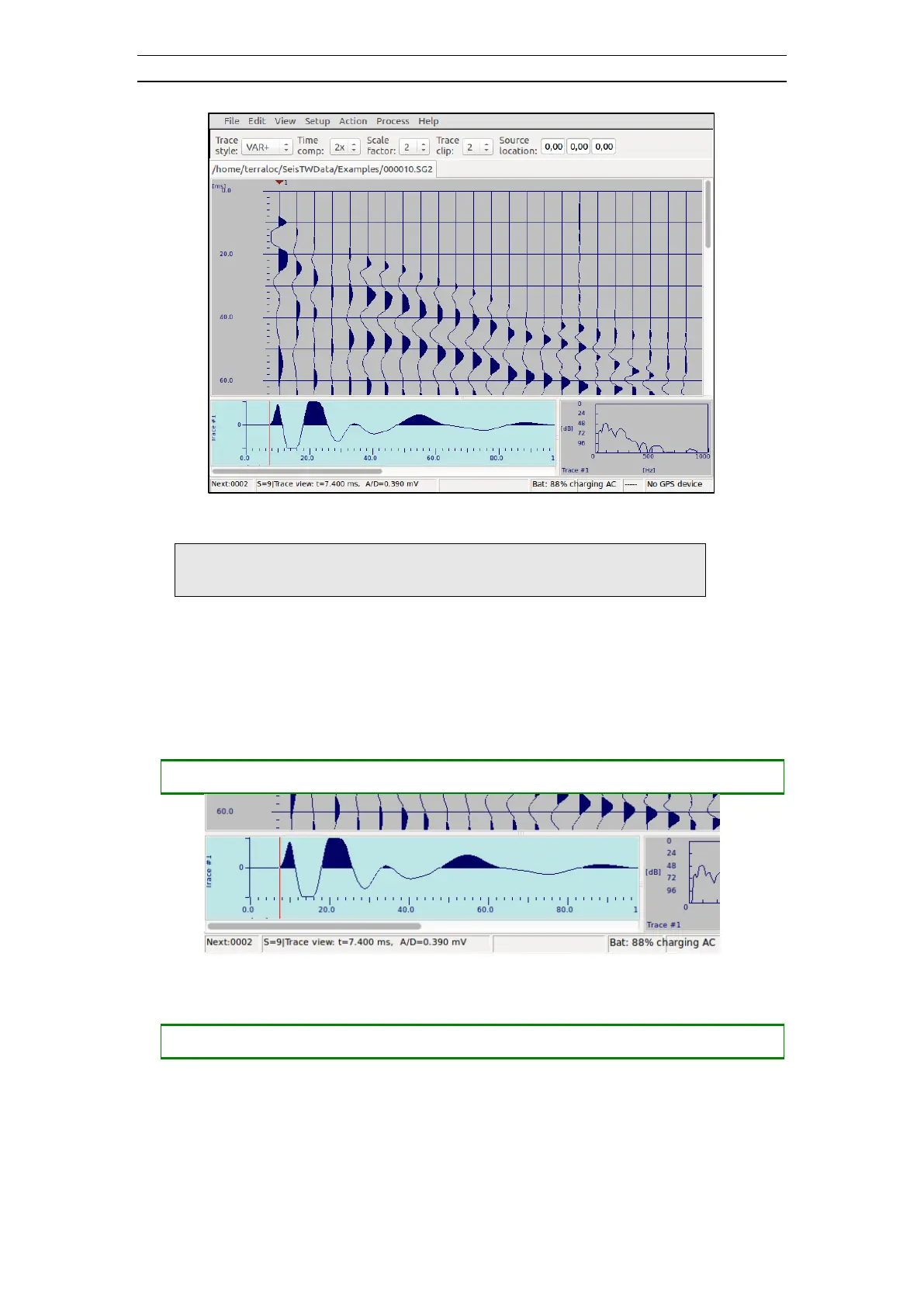
Figure 26 The red timeline
Note! Keeping the key pressed will accelerate the movement
of the timeline
A reference time marker can be positioned at the location of the time line. If the time
line is moved when the reference time marker is active, the status bar will display, in
addition to the normal information, the relative time and the corresponding frequency
(i.e. reciprocal time).
• Position a reference time marker (Figure 27)



 To Next Page