ABEM Terraloc Pro 2
31
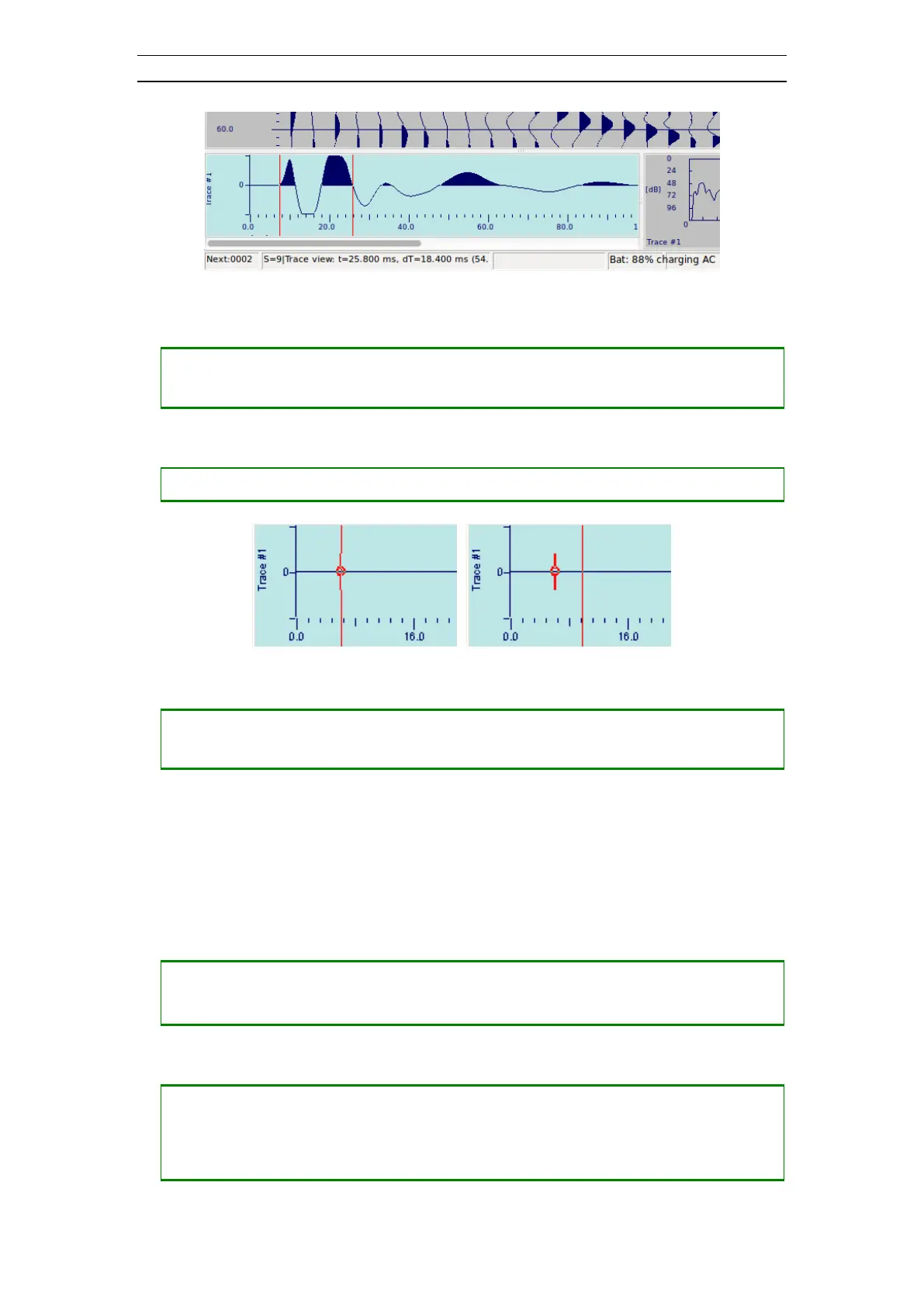
Figure 28 A reference time marker with timeline
• Removing an existing reference time marker
― Press <-> until the timeline is invisible
― Press <0> to remove the reference time marker
• Positioning a first break marker (Figure 29)
― Press <.> to position a first break marker
Figure 29 First break marker (timeline moved on the second figure)
• Removing an existing first break marker
― Press <-> until the timeline is invisible
― Press <.> to remove the first break marker
4.4.5 Frequency View
The Frequency View displays the frequency components of the trace. Here it is
possible to check the amplitudes of the frequency components with the frequency line.
The frequency and the corresponding amplitude value are displayed on the Record
Status Bar just below the Frequency View.
• Change the trace to view
― Press <UP> to change to the next trace
― Press <DOWN> to change to the previous trace
• Moving a frequency line across the view (Figure 30)
― Press <+> to move the frequency line to the right
― Press <-> to move the frequency line to the left
― Press <SHIFT> + <+> to move the frequency line to the right with a large step



 To Next Page