10
You can press the Left Arrow key to recall the last sentence spoken back onto the Talk Screen. You
can then repeat or edit the sentence as required.
QUICK TIP – if you need to quickly silence your Lightwriter in the middle of talking, just press the
Sound key to mute it.
Generally speaking, your Lightwriter keyboard can be used much the same way as a regular keyboard
for typing out words and phrases.
You can use regular typing tools such as Caps lock and Shift, punctuation, numbers and symbols. See
What The Keys Do for full details.
To edit text, you can use the Left and Right Arrow keys to move the cursor left and right through
your text. From here you can edit your text in the usual way, by typing and deleting.
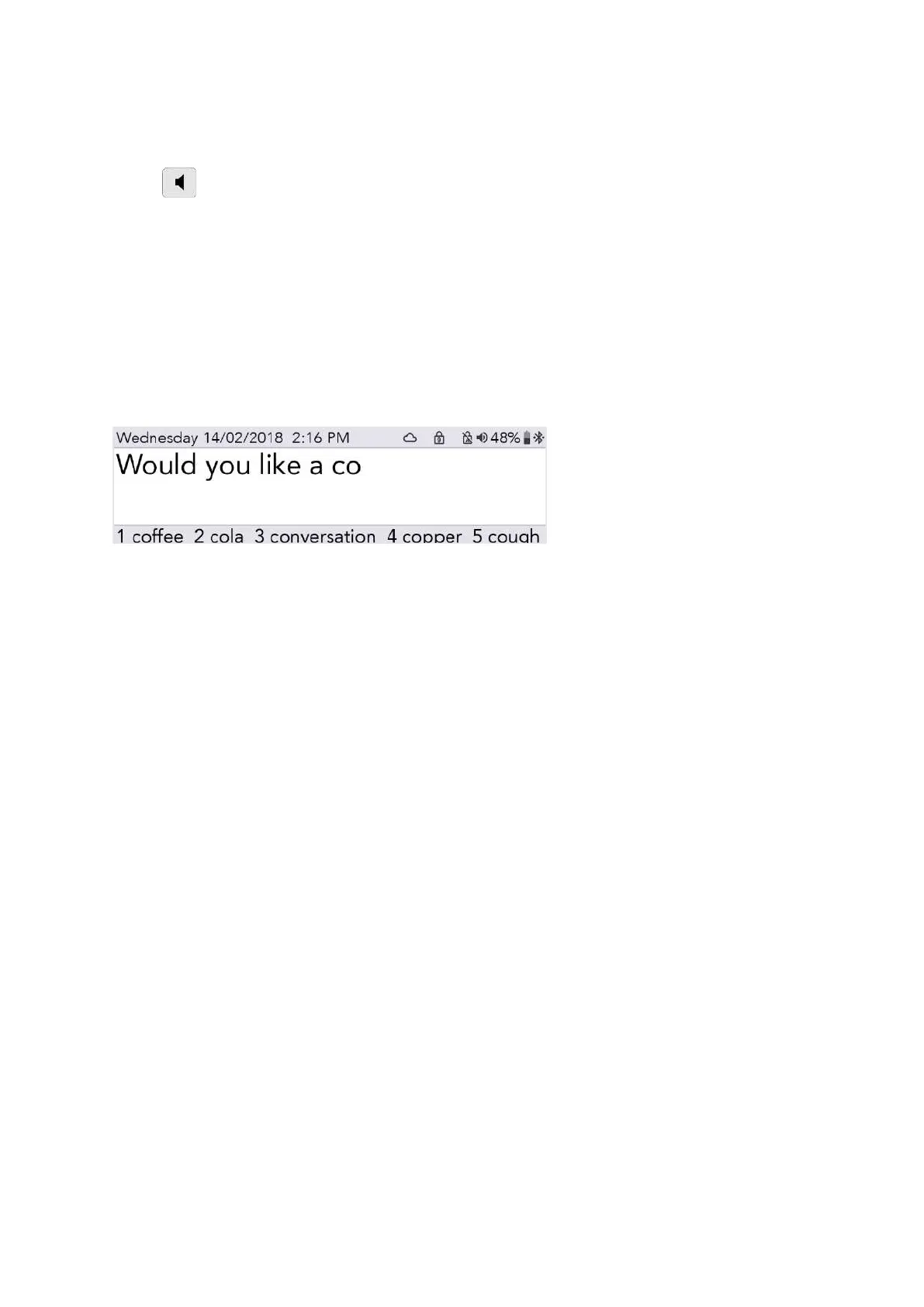
As you type, you will notice predictions at the bottom of your screen.
You can select a prediction by pressing the relevant Number key.
QUICK TIP - If Number Lock is switched on, predictions cannot be selected.
If you need to, you can set up your Lightwriter to announce every sentence, word or letter as you type
it, before you press Enter. To turn this on or off, see Settings.
You can also save whole sentences to speed up your communication, see Fast Phrases.
www.sentient-healthcare.ie



 To Next Page