34
5. Once the keys are all seated, replace the
keyguard by following steps 5 to 7 in
Changing Your Keyguard. Your new
keyboard is now ready to use.
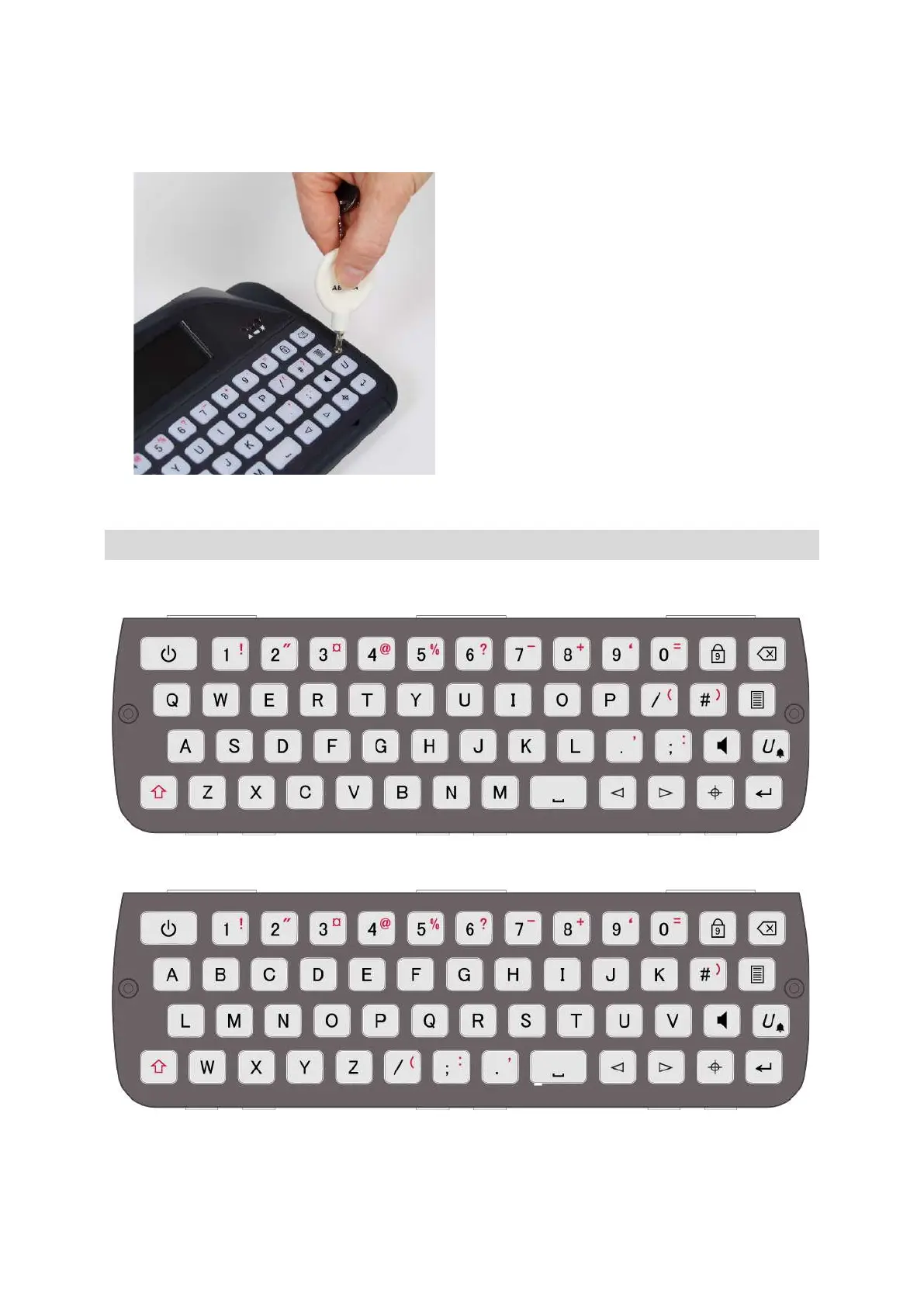
KEYBOARD LAYOUTS
English QWERTY:
English ABC:
Other keyboard layout images are available to view on our website: www.abilia.com
www.sentient-healthcare.ie



 To Next Page