28
SCANNING
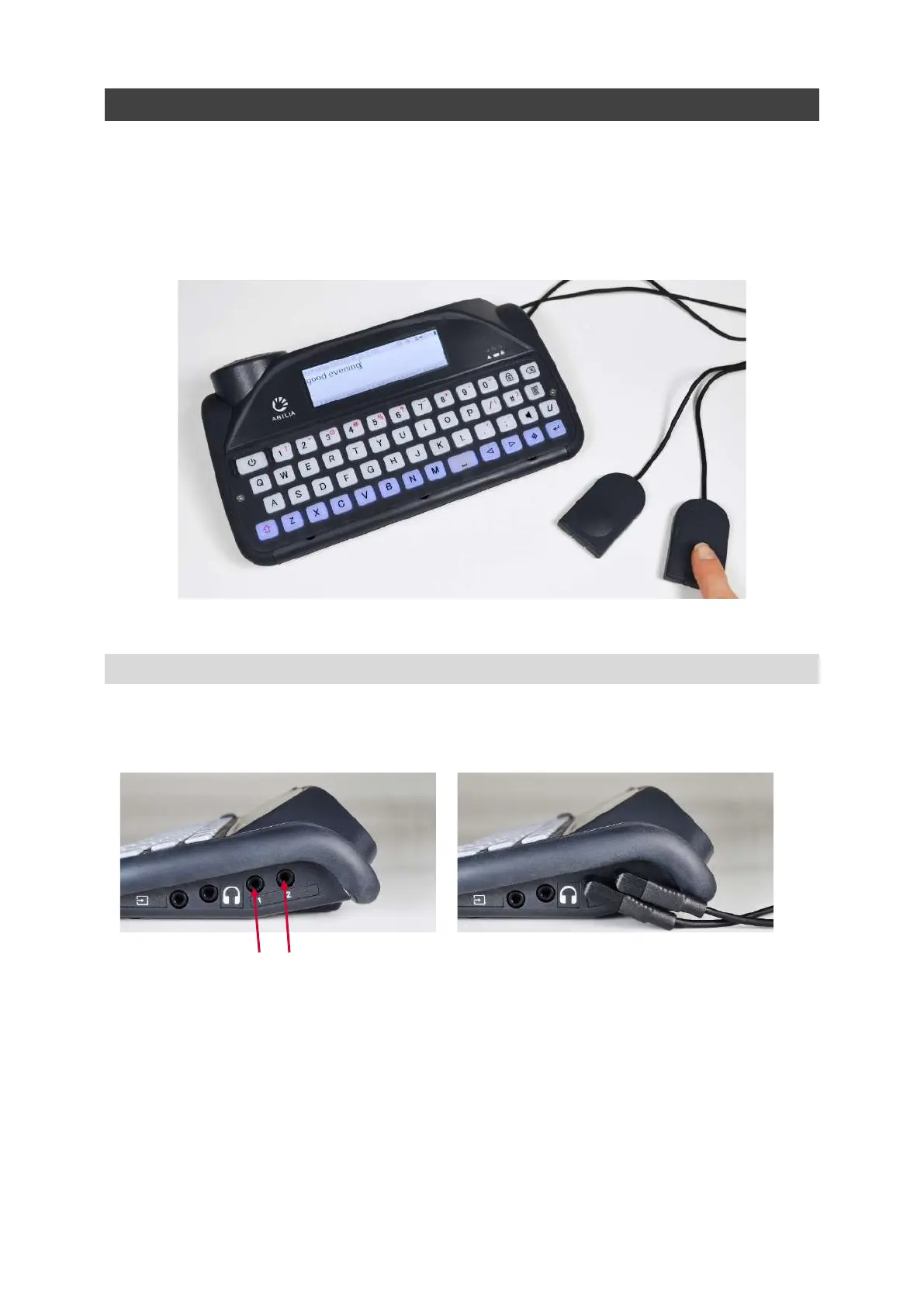
To start scanning, simply plug in two switches and you are ready to go (more details below).
The keys will light up in a looped pattern, and can be selected by pressing a switch or keyboard key.
Switches can be activated by a variety of methods including pressing a switch by hand, foot or head,
or operating a sip/puff switch by mouth. They can also differ in pressure sensitivity, size and texture in
order to suit an individual's needs.
ACCESS METHODS
Different access methods allow you to use your Lightwriter in the best way to support your needs.
On the right side of your Lightwriter you will find two switch ports:
Port 1 Port 2
www.sentient-healthcare.ie



 To Next Page