39
SETTINGS IN DETAIL
Default values are in BOLD in the following tables.
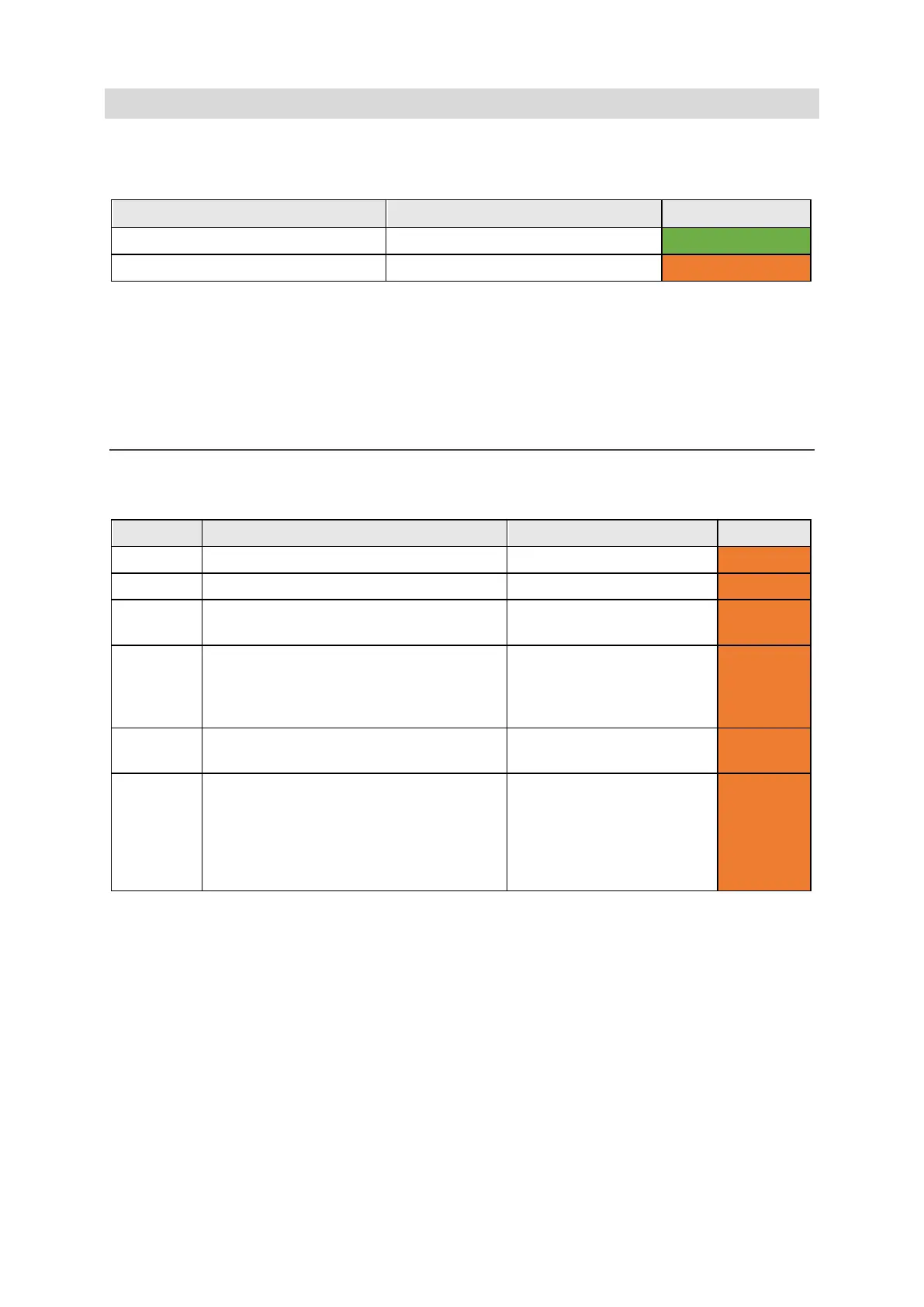
Different Menu settings are visible depending on the User Level that you are using:
User Level Key Press Colour code
User Menu Menu
Advanced User Menu Shift-Menu
QUICK TIP – From the Advanced User Menu, it is possible to add or remove menu items in the User
Menu. As a result, the User Levels may not exactly match the defaults in this guide. See Changing
your menu layouts for instructions.
DATE AND TIME
Here you can set up the appearance of how/if your Lightwriter displays the date and time.
Setting Description Values User Level
Date
Set the order that the day, month and
dd/mm/yyyy, mm/dd/yyyy,
Advanced
Time
Format
Set as a 12 or 24 hour clock.
Change how the hours, minutes and
seconds are displayed.
12/24 Hour clock, Show
seconds, Hour/Minute
Separator, Minute/Second
Advanced
Show
Show or hide the clock on the Talk
Time only, Time and Date,
Advanced
Time Zone Set the time zone to your country/region. List of available time zones.
QUICK TIP – When
searching the list, start
typing your country name
to jump straight to your
Advanced
www.sentient-healthcare.ie



 To Next Page